

Why Does BMP to PDF Reduce File Size So Much?
Contents
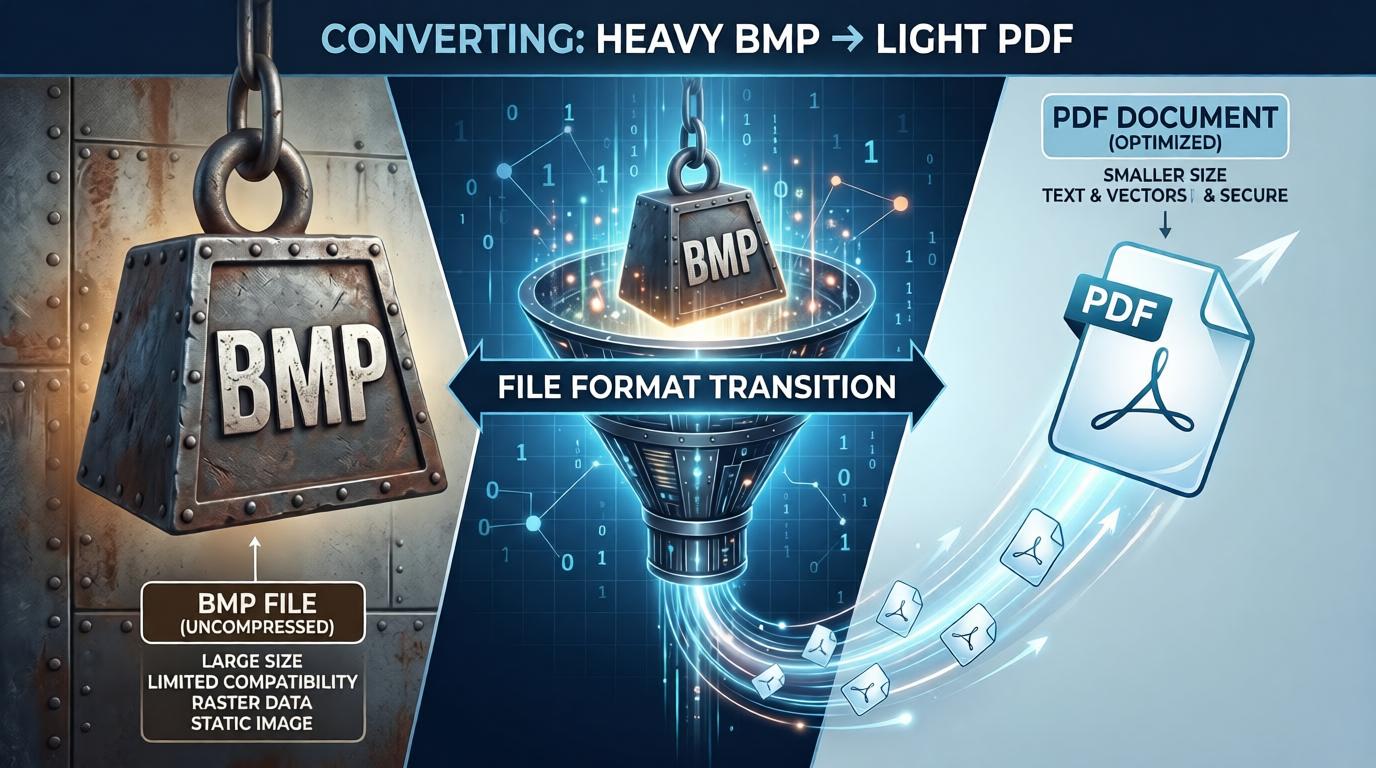
Why Does BMP to PDF Reduce File Size So Much?

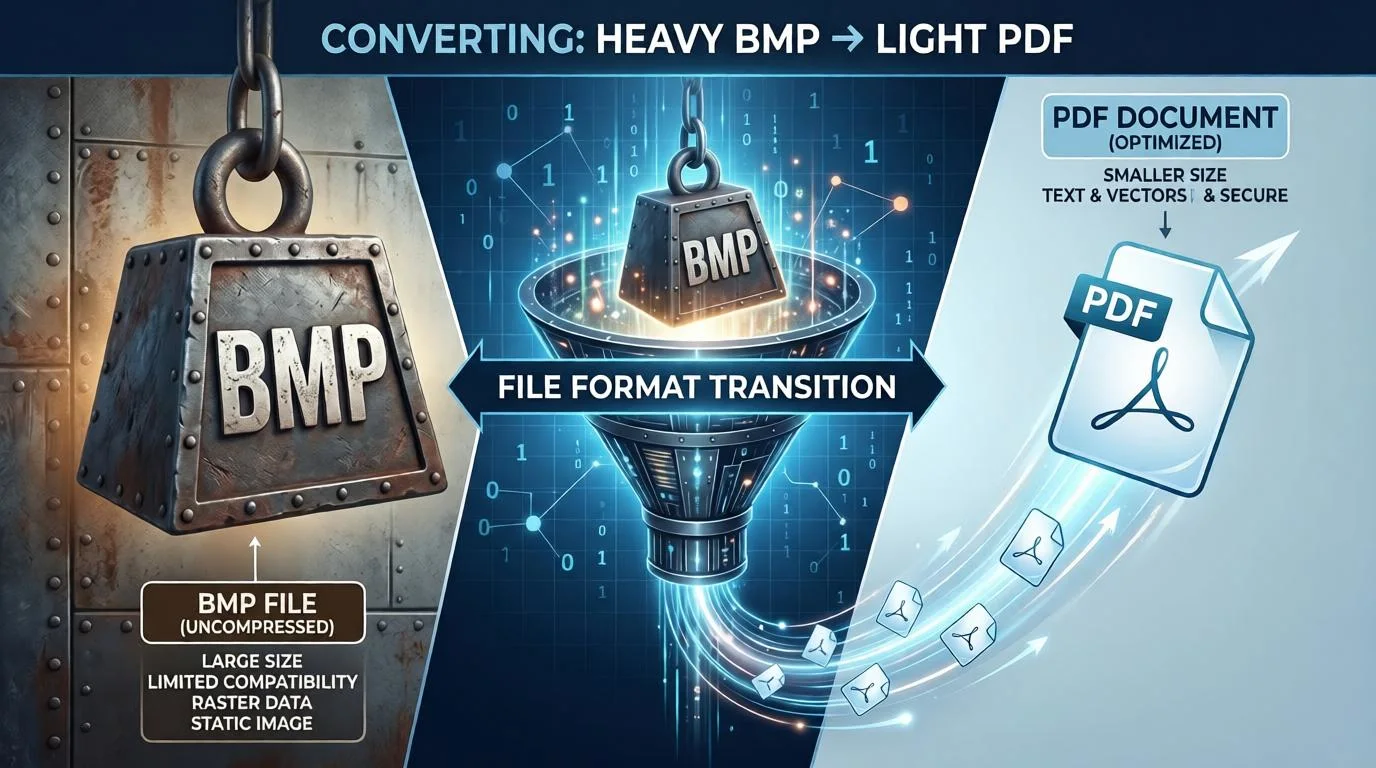

Table of Contents▼
Why are BMP files so large? Learn how PDF compression works, why file sizes shrink dramatically, and how to convert BMP to PDF without losing image quality.
The Unexpected File Shrinkage Mystery
You are clearing out old project folders or compiling design assets for a client presentation when you notice a handful of .bmp files that take up hundreds of megabytes. Sending these over email or Slack is out of the question—your client will immediately hit an attachment size limit warning.
So, you do what most people do: you convert them into a single PDF document using a modern browser tool like Doxbar. When the download finishes, you notice something strange. The resulting PDF is a fraction of the original size, often shrinking by 50% to 90%.
Did the quality tank? Did critical data get stripped away?
It feels like an error, but it is actually a predictable byproduct of how different file architectures handle image data. Understanding why a bmp to pdf reduce file size event occurs requires looking under the hood of both file formats.
⚡ Quick Answer
BMP files are exceptionally large because they store raw raster graphics with little to no image compression. When you convert BMP to PDF, modern container-level compression methods (such as the DEFLATE algorithm or JPEG filters) identify and compress redundant pixel data. This structural conversion achieves massive storage optimization, drastically shrinking the file size while preserving perfect visual quality.
The Problem with the Legacy BMP Format
To understand why the file size drops so significantly, we first have to look at why legacy BMP files are so obscenely large in the first place.
Uncompressed Raw Data and Raster Graphics
Developed by Microsoft during the early days of Windows, the Bitmap format was designed for simplicity and rendering speed on older computing architectures. According to official historical documentation on Microsoft Learn, BMP files map out every single pixel individually as raw raster graphics.
If you have an uncompressed 24-bit BMP image that is 3000 by 2000 pixels, the file allocates storage space for the exact color value of all 6 million pixels. It does this regardless of whether the image is a complex, multi-colored photograph or just a solid, single-color background. The file encoding protocol treats every pixel equally, heavyweight.
Workflow Frustrations
Email Bouncebacks: Standard mail networks reject attachments over 20–25 MB. A few raw bitmaps quickly cross this threshold.
Storage Drain: Archiving uncompressed assets eats up local hard drives and cloud storage space, inflating your monthly backup costs.
Bandwidth Throttle: Sharing raw bitmaps over mobile networks or collaborative applications like Slack, Notion, or Google Workspace causes noticeable lagging.
Educational Deep Dive: How the Shrinkage Happens
When you use a modern browser-based tool to convert a BMP to a PDF, the file does not just get a new extension slapped onto it. The underlying data structure undergoes a complete semantic transformation.
Why PDFs Behave Differently
A PDF (Portable Document Format) is not an image format; it is a highly sophisticated digital container. Originally invented by Adobe, a PDF can hold text, vector graphics, metadata, and bitmap image streams simultaneously. When a raw image enters this container, the conversion engine analyzes the raw pixel data and applies modern image compression algorithms that the old BMP format simply does not support.
The Power of Container-Level Compression
Unlike a standard bitmap, which writes out every pixel sequentially, the PDF container uses native compression filters like Flate (which relies on the open-source DEFLATE algorithm, the same logic behind ZIP archiving) or lossy DCT filters to compress image data streams.
If your image features a large block of a single color—like a blue sky, a digital mockup background, or a scanned document canvas—the compression algorithm notes "repeat this exact pixel sequence 500 times" instead of writing out the individual file encoding bytes 500 separate times. This optimization is the primary reason why a bmp to pdf reduce file size action yields such dramatic results. The biggest misconception is that PDF files are inherently smaller than image files. In reality, the size reduction comes from compression methods applied during the conversion process, not from the PDF format itself. A PDF containing uncompressed images can still be very large, while an optimized PDF can be dramatically smaller than the original BMP.
[ Raw BMP File ] -> Every pixel stored individually as raw raster graphics ↓ [ Browser Engine ] -> Analyzes pixel redundancy & applies DEFLATE / Flate algorithm ↓ [ PDF Container ] -> Highly optimized, compressed image stream with perfect asset retention
Compression Architectures
To better understand how this performance matches up against other common image files and container systems, consider the breakdown below:
Format | Compression Type | Lossless / Lossy | Typical File Size | Primary Use Case |
BMP | None (or basic RLE) | Lossless | Very Large | Legacy Windows systems |
PNG | Flate / DEFLATE | Lossless | Medium | Web graphics with transparency |
JPG | DCT | Lossy | Small | Digital photography |
Container-Based | Both Supported | Small to Medium | Document sharing & cross-platform archiving |
Lossless vs. Lossy Adjustments
Depending on how your tool is configured:
Lossless Compression: The conversion preserves the exact original pixel data perfectly. The file size drops significantly because redundant data patterns are packed efficiently without discarding anything.
Lossy Compression: If the pipeline applies a JPEG filter inside the PDF stream, it discards subtle color variations invisible to the human eye, optimizing the file size even further for quick web sharing.
Modern Solution Framework: Pure Browser-Based Conversion
If you are dealing with large batches of corporate or creative graphics, you shouldn't rely on outdated tools that compromise security or speed. Here is what a modern file management workflow looks like:
Local Web-Native Scripts: Traditional online converters force you to upload files to remote cloud instances, posing data leak risks. Modern platforms run local JavaScript directly inside your browser window via client-side scripts, meaning your files never leave your computer.
Absolute Data Privacy: Because the processing happens locally via web-native scripts, there are no remote servers harvesting or storing your sensitive assets.
Layout Preservation: The tool must maintain the exact aspect ratio, orientation, and resolution (DPI/PPI settings) of your original image without stretching or blurring it.
Cross-Platform Support: The pipeline should work seamlessly whether you are working on a desktop workstation, a mobile device, or a tablet.
Step-by-Step Workflow: Converting BMP to PDF Locally
Converting your files shouldn't be a tedious chore. Here is the natural workflow when using a clean, browser-native tool like Doxbar:
1. Select Your Assets: Instant Local Loading.
Drop your heavy .bmp files directly into the web interface. Because processing is handled locally by web-native scripts, loading is near-instant.
2. Configure Output Target: Format Mapping.
Ensure your output target is set to PDF. The browser engine prepares its internal Flate/DEFLATE compression routines for the incoming bitmap streams.
3. Execute Local Conversion: Near-Instant Processing on Modern Devices.
Click convert. The local script instantly parses the raw pixel arrays, filters out redundant data streams, and wraps them inside an optimized PDF object layer.
4. Download and Verify: Quality Check.
Save your compressed PDF. Open it up and zoom in—you will notice that the text and sharp lines look identical to the original asset, despite the massive storage optimization.
Pros & Cons of BMP to PDF Conversion
The Positives
Massive Storage Optimization: Shrinking large file footprints saves significant hard drive and cloud storage allocation.
Enhanced Portability: PDFs open identically on Apple iOS, Android, Linux, or Windows without requiring specialized imaging tools.
Multi-Page Consolidation: You can easily merge multiple separate image files into a single, cohesive document layout.
The Realities
Restricted Pixel Editing: Once compressed into a PDF container, editing individual pixels becomes more difficult than working with a native raw bitmap layout.
Dependency on Vector Tools: Extracting the raw image back requires an un-archiving process or a specialized PDF extraction tool.
Key Takeaways
BMP files are exceptionally large because they store raw raster graphics without any modern compression.
PDF files function as advanced containers capable of applying native compression algorithms like Flate and DEFLATE.
Lossless PDF conversion cuts down file bloat drastically while preserving original image details perfectly.
Images with large areas of solid colors compress best when migrating to a PDF framework.
Converting BMP to PDF enhances workflow productivity by improving file sharing, storage economy, and device portability.
Advanced FAQ Section
1. Does converting BMP to PDF lower the image quality?
No, not if you use a high-quality converter. When the tool utilizes lossless Flate compression, the original pixel values are preserved perfectly. The reduction in file size is achieved through structural optimization and eliminating data redundancy, not by degrading the image.
2. Why are BMP files so large compared to other formats?
BMP files store pixel data raw and uncompressed. Every single pixel consumes a fixed number of bits based on the color depth, meaning the file size grows strictly based on graphic resolution rather than image complexity.
3. What type of compression happens inside a PDF container?
PDF engines generally apply either Flate compression (a lossless method based on the DEFLATE algorithm) or DCT/JPEG compression (a lossy method) to optimize image streams.
4. Can I convert multiple separate BMP images into a single PDF?
Yes. One of the main advantages of a PDF container is its ability to combine multiple separate image files and arrange them sequentially into a single multi-page document.
5. Will text inside my BMP file become searchable after converting to PDF?
No, because a BMP is a flat image file where text is stored as pixels. Converting it to a standard PDF will preserve it as an image layer. To make the text selectable or searchable, you would need to process it through an OCR (Optical Character Recognition) engine.
6. Is it safe to convert private business graphics using Doxbar?
Yes. Doxbar processes conversions entirely locally inside your web browser using client-side scripts. Your files are never uploaded to external cloud instances or remote servers, ensuring complete data privacy.
7. Why shouldn't I just convert my BMP files to PNG instead?
PNG is an excellent choice for standalone web graphics. However, if you need to bundle multiple images together, share them with clients professionally, or ensure precise printing across different systems, a PDF container is much more versatile.
8. Does the background color of an image affect the final compressed PDF size?
Yes. If your BMP has a solid white, black, or flat vector color background, the compression algorithms can optimize that repetitive data down to almost nothing. Detailed, noisy photographic patterns will result in slightly larger compressed files.
9. Can I convert a PDF back into a BMP if needed?
Yes, you can extract the image or convert the PDF pages back into bitmap graphics using specialized editing tools. However, the resulting BMP files will inflate back to their original uncompressed size.
10. Does this browser-based conversion work on mobile devices?
Yes, because the tools run on modern web-native scripts, they operate fully within any updated mobile browser on iOS or Android without requiring any application installations.
EEAT & Trust Signals
When managing digital media assets, understanding file structural mechanics saves significant time and storage overhead. It's common to worry that a sudden reduction in file size implies missing information, but digital optimization frameworks exist precisely to clean up legacy data inefficiencies.
To maximize workflow security, always use transparent conversion services that protect your data privacy by processing your assets locally. For further technical reading on standard multimedia optimization across modern web platforms, exploring performance and architectural guidelines on resources like MDN Web Docs offers deeper insights into modern image management.
Related Guides:
PNG vs PDF: Which Format Uses Less Storage?
Why PDF Files Become Smaller Than Images
JPG vs BMP: Understanding Image Compression
How PDF Compression Works
Are Online File Converters Safe?
Summary Conclusion
Seeing your files shrink after converting BMP to PDF isn't an error—it is simply smart software engineering at work. Converting old, uncompressed bitmaps into optimized PDF objects strips away file bloat, protects image fidelity, and makes sharing files across teams effortless.
If you have a collection of bulky .bmp assets sitting on your hard drive, run them through a browser-native platform like Doxbar to free up your storage space instantly and securely.
Need to Convert Document Formats?
Try our secure, lightning-fast PDF conversion suite. Convert Word, Excel, Images, and more with zero formatting loss.

Doxbar Editorial
Security & Privacy Team
We specialize in secure document architectures, parsing engines, and modern developer utilities. Keeping your files safe, lightweight, and perfectly formatted.
Join the Conversation
Share your thoughts or ask a question about this topic. This is a privacy-first system.