Universal Converter
Contents
Convert Files Effortlessly
Fast • Secure • 100% Free
🚀 The Ultimate Document & Image Conversion Engine
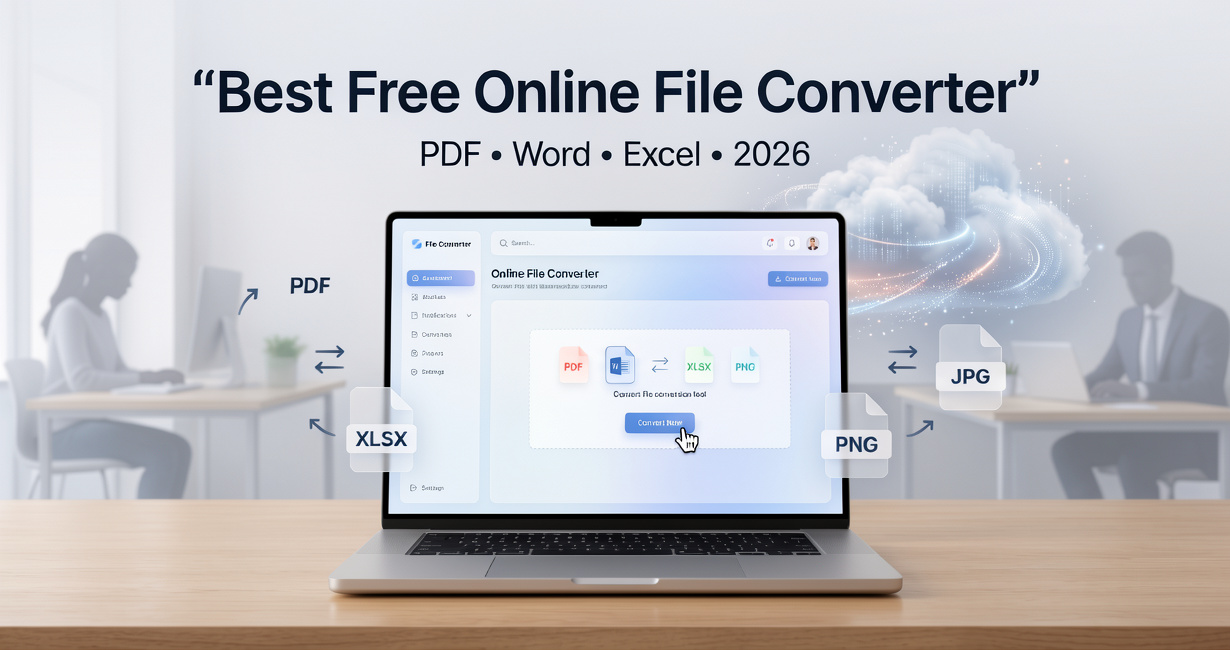
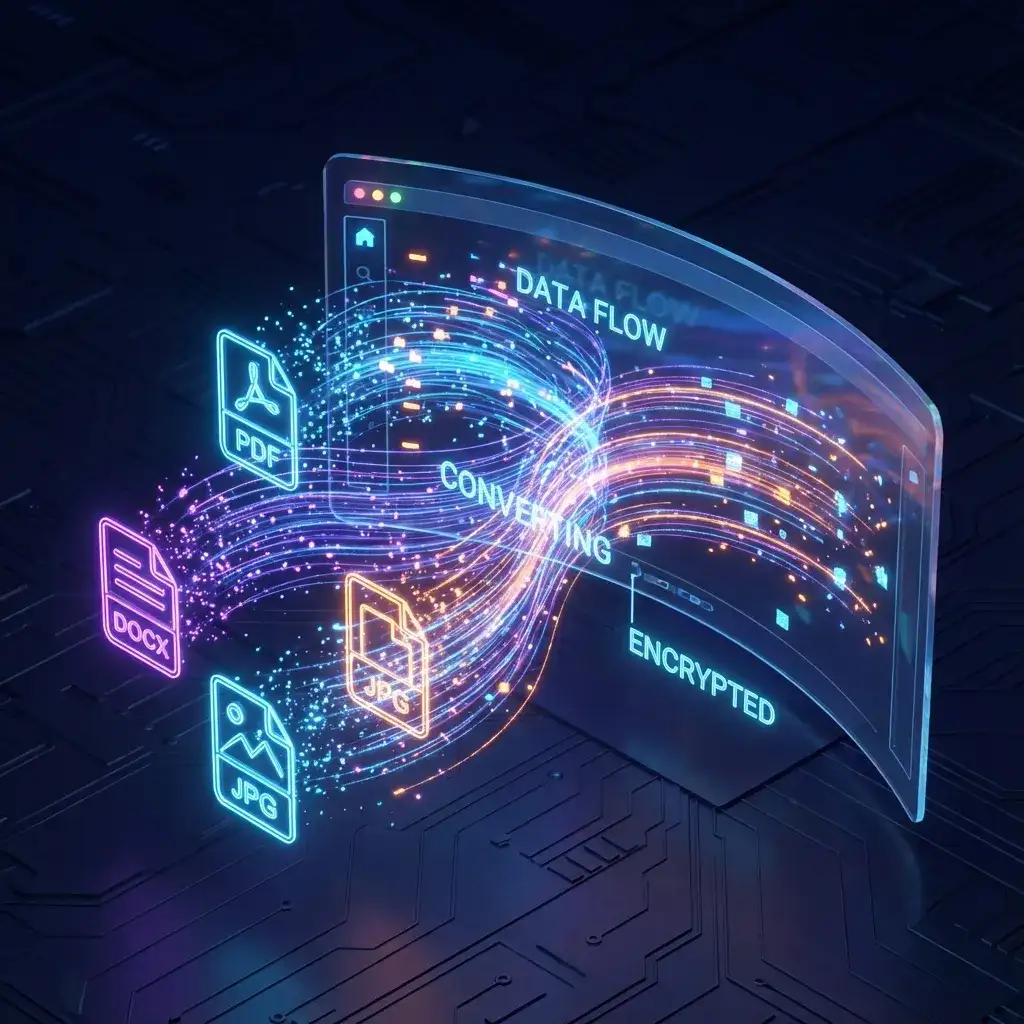
Welcome to the most comprehensive conversion platform on the web. The DoxBar Universal Converter is a powerful engine designed to transform both complex documents and high-resolution images with pixel-perfect precision. Whether you need to convert a Word file to PDF for business, or change a HEIC photo to JPG for sharing, our tool handles it all in seconds.
Document Mastery
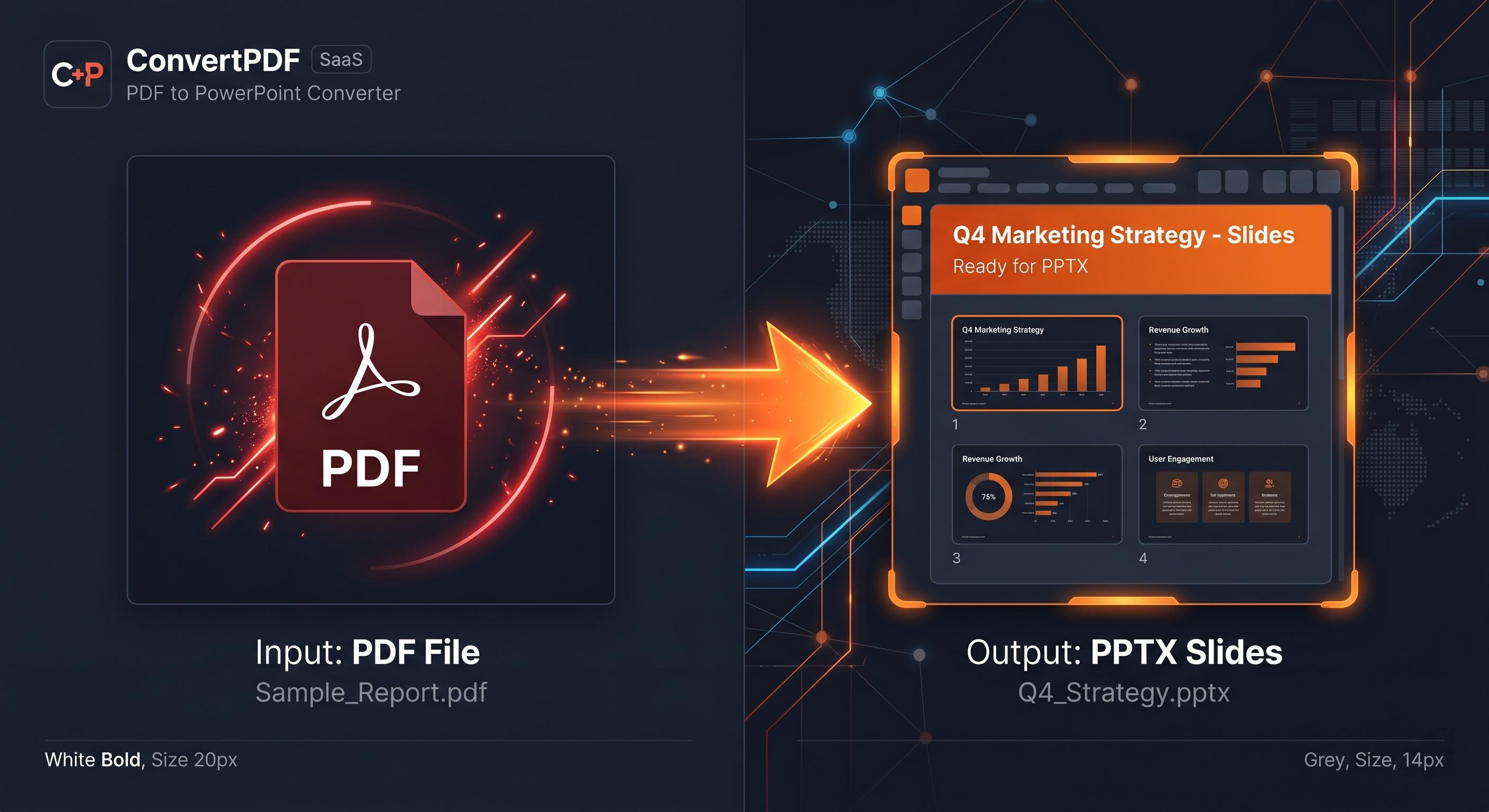
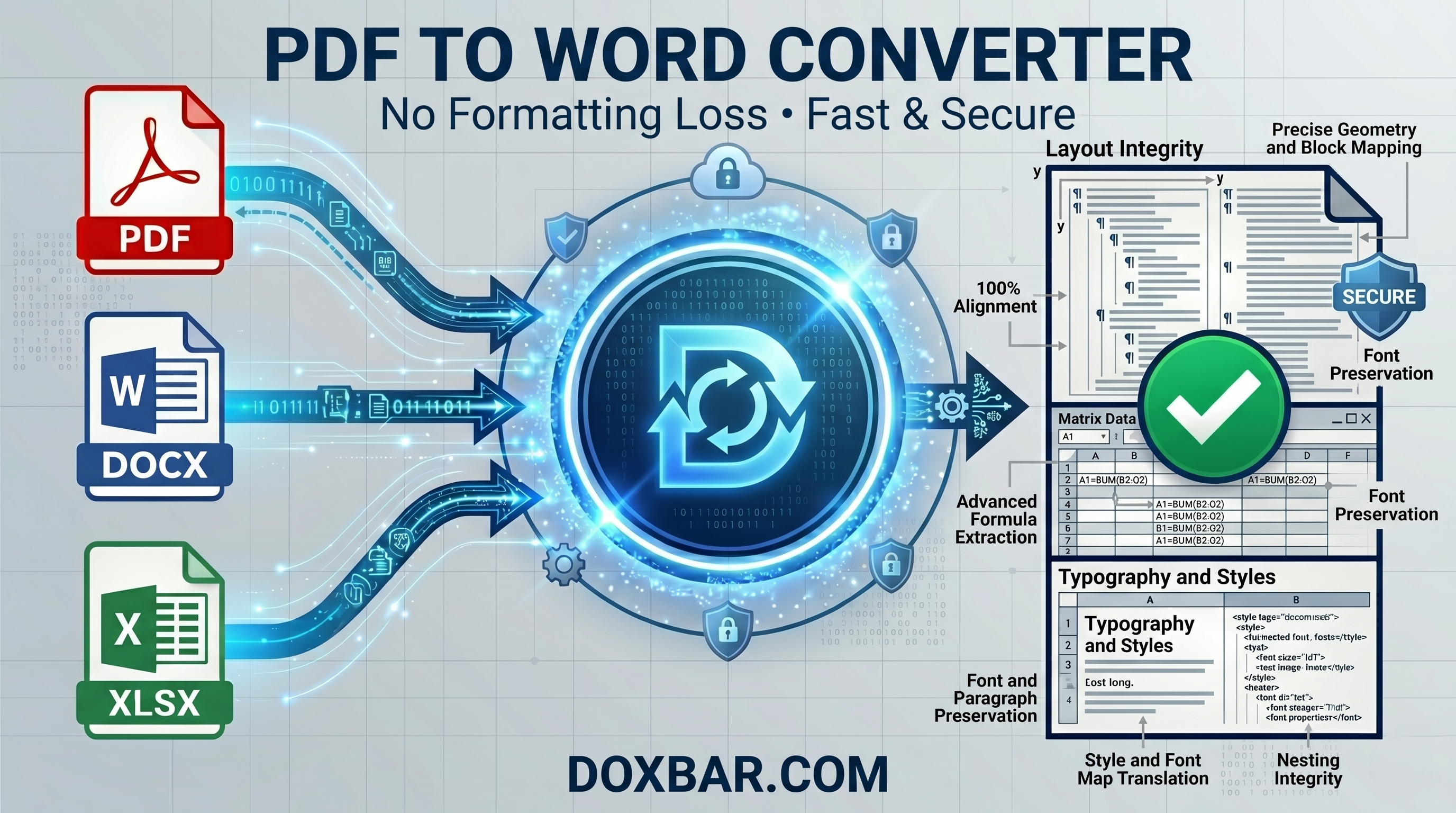
Expert handling of DOCX, PDF, PPTX, and XLSX formats. We preserve fonts, layouts, and tables perfectly.
Image Perfection
Convert between JPG, PNG, WEBP, HEIC, and SVG. Advanced compression algorithms reduce size without blurring details.
Universal Support
From eBooks (EPUB) to CAD drawings (DWG), our engine understands over 200+ distinct file signatures.
🎯 The Complete Format Encyclopedia
200+ Formats SupportedYou asked for power? We delivered. DoxBar isn't just a simple PDF tool. It is a universal conversion engine capable of decoding and re-encoding virtually any digital asset. Whether you are an architect working with CAD files, a photographer needing RAW image conversion, or a student converting Word documents, we have a specialized pipeline for you.

The Science of Conversion
File conversion involves complex processing of binary data, re-encoding structures, and accurately mapping pixels and fonts. Below is a detailed look at how DoxBar handles both your documents and your images.
Document Processing:
Preserving Information
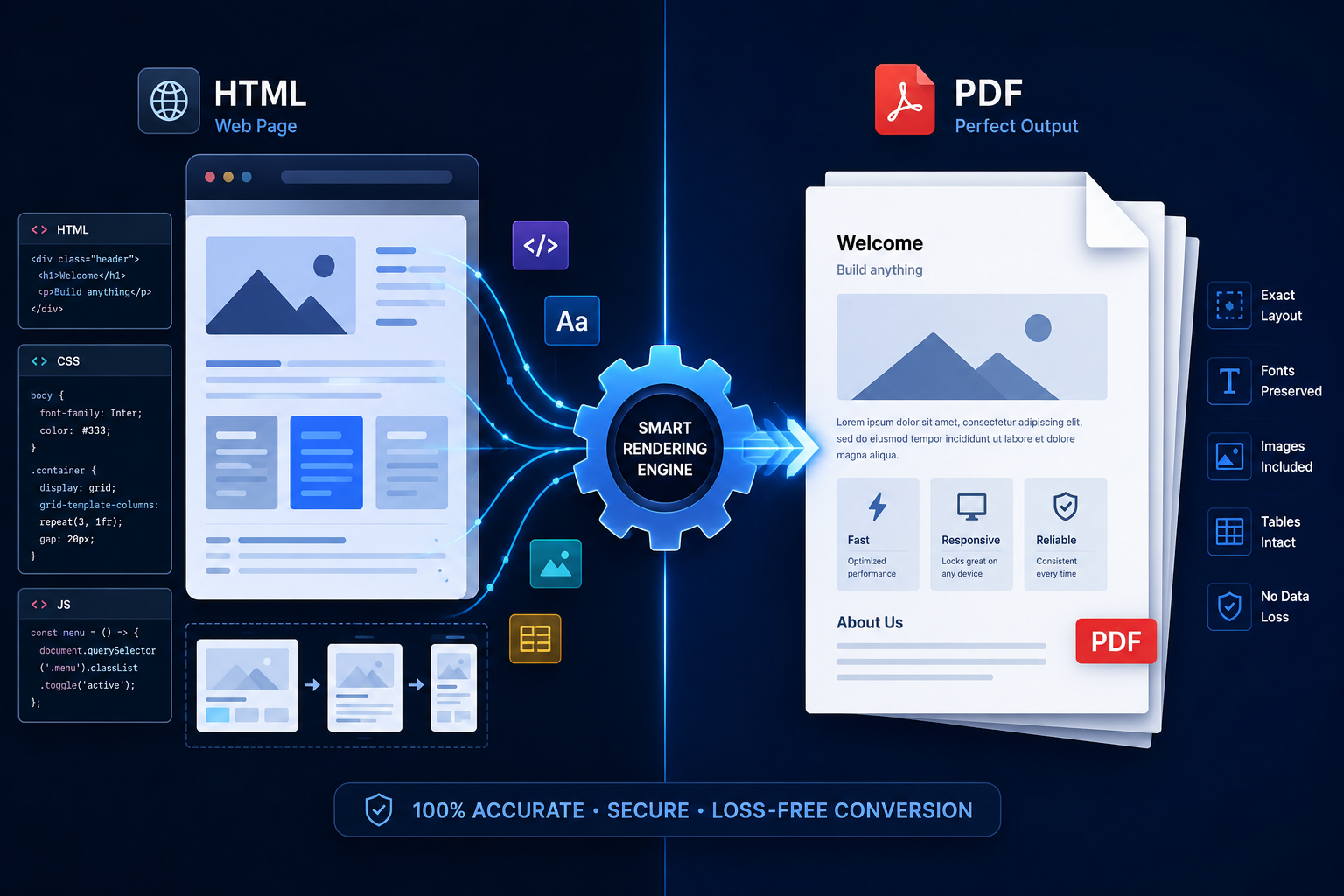
When you convert a Word (DOCX) file to PDF, you aren't just taking a picture. You are converting flowable text (XML) intofixed positioning (PostScript). This requires careful analysis of:
- 1
Font Embedding
Ensuring special fonts travel with the document so the layout never breaks.
- 2
Vector Kerning
Calculating precise distances between characters for print-perfect readability.
- 3
Metadata Cleaning
Optionally removing author names and edit history for privacy.
Intelligent Document Parsing
Our engine reads the structural XML tree of your documents to recreate headers, footers, and tables perfectly in the target format.
Image Transformation:
Beyond Standard Formats
Image conversion is about balancing clarity with file size. Whether you are a photographer managing huge RAW files or a web developer needing fast-loading WebP images, DoxBar provides a dedicated image pipeline.
Supported Image Compressions
Raster to Vector
Convert pixelated logos (JPG/PNG) into scalable vectors (SVG) for printing at any size.
Color Profile Management
Accurately convert between CMYK (for printing) and RGB (for screens) to ensure your colors look right everywhere.
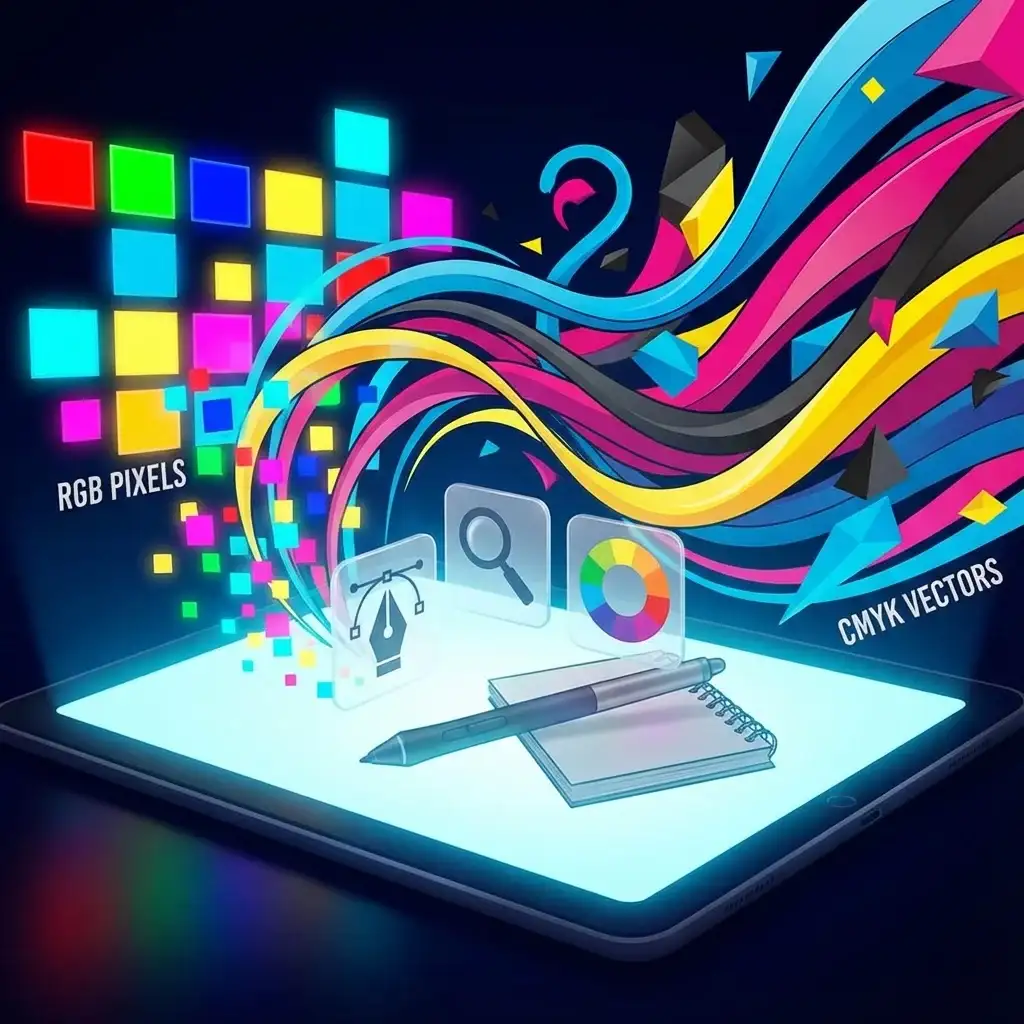
Image Engine
Processing Pixels, Vectors, and Color Spaces
| Feature | Document Conversion | Image Conversion | DoxBar Advantage |
|---|---|---|---|
| Primary Goal | Readability & Layout | Visual Quality & Size | Hybrid Engine |
| Searchable? | Yes (Text based) | No (Pixel based) | OCR Capability |
| Resize Methods | Reflow Text | Resample Pixels | Context Aware |
How to Convert Documents & Images
Upload
Drag & Drop any Document or Image file. We support up to 100MB.
Analyze
Our AI identifies if it is a Text Document or a Graphic Image.
Select
Choose your target format (e.g., PDF to Word, or PNG to JPG).
Download
Get your perfectly converted file instantly.
Secure & Private Processing
Encrypted Transfer
Every file uploaded is protected by bank-grade TLS 1.3 encryption. Your data is safe from start to finish.
Automatic Deletion
We value your privacy. Your files are automatically deleted from our servers after 1 hour (or less).
Frequently Asked Questions (FAQ)
Can I convert images to PDF?
Yes! You can convert single or multiple images (JPG, PNG, TIFF) into a single PDF document. This is perfect for creating digital portfolios or compiling scanned documents.
Do you support new image formats like HEIC and WebP?
Absolutely. We support the entire modern image ecosystem. You can convert Apple HEIC photos to standard JPGs for Windows compatibility, or convert PNGs to WebP for faster website loading speeds.
Is the quality preserved during conversion?
We use advanced encoding engines to ensure maximum fidelity. For documents, we preserve text vectors. For images, we use smart compression that reduces file size while maintaining visual sharpness.
Is this tool free?
Yes, the DoxBar Universal Converter is free to use for both documents and images. There are no hidden fees.
Invert colors for night reading.
Visual PDF coordinate cropping.
Remove scan background and noise.
Add text/image watermarks.
Add headers/footers with numbers.
Combine multiple PDFs into one.
Reduce PDF file size.
Convert DOCX to PDF.
Convert images to PDF.
Convert spreadsheets to PDF.
Convert slides to PDF.
View JSON as PDF.
Author: DoxBar Productivity Team
Reviewed By: DoxBar Tool Experts
Last Updated: 6/15/2026
Reading Time: 10 minutes
Methodology: Uses an advanced cloud-based processing engine that executes Universal Converter operations entirely within the browser or secure cloud, ensuring high fidelity and data privacy.
All information on this page is verified and fact-checked by our security experts to ensure the highest standards of data safety and privacy.
Invert colors for night reading.
Visual PDF coordinate cropping.
Remove scan background and noise.
Add text/image watermarks.
Add headers/footers with numbers.
Combine multiple PDFs into one.
Reduce PDF file size.
Convert DOCX to PDF.
Convert images to PDF.
Convert spreadsheets to PDF.
Convert slides to PDF.
View JSON as PDF.