DoxBar Icon
DoxBar Home

DoxBar PDF Text Cleaner

Contents

DoxBar Icon
DoxBar Text
Complete Guide

PDF Text Cleaner:
Fix Messy Copy-Paste Text.

Copying text from PDFs often results in random line breaks and extra spaces. Our engine instantly normalizes and cleans up text for professional use.

What is PDF Text Cleaner?

PDF Text Cleaner is an intelligent online utility that fixes common formatting problems in text copied from PDF files. It uses advanced regex-based algorithms to:

Remove extra spaces between words
Fix broken line breaks within sentences
Normalize paragraph spacing
Standardize line endings
Preserve meaningful breaks

The Step-by-Step Perfection Workflow

1

Select & Copy

Highlight messy text in your PDF reader.

2

Direct Paste

Paste or Upload PDF into our engine.

3

Auto-Normalize

The engine triggers formatting repairs.

4

Live Preview

Compare raw vs optimized side-by-side.

5

Instant Copy

Copy the perfected results instantly.

6

Export

Use in your documents, emails or reports.

Common Queries
User Assistance.
What types of text issues can PDF Text Cleaner fix?

PDF Text Cleaner fixes extra spaces, removes unnecessary line breaks within sentences, normalizes paragraph spacing, and standardizes line endings for a professional look.

Is the PDF Text Cleaner really free to use?

Yes, it is 100% free with no hidden charges, registration requirements, or usage limits. Use it as much as you need for any project.

Do I need to install any software to use this tool?

No. It is a cloud-based web tool that works directly in any modern browser on desktop or mobile devices.

Is my text data secure and private?

Absolutely. Most processing happens locally in your browser. We do not store or log your text data on our servers.

Part of the DoxBar Document Ecosystem.

Trust & Security Standards

Author: DoxBar Productivity Team

Reviewed By: DoxBar Tool Experts

Last Updated: 6/15/2026

Reading Time: 10 minutes

Methodology: Uses an advanced cloud-based processing engine that executes DoxBar PDF Text Cleaner operations entirely within the browser or secure cloud, ensuring high fidelity and data privacy.

All information on this page is verified and fact-checked by our security experts to ensure the highest standards of data safety and privacy.

Related Insights & Guides
Explore All
PDF to LaTeX Converter Guide: Extract Equations & Clean Source Code
DoxBar Watermark
© DoxBar Secured
Tutorials
Oct 306 min read
PDF to LaTeX Converter Guide: Extract Equations & Clean Source Code

Read Article
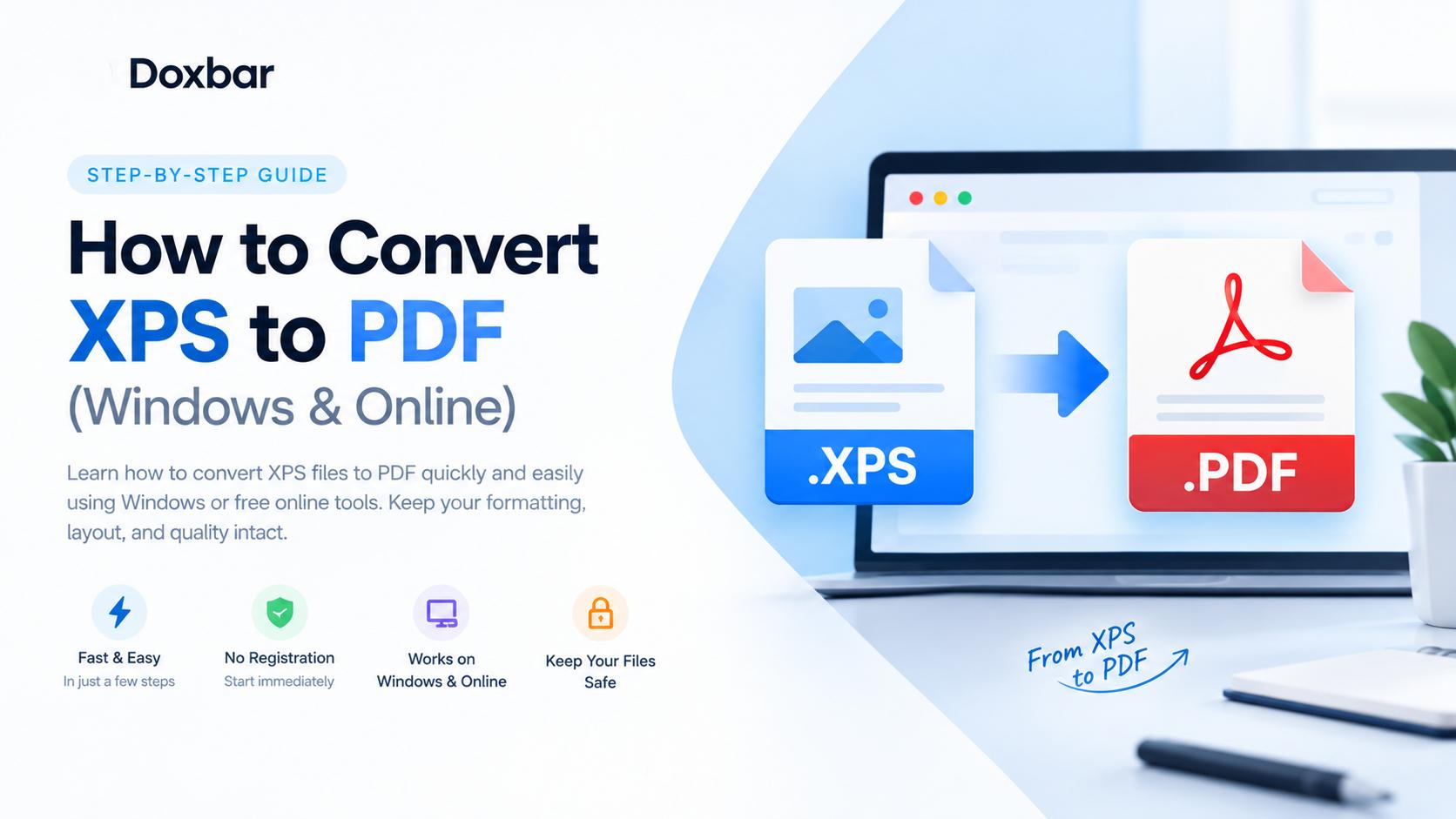
How to Convert XPS to PDF (Windows & Online)
DoxBar Watermark
© DoxBar Secured
Tutorials
Oct 278 min read
How to Convert XPS to PDF (Windows & Online)

Read Article
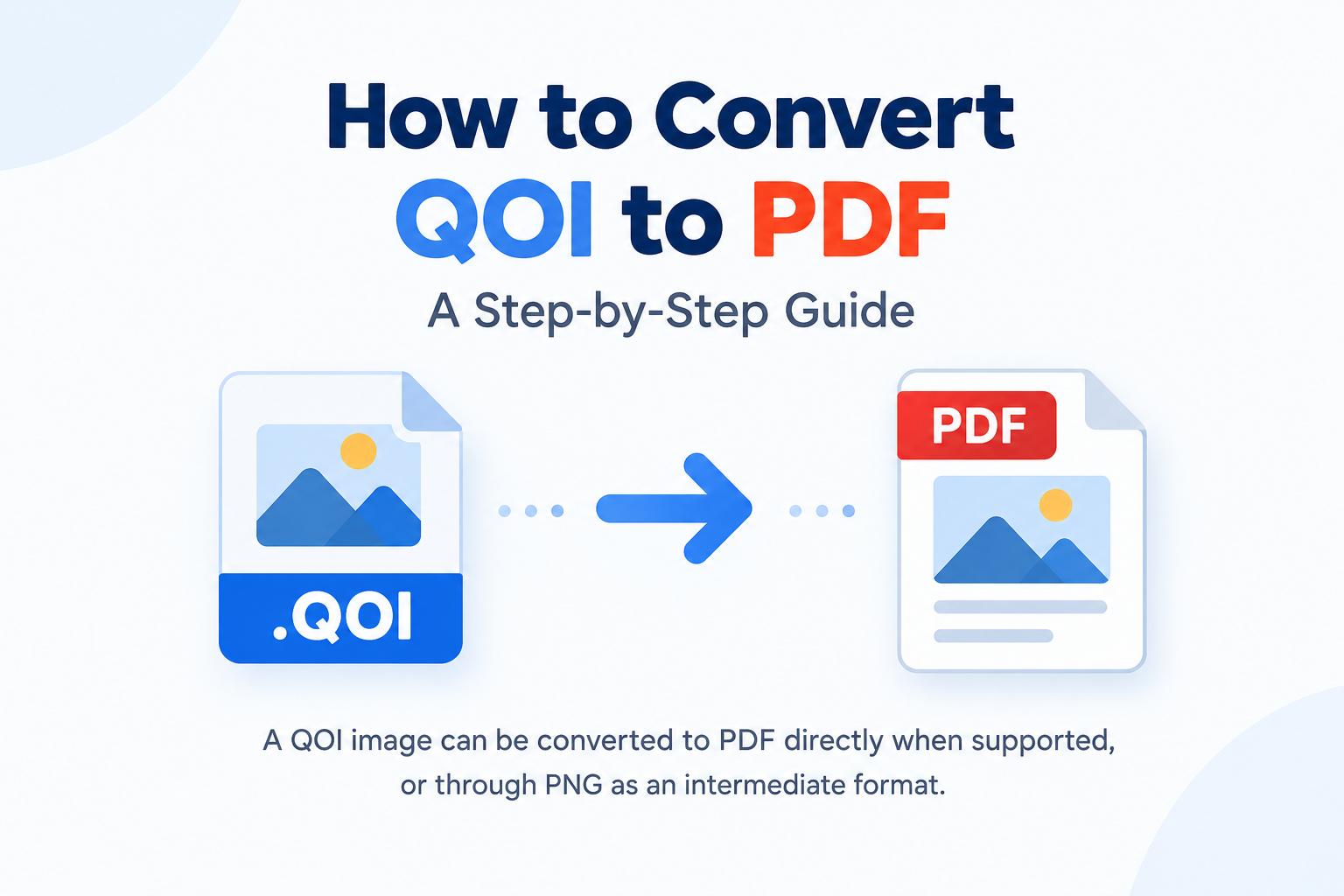
How to Convert QOI to PDF Online (Step-by-Step)
DoxBar Watermark
© DoxBar Secured
Tutorials
Oct 256 min read
How to Convert QOI to PDF Online (Step-by-Step)

Read Article
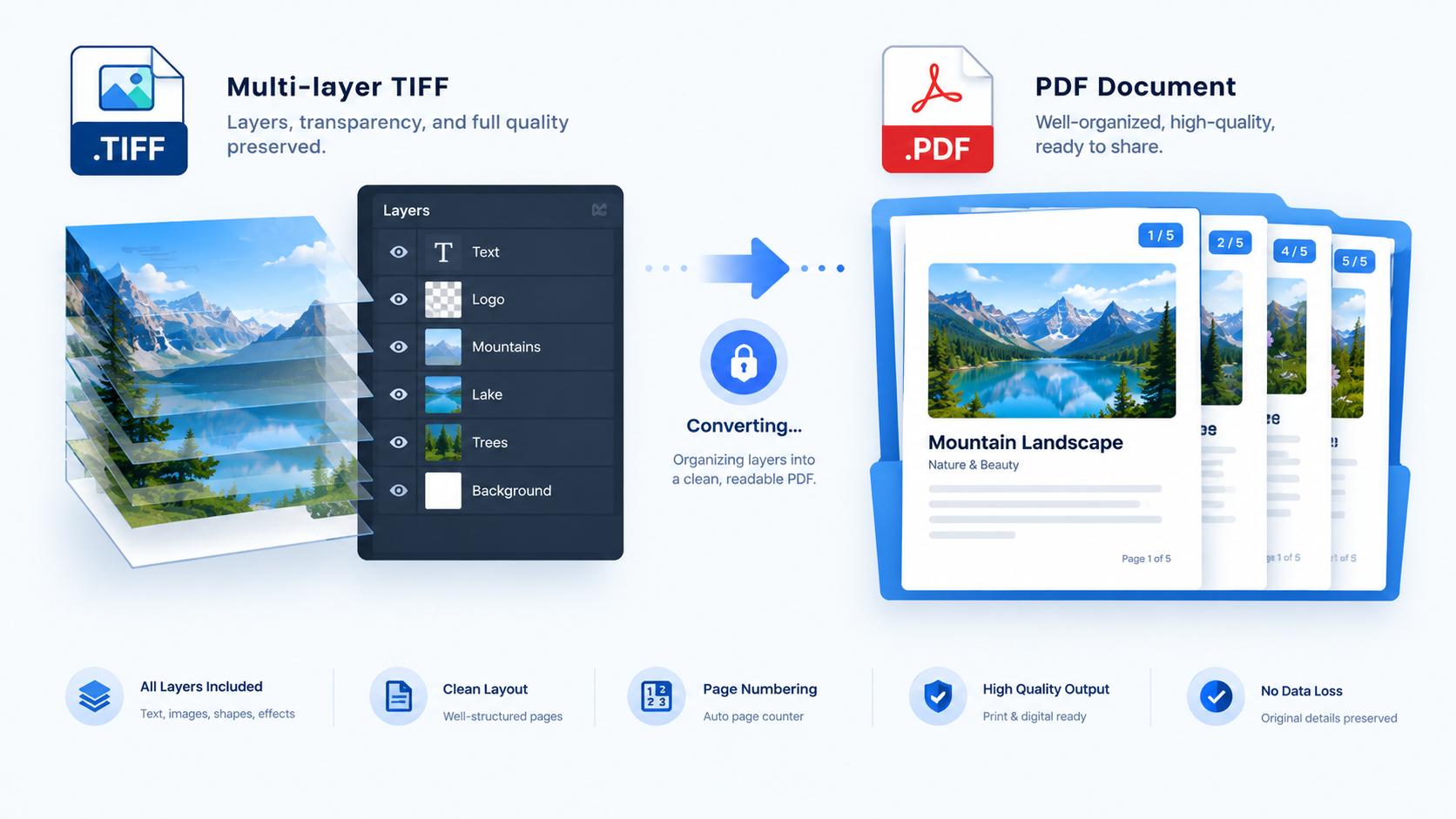
TIFF to PDF: Convert Single or Multi-Page TIFF Files
DoxBar Watermark
© DoxBar Secured
Tutorials
Oct 216 min read
TIFF to PDF: Convert Single or Multi-Page TIFF Files

Read Article
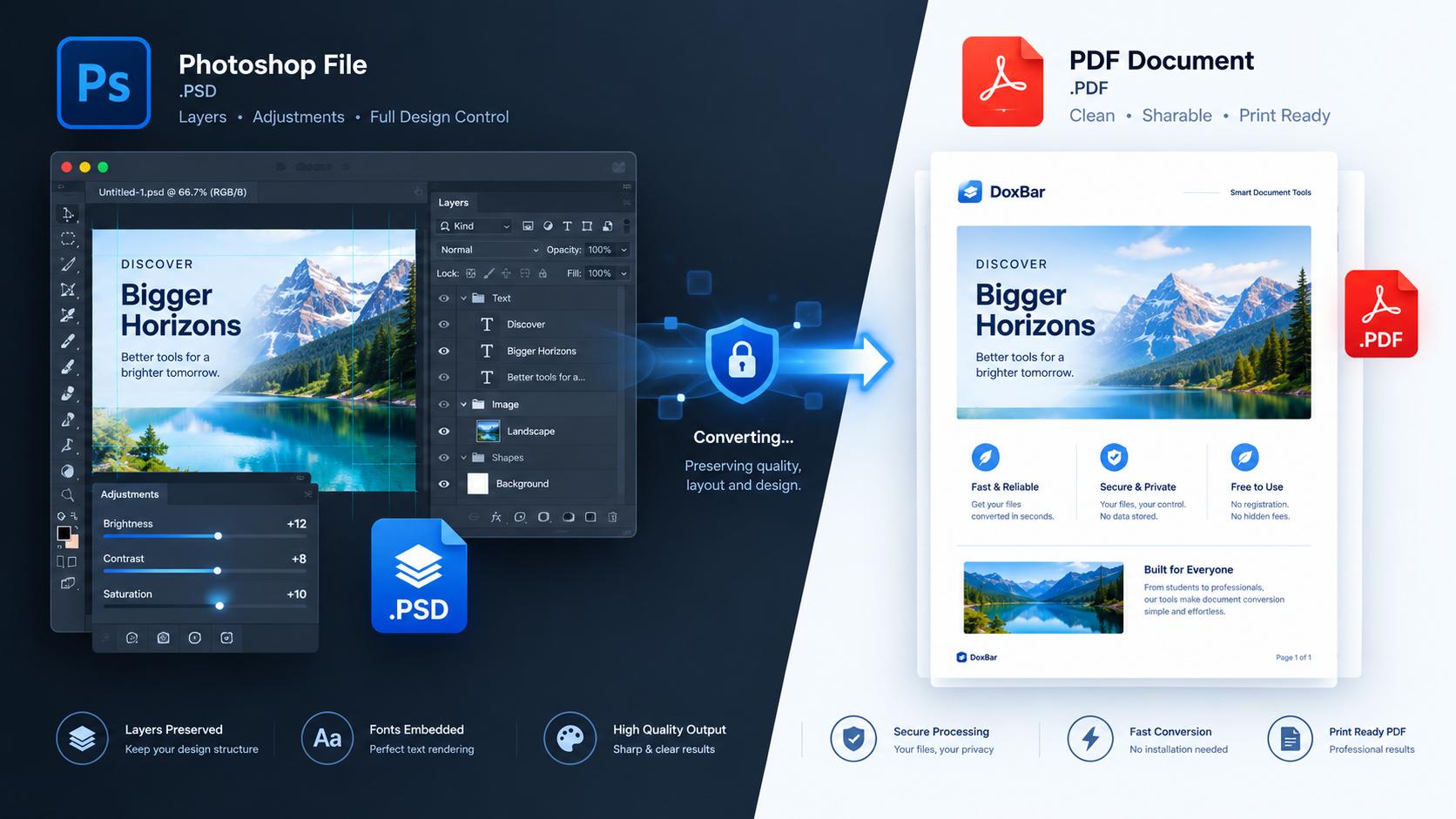
PSD to PDF Converter: Share and Print Photoshop Designs
DoxBar Watermark
© DoxBar Secured
Tutorials
Oct 184 min read
PSD to PDF Converter: Share and Print Photoshop Designs

Read Article
RAW to PDF: Convert Camera RAW Photos Online
DoxBar Watermark
© DoxBar Secured
Tutorials
Oct 148 min read
RAW to PDF: Convert Camera RAW Photos Online

Read Article
HEIC to PDF: What Nobody Tells You About Converting iPhone Photos for Real Submissions
DoxBar Watermark
© DoxBar Secured
Tutorials
Oct 105 min read
HEIC to PDF: What Nobody Tells You About Converting iPhone Photos for Real Submissions

Read Article
How to Convert PUB to PDF Before Microsoft Publisher Retires
DoxBar Watermark
© DoxBar Secured
Tutorials
Oct 64 min read
How to Convert PUB to PDF Before Microsoft Publisher Retires

Read Article
ODT to PDF Without Losing Formatting: Fix Common Layout Problems
DoxBar Watermark
© DoxBar Secured
Insights
Sep 298 min read
ODT to PDF Without Losing Formatting: Fix Common Layout Problems

Read Article
ODG to PDF: Convert ODG Files Online or with LibreOffice
DoxBar Watermark
© DoxBar Secured
Tutorials
Sep 135 min read
ODG to PDF: Convert ODG Files Online or with LibreOffice

Read Article