


PDF to Text Converter: Extract Plain Text for Editing
Strip away formatting and images to get the raw text content from your PDF files. Perfect for data analysis, coding, and repurposing content.
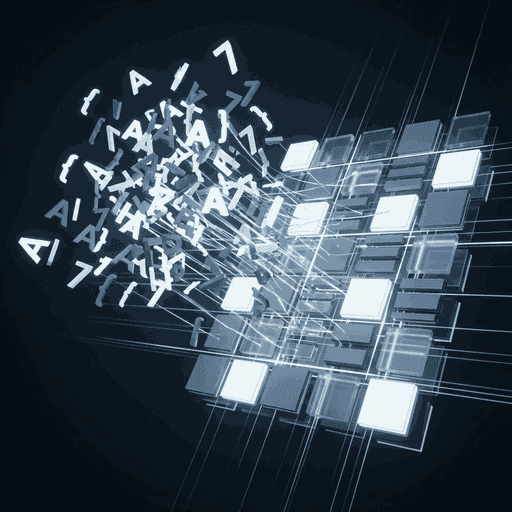
Why Convert PDF to Text?
PDFs are great for viewing, but terrible for data processing. If you try to copy-paste from a PDF, you often get broken lines, weird headers, and formatting artifacts.
Converting PDF to TXT strips away everything except the characters. No fonts, no bolding, no images. Just pure, raw ASCII/Unicode text. This is the gold standard for feeding data into other software.
Ideal for AI & Code
Want to feed a document into ChatGPT or analyze it with Python? PDF formatting confuses machines. Plain text is exactly what they need.
Features & Benefits
Easy Copy-Paste
Get text that you can actually use in Word, Notepad, or emails without fighting with layout issues.
Data Extraction
Extract tables (as raw text rows) and financial data for importing into Excel or databases.
Developer Friendly
The .txt output is clean and UTF-8 encoded, ready for programmatic parsing and NLP tasks.
Full Indexing
Make archived content fully searchable by converting images of text (requires OCR) or standard PDFs to text files.
Frequently Asked Questions
Does this work on scanned PDFs?
This tool extracts text layer data. If your PDF is a "scanned image" with no selectable text, you need our OCR (Optical Character Recognition) tool instead.
Will bold and italics be kept?
No. Plain text (.txt) does not support styling. If you need to keep formatting, try our **PDF to Word** or **PDF to HTML** tools.










