DoxBar Online Converters
Contents
Welcome to our free file converter page. We have many free tools for you. You can convert files to PDF very fast. You can also convert PDF to other files. Our tools are very safe to use. You do not need to install any apps. You do not need to make an account. Just pick a tool and start. We support Word, Excel, and image files. All files are kept secure. We care about your privacy. Thank you for using our free online converter tools.
Converters Free OnlineDoxbar
Contents


Comprehensive Guide to DoxBar Online Converters
What are the DoxBar Online Converters?
DoxBar Online Converters are a collection of web-based transcoding engines that translate proprietary and legacy file structures into standard modern formats. A file format acts like a container containing layout parameters, text streams, and embedded metadata. When you upload a file, our engine safely extracts these details and maps them onto the target format rules.
This enables seamless cross-platform sharing and prevents digital rot on archives. Whether you are transforming a classic AppleWorks document or creating a high-resolution PDF, DoxBar processes the data securely without external dependencies.
Why Do You Need a Reliable File Format Converter?
Operating systems and productivity suites evolve rapidly, often leaving older formats unreadable. Trying to open outdated or incompatible files on newer devices leads to error boxes and broken typography. A reliable converter solves this by rebuilding document code to modern standards.
It also facilitates collaboration between users on different platforms, such as sharing a Keynote deck with a Windows user or extracting tables from a PDF report. Having a cloud utility makes this process instant, free, and accessible from anywhere.
How Our Secure Transcoding Engine Operates
Our system works through a secure, structured pipeline. Once you drag and drop your document, our servers parse its internal format signature and check for data integrity. The text, graphics, and structure are extracted into temporary memory.
The conversion engine then builds the output file, mapping original fonts to modern web equivalents and adjusting margins. When compiling is completed, the file is made available for download immediately, and all temporary server files are permanently erased.
How to use DoxBar Online Converters?
Select and Upload
Drag and drop your file into the secure DoxBar upload section.
Choose Output Format
Pick the format you want to convert your file into from the options list.
Convert the Document
Click the Convert button to start our multi-thread cloud parsing process.
Secure Download
Download your newly formatted document immediately, completely watermark-free.
100% Free, Secure, and Instant Processing.
Best Features
Benefits
- Saves hours of manual retyping and formatting reconstruction.
- Protects document visual layout during team collaboration.
- Bypasses expensive desktop licensing fees for minor document tasks.
- Keeps your local machine free of bloated or unverified software tools.
- Maintains professional formatting integrity across all operating systems.
Who should use this tool?
Administrative Personnel
Quickly convert old reports, incoming client files, and invoices into editable office files.
Legal & Auditing Teams
Convert documents securely to standardized PDF formats for archive and compliance checks.
Creative Designers
Convert vector formats, images, and raw text files instantly inside the web browser.
Students & Educators
Transform lecture notes, assignments, and presentations to compatible formats for sharing.
Common Use Cases
Legacy File Preservation
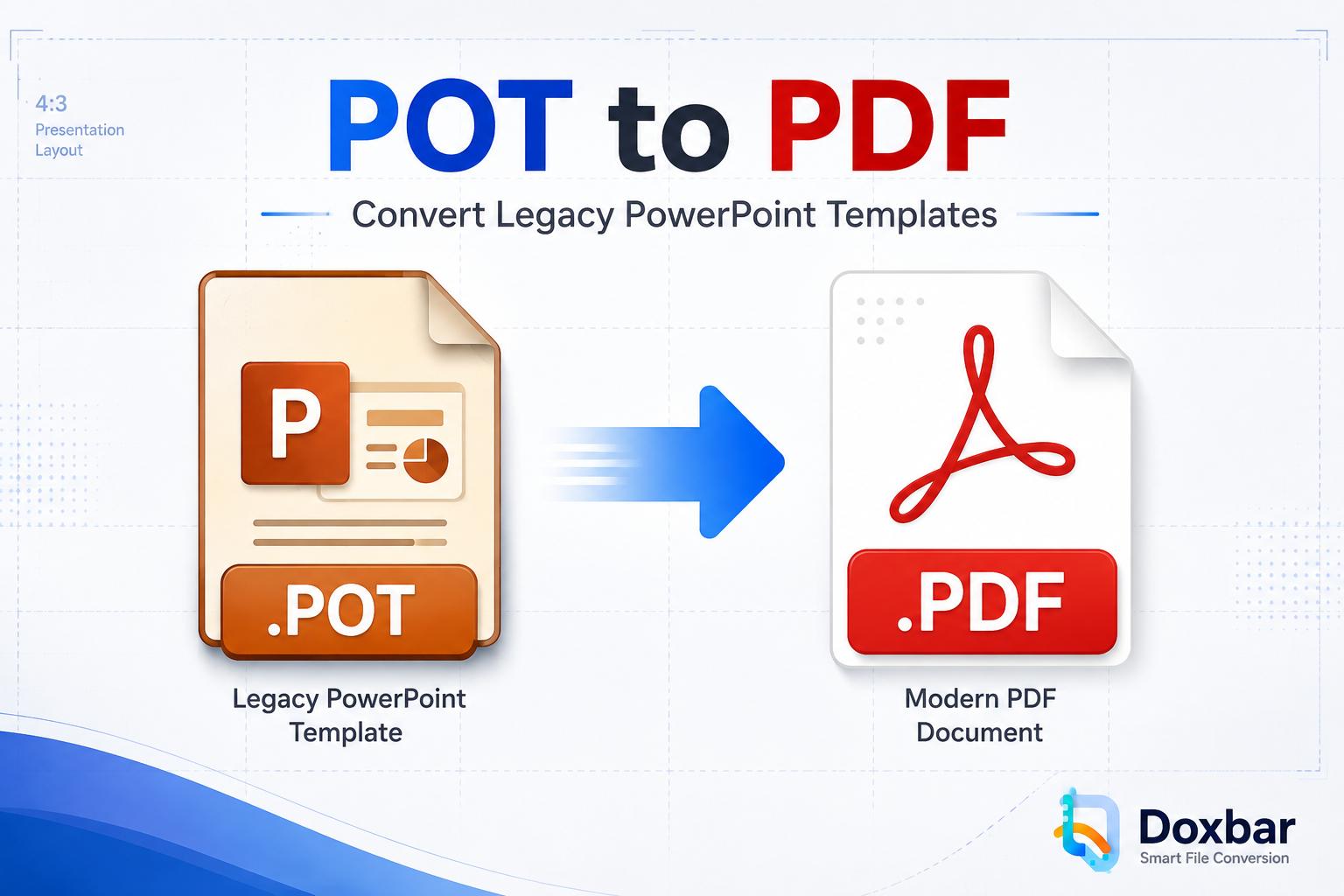
Digital archivists can convert vintage Apple or Claris documents into standardized PDFs to protect historical data.
Multi-Platform Collaborations
Corporate teams using different OS platforms can convert Keynote or Pages documents into Word and PDF for seamless editing.
Spreadsheet Re-creation
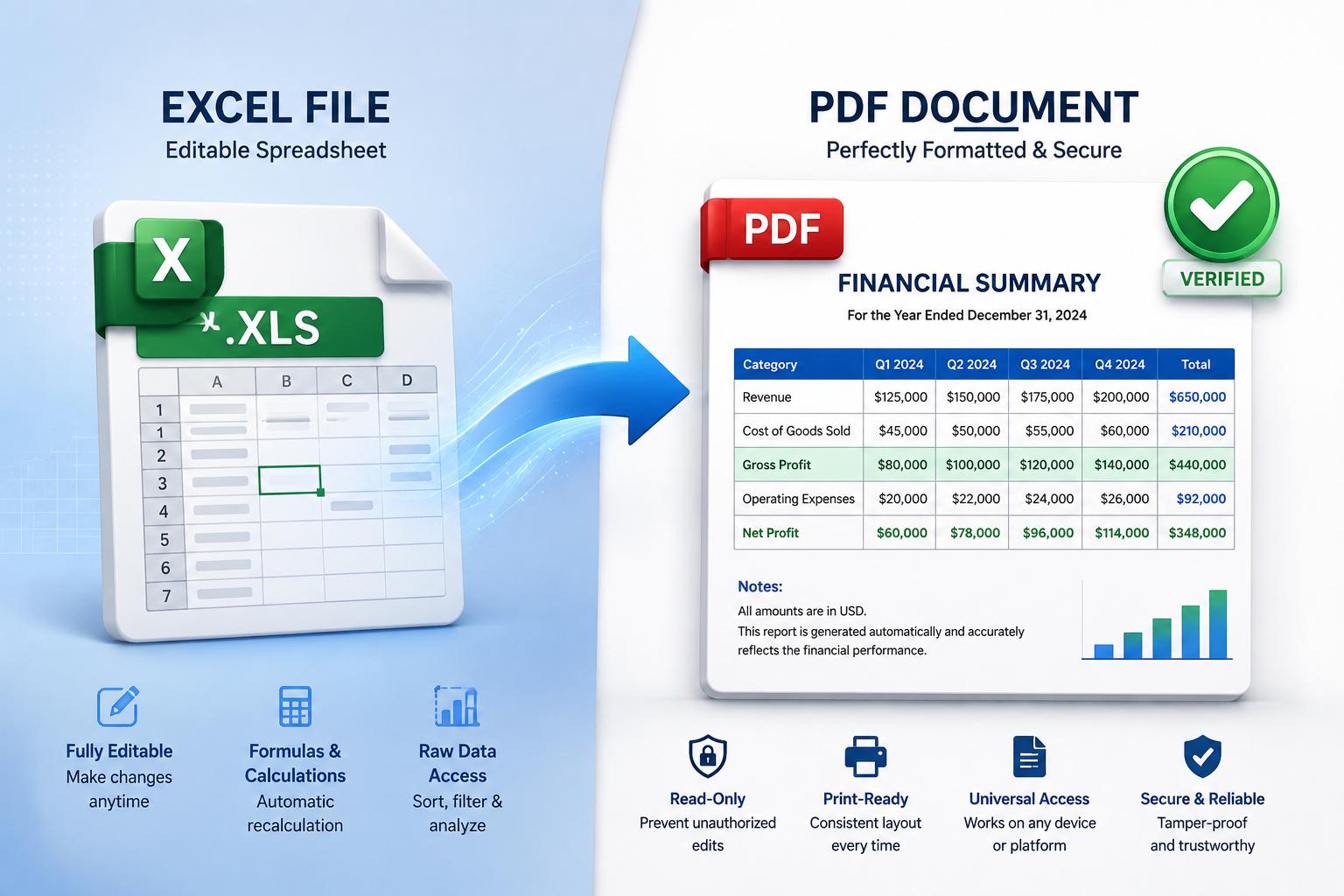
Business analysts can convert PDF tables directly into editable Excel spreadsheets to run data formulas.
Fidelity and Typography Mapping
A common issue with conversion software is that text shifts or overlaps, causing unreadable sections. DoxBar matches layout dimensions precisely by calculating margin coordinates. Our parser maps paragraphs, headings, lists, and indentation rules, ensuring your new file behaves naturally.
To ensure visual alignment, our server maintains a database of web-safe fonts. If your file contains custom fonts, the engine maps them to similar metrics, preventing wrapped line issues.
Secure Enterprise Document Handling
We prioritize the privacy of your intellectual property. All files processed on our converters are encrypted using TLS 1.3 protocol. The documents are held in volatile server memory only during conversion and are automatically purged from our cloud storage within one hour.
100% Free, Secure, and Instant Processing.
Frequently Asked Questions
What file types can I convert using DoxBar's online converters?
Is it safe to upload sensitive documents to DoxBar?
Do I need to pay or subscribe to use DoxBar converters?
Will the converted file maintain its original layout?
Can I use these converters on a mobile phone?
Do these tools add any watermark to my files?
Can I convert multiple files at once?
What is the maximum file size limit for uploads?
Does DoxBar support converting legacy or vintage files?
Do I need to install browser plug-ins or extensions?
How long does the conversion process take?
Can I convert a password-secured file?
Does DoxBar keep a copy of my documents?
What should I do if a file fails to convert?
Can I convert PDF tables into Excel sheets?
Can I extract text from a scanned PDF image?
Does DoxBar support converting images to PDF?
Can I convert EPUB ebooks to PDF?
Does DoxBar offer a desktop offline app?
Are there restrictions on commercial use of converted files?
What happens if I close my tab during conversion?
Does DoxBar support vector formats like SVG?
Why did my fonts change in the converted document?
Can DoxBar extract raw images from a PDF?
Is there support for non-English language documents?
Can I convert code files to PDF?
100% Free, Secure, and Instant Processing.
DoxBar Cloud Tools Team
DoxBar Cloud Tools Team leads the document engineering team at DoxBar, ensuring our tools meet enterprise-grade security and processing standards.
Author: DoxBar Cloud Tools Team
Reviewed By: DoxBar Document Formatting Experts
Last Updated: 6/17/2026
Reading Time: 15 minutes
Methodology: Developed on an isolated cloud parsing infrastructure that maps file signatures, structures layout coordinates, and securely transcodes documents to contemporary formats.
All information on this page is verified and fact-checked by our security experts to ensure the highest standards of data safety and privacy.
Invert colors for night reading.
Visual PDF coordinate cropping.
Remove scan background and noise.
Add text/image watermarks.
Add headers/footers with numbers.
Combine multiple PDFs into one.
Reduce PDF file size.
Convert DOCX to PDF.
Convert images to PDF.
Convert spreadsheets to PDF.
Convert slides to PDF.
View JSON as PDF.