DoxBar Icon
DoxBar Home

DoxBar About

Contents

DoxBar Icon
DoxBar Text

Comprehensive Guide to DoxBar About

DoxBar is a free, secure, browser-based document tool platform offering over 700 specialized PDF and document processing tools. Whether you need to convert a Word document to PDF, compress a large PDF, extract images from a PDF, or convert a spreadsheet to PDF, DoxBar has a dedicated tool for each task. Unlike bloated desktop software, DoxBar runs entirely in your browser — no installation, no registration, and no watermarks. Your files are processed in isolated cloud environments with HTTPS encryption and deleted immediately after conversion. DoxBar is designed for individuals, students, professionals, and businesses who need reliable, free PDF tools that respect their privacy and data security.
By DoxBar Editorial Team
Reviewed by DoxBar Platform Engineering
Updated: 2026-06-15T00:00:00Z
8

How to use DoxBar About?

1

Select Your Tool

Browse DoxBar's 700+ tool library and select the tool that matches your task.

2

Upload Your File

Drag and drop your file into the secure upload zone. All transfers use HTTPS.

3

Process in Cloud

DoxBar's cloud engine processes your file securely in an isolated environment.

4

Download Result

Your processed file is ready immediately. Source files are deleted after download.

Ready to use DoxBar About?

100% Free, Secure, and Instant Processing.

Benefits

  • Access all PDF tools from one convenient platform without juggling multiple apps.
  • Save money — all core tools are completely free with no usage limits.
  • Protect your privacy with instant file deletion after conversion.
  • Work from any device or operating system without installing software.

Who should use this tool?

Students & Academics

Convert, merge, and organize study materials, research papers, and notes in PDF format.

Business Professionals

Process invoices, reports, contracts, and presentations quickly and securely.

Designers & Developers

Convert design files, images, and code to PDF for documentation and sharing.

Legal & Medical Teams

Securely process sensitive documents with HTTPS encryption and immediate file deletion.

Common Use Cases

PDF Conversion

Convert 100+ file formats to PDF including Word, Excel, PowerPoint, images, code, and more.

PDF Editing

Merge, split, compress, rotate, resize, add page numbers, watermark, and organize PDF pages.

PDF Security

Protect PDFs with AES-256 passwords, remove passwords from authorized PDFs, and manage permissions.

Common Mistakes

Using a generic converter when DoxBar has a specialized tool for your exact format.

Uploading password-protected files without unlocking them first.

Tips & Best Practices

  • Use DoxBar's specific tool for your exact conversion need for best output quality.
  • For sensitive documents, confirm file deletion by checking DoxBar's privacy policy.
  • Compress your PDF after conversion if you need to reduce file size for email sharing.
Ready to use DoxBar About?

100% Free, Secure, and Instant Processing.

Limitations

  • Requires internet connection
  • Very large files may hit size limits

Cloud-Based Processing Architecture

DoxBar processes all documents in isolated cloud containers that are spun up on demand and terminated after processing. This ensures your files never touch a shared storage layer and are never accessible to other users.

All connections to DoxBar are secured with TLS 1.3 HTTPS encryption. File uploads are transferred over encrypted channels and processed in memory where possible.

File Deletion & Privacy Policy

DoxBar follows a strict data retention policy. All uploaded source files and converted output files are permanently deleted from our servers within a short window after the conversion is complete.

DoxBar complies with GDPR and applicable international data privacy regulations. We do not sell, share, or use your documents for AI training or analytics.

Frequently Asked Questions

What is DoxBar?
DoxBar is a free, browser-based platform offering 700+ PDF and document processing tools including converters, editors, compressors, and security tools.
Is DoxBar completely free?
Yes. All core tools on DoxBar are free. No subscription, credit card, or account is required.
Do I need to create an account?
No. DoxBar works without registration. You can use all tools anonymously.
Is it safe to upload documents to DoxBar?
Yes. All uploads are secured with HTTPS encryption. Files are deleted immediately after processing and are never shared with third parties.
Does DoxBar add watermarks to converted files?
Absolutely not. DoxBar never adds watermarks to any output file.
What file formats does DoxBar support?
DoxBar supports 700+ file formats including all Microsoft Office formats (DOCX, XLSX, PPTX), OpenOffice formats (ODT, ODS, ODP), image formats (JPG, PNG, TIFF, WEBP), and many legacy formats.
Can I use DoxBar on my phone?
Yes. DoxBar is fully responsive and works on iOS and Android browsers including Safari, Chrome, and Firefox.
Does DoxBar work on Mac?
Yes. DoxBar works on all operating systems including macOS, Windows, Linux, iOS, and Android.
Is DoxBar GDPR compliant?
Yes. DoxBar complies with GDPR and applicable international data privacy regulations.
Are my documents used for AI training?
No. DoxBar does not use uploaded files for AI training, analytics, or any secondary purpose.
How many tools does DoxBar offer?
DoxBar offers 700+ specialized tools covering PDF conversion, editing, compression, security, and document format conversion.
Can DoxBar convert images to PDF?
Yes. DoxBar can convert JPG, PNG, TIFF, BMP, WebP, HEIC, GIF, SVG, and many other image formats to PDF.
Can DoxBar merge multiple PDFs?
Yes. Use DoxBar's Merge PDF tool to combine two or more PDFs into a single file.
Can DoxBar compress large PDF files?
Yes. Use DoxBar's Compress PDF tool to reduce PDF file size without significant quality loss.
Can DoxBar protect PDF files with passwords?
Yes. Use DoxBar's Protect PDF tool to add AES-256 password protection to any PDF.
Can DoxBar unlock password-protected PDFs?
Yes. If you have the password and authorization, use DoxBar's Unlock PDF tool to remove restrictions.
Can DoxBar convert Word documents to PDF?
Yes. Use the Word to PDF tool to instantly convert DOCX or DOC files to PDF.
Can DoxBar convert PDF back to Word?
Yes. Use the PDF to Word tool to extract content from a PDF into an editable DOCX file.
What is the file size limit on DoxBar?
File size limits depend on the specific tool. Limits are displayed on each tool's upload interface.
Does DoxBar have an API?
Contact DoxBar support for information about API access for enterprise or developer use cases.
Is DoxBar faster than desktop software?
For standard file sizes, DoxBar's cloud processing is often faster than desktop software because it uses optimized server-side processing.
What happens to my file after I download it?
Files are deleted from DoxBar's servers immediately after the download window closes, per our data retention policy.
Does DoxBar support batch processing?
Most tools process individual files. Contact DoxBar support for batch processing options for enterprise users.
Who built DoxBar?
DoxBar was built by a team of document processing engineers and web developers with the mission to make professional PDF tools accessible to everyone for free.
How do I contact DoxBar support?
You can reach DoxBar support through the Contact page on doxbar.com.
Does DoxBar have a mobile app?
DoxBar is optimized as a Progressive Web App (PWA) and works natively in mobile browsers without requiring an app installation.
Is DoxBar open source?
DoxBar is a proprietary platform. Some underlying libraries used may be open source. Check the About page for licensing details.
Ready to use DoxBar About?

100% Free, Secure, and Instant Processing.

DoxBar Editorial Team

DoxBar Editorial Team leads the document engineering team at DoxBar, ensuring our tools meet enterprise-grade security and processing standards.

Trust & Security Standards

Author: DoxBar Editorial Team

Reviewed By: DoxBar Platform Engineering

Last Updated: 6/15/2026

Reading Time: 8 minutes

Methodology: DoxBar's tools run entirely in the cloud using modern document processing APIs. No files are permanently stored. Processing occurs in isolated, encrypted environments.

All information on this page is verified and fact-checked by our security experts to ensure the highest standards of data safety and privacy.

Related Insights & Guides
Explore All
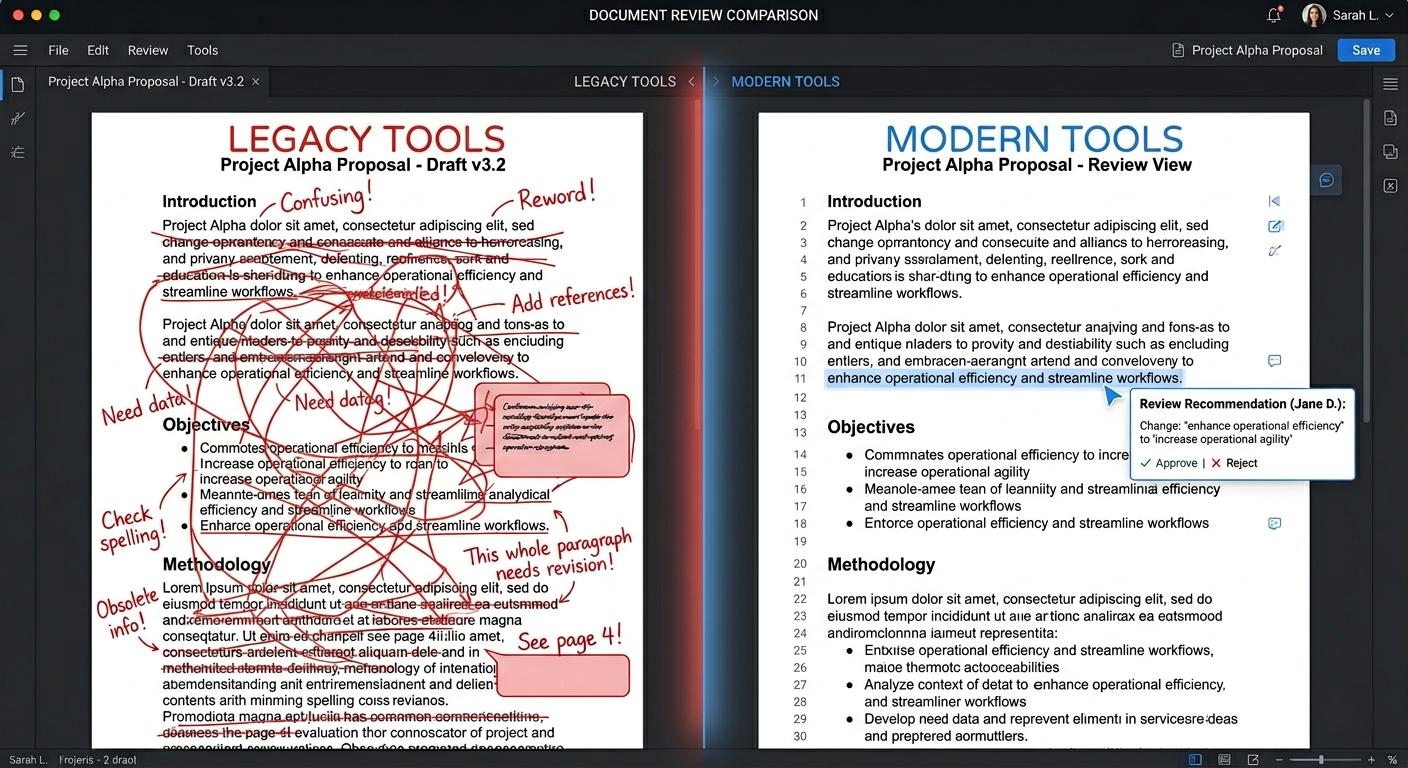
AI PDF Comparison vs Traditional Tools: What’s the Difference? | DoxBar
DoxBar Watermark
© DoxBar Secured
Insights
Jun 255 min read
AI PDF Comparison vs Traditional Tools: What’s the Difference? | DoxBar

Read Article
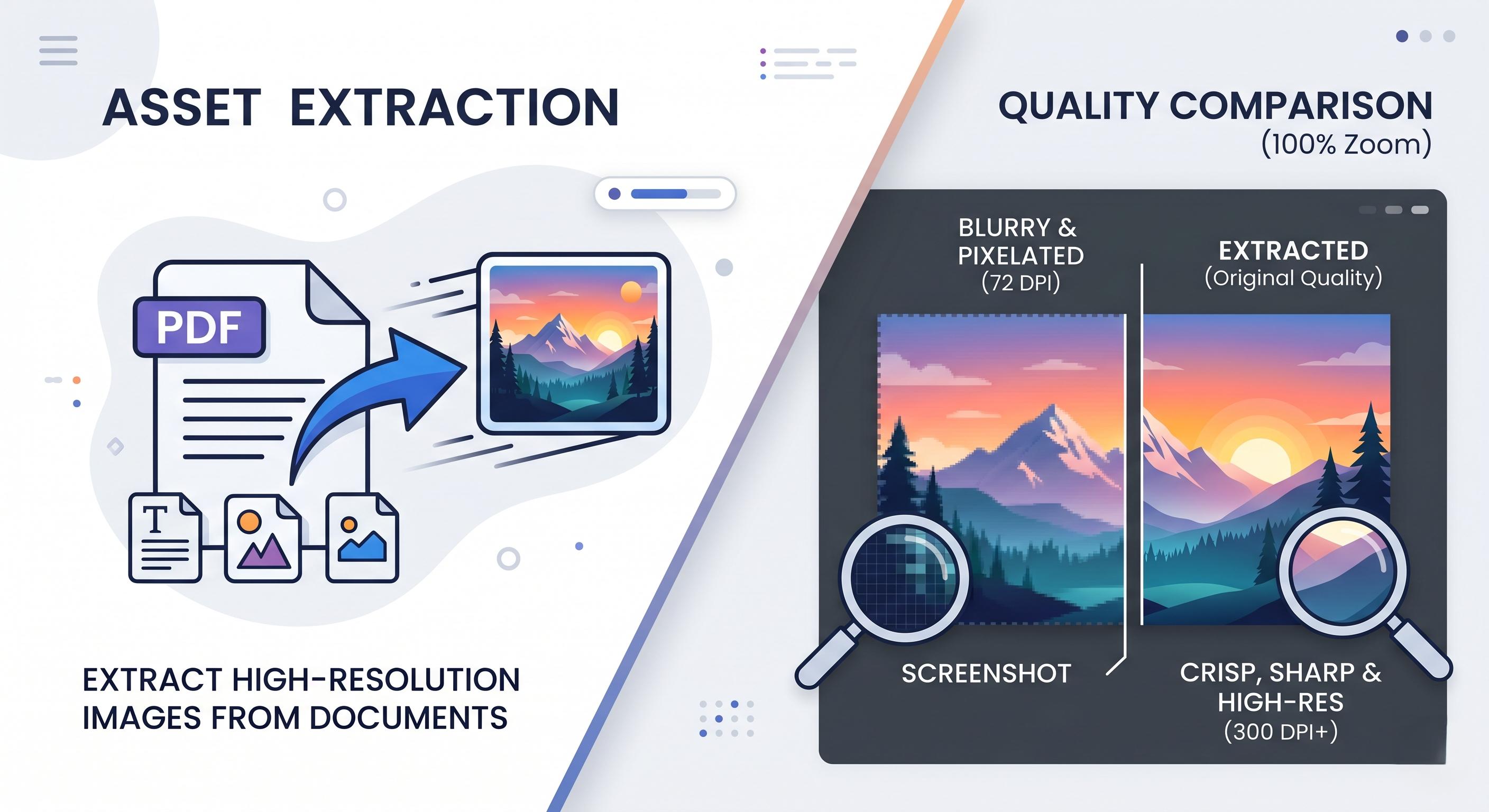
How to Extract Images From a PDF Without Losing Quality— Fast & Free | Doxbar
DoxBar Watermark
© DoxBar Secured
Tutorials
Jun 196 min read
How to Extract Images From a PDF Without Losing Quality— Fast & Free | Doxbar

Read Article
 Merge PDF Files Online Free Without Signup & Secure PDF Merger – Doxbar
DoxBar Watermark
© DoxBar Secured
Insights
May 266 min read
Merge PDF Files Online Free Without Signup & Secure PDF Merger – Doxbar

Read Article
Compress PDF Online Without Losing Quality - Fast & Free | DoxBar
DoxBar Watermark
© DoxBar Secured
Insights
May 254 min read
Compress PDF Online Without Losing Quality - Fast & Free | DoxBar

Read Article
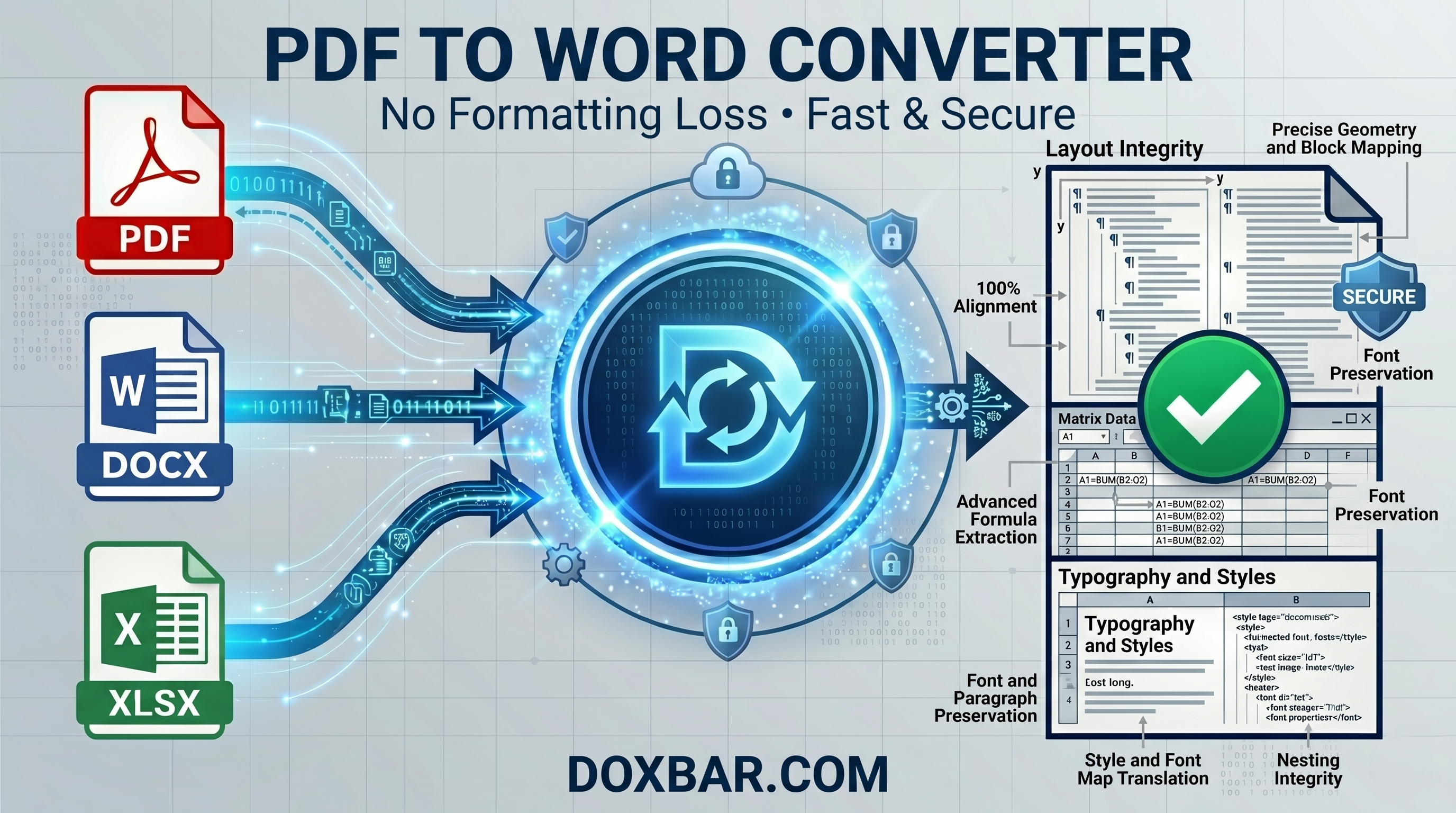
Best Free PDF to Word Converter Online Without Formatting Loss (2026) - DoxBar
DoxBar Watermark
© DoxBar Secured
Tutorials
May 247 min read
Best Free PDF to Word Converter Online Without Formatting Loss (2026) - DoxBar

Read Article
Best Free Online File Converter for PDF, Word & Excel (2026) | DoxBar
DoxBar Watermark
© DoxBar Secured
Tutorials
May 238 min read
Best Free Online File Converter for PDF, Word & Excel (2026) | DoxBar

Read Article