

How to Convert CAD Drawings to PDF Without Losing Scale
Contents
How to Convert CAD Drawings to PDF Without Losing Scale

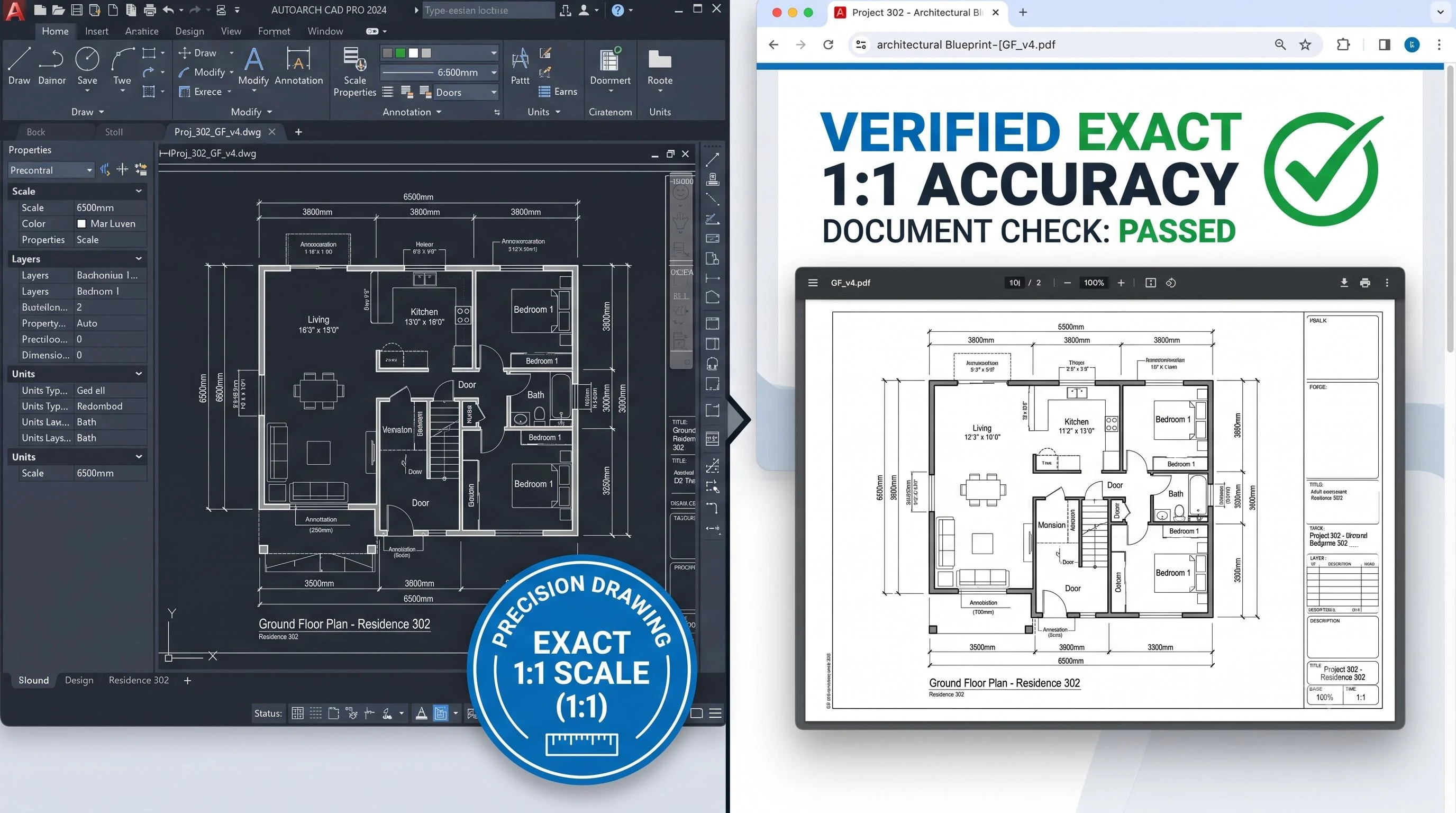

Table of Contents▼
Scaling errors ruin blueprints. Learn how to convert CAD to PDF accurately, maintain exact line weights, and protect your layout dimensions.
The Panic of the Distorted Blueprint
Imagine sending a layout to a major client or a fabrication shop, only to get a frantic call three hours later. “Hey, we just checked the dimensions against the scaled print, and none of the structural walls line up.”
Your heart drops. You double-check your model space. Everything is perfectly measured down to the millimeter. But during the export process, something went wrong. The text looks bloated, your dashed lines have turned solid, and worst of all, the 1:100 scale you meticulously configured is now a random 1:103.4.
Whether you are an architect submitting drawings to a city planning department or a mechanical engineer sharing parts schematics, exporting design files shouldn't feel like gambling. At Doxbar, we see this frustration constantly. Document conversion shouldn't force you to choose between universal readability and raw mathematical accuracy.
Why CAD to PDF Conversion Constantly Breaks
When you move a file from a drafting application to a portable document format, you aren't just changing a file extension. You are translating complex vector mathematics into static visual shapes.
The Doxbar Secure Pipeline: Every file you upload is protected by 256-Bit HTTPS encryption during transit. Once on our platform, conversions occur in an isolated cloud sandbox to keep your intellectual property completely private. As soon as your secure vector PDF is downloaded, our system triggers an automatic server purge, permanently erasing all data footprints from our network.
Several hidden issues can disrupt this process:
The Paper Size Disconnect: CAD programs often default to a conceptual canvas or an infinite model space. If your target PDF output size is set to Letter (ANSI A) while your drawing sheet was designed for Arch D, the conversion engine will either forcefully compress the layout or crop the borders entirely.
Line Weight Expansion: Vector lines possess specific mathematical thicknesses. Basic conversion engines often fail to map these properties correctly, turning fine 0.18mm detail lines into thick, muddy blobs that obscure crucial annotations.
Font Substitution Chaos: If your drawing utilizes specialized SHX or TrueType fonts that the conversion server lacks, it will swap them out for default system fonts. This causes text to overflow bounding boxes and overlap critical dimensions.
Inaccurate Plot Origins: A tiny offset shift during export can move the entire drawing slightly to the left or top, throwing off the alignment margins used by physical plotters.
The Technical Science Behind the Conversion
To prevent these errors, it helps to understand how these formats communicate.
Vectors vs. Rasterized Layers
A true CAD conversion keeps everything as vectors. If you zoom into a converted PDF by 800%, the arcs and lines should remain razor-sharp. If you notice pixelation or blurry edges, the tool rasterized your file—effectively turning your precision drawing into a glorified JPEG hidden inside a PDF wrapper. This strips away data and destroys accuracy.
The Role of PostScript and PDF Specifications
Modern PDFs operate on a coordinate framework originally derived from Adobe's PostScript technology. According to Adobe's PDF Specifications, layout data is plotted onto an imaginary grid measured in points (where 72 points equal 1 inch). When a drawing goes from a CAD environment to a PDF, the conversion engine must map the drawing's internal database units precisely to these layout points without rounding off decimals.
Font Handling and Embedding
To maintain exact visual fidelity, a quality converter must embed font geometries directly into the document. Instead of hoping the viewing device has the correct font installed, it passes the precise vector outlines of every letter and symbol along with the file.
What to Look For in a Reliable Scaling Tool
You don't need clunky, resource-heavy desktop software just to view or share a file. Modern, browser-native workflows can handle heavy lifting securely if they meet these criteria:
True Vector Retention: The tool must preserve geometric paths, layers, and blocks so the resulting file remains scalable and clear.
Strict Layout Preservation: Viewports and scales must remain locked to their native parameters (e.g., 1:1, 1:20, or Imperial fractions) rather than being scaled down to "fit the screen."
Zero-Footprint Browser Prototyping: Look for platforms that use modern web technologies like WebAssembly to parse file data directly in your browser window, which minimizes server-side processing delays.
Robust Security Protocols: Design schematics often contain proprietary intellectual property. Ensure the tool you choose uses end-to-end HTTPS encryption and clears files from its temporary cache automatically.
Digital Document Solutions Compared
Feature / Capability | Legacy Online Converters | Heavy Desktop Software | Modern Browser Workflows (Doxbar) |
Scaling & Precision | Often distorts ratios to fit the paper | High precision, but requires complex configuration | Automated 1:1 layout mapping |
Processing Speed | Slow queues, heavy ad banners | Long software boot and loading times | Instant, optimized processing |
System Resource Load | Minimal, but compromises quality | Extremely high RAM and GPU usage | Optimized browser execution |
Font Preservation | Frequently substitutes fonts | Requires manual font packing | Auto-embeds standard vector paths |
Accessibility | Works anywhere, but feels outdated | Bound to a single licensed workstation | Cross-platform (Desktop, Tablet, Mobile) |
Step-by-Step Workflow for Perfect Scale Retention
Step 1: Prepare the Source Layout
Before exporting, make sure your paper space layouts or viewports are explicitly defined. If you want a 1:50 printout, make sure your viewport scale is locked inside your drafting software.
Step 2: Upload to Doxbar
Open the document portal on Doxbar. Drag and drop your file into the designated processing zone. The platform reads the underlying metadata properties rather than just taking a visual snapshot.
Step 3: Match the Page Boundaries
Select your target sheet standard. If your drawing was built on an ISO A1 canvas, select A1. Leaving it on "Auto-detect" works well if the internal sheet boundary metadata is cleanly defined.
Step 4: Execute and Download
Click convert. The processing pipeline transforms the vector points smoothly. Download the resulting document directly to your device.
Step 5: Verify the Calibration
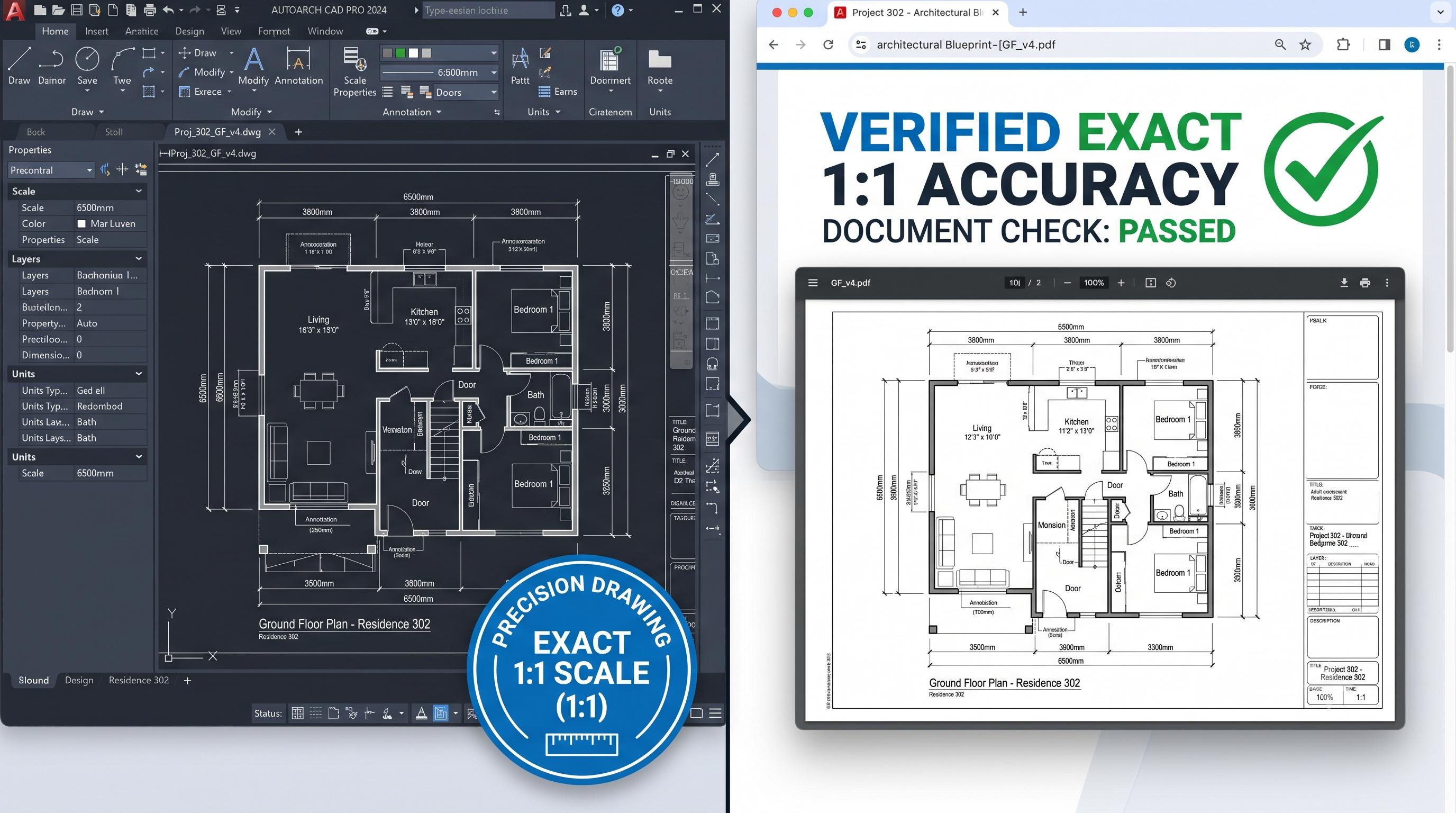
Open the document in a viewer like Google Chrome or Adobe Reader. Zoom in close on a detailed section to ensure the lines remain sharp vectors. Use a built-in measuring tool to check a known dimension line and verify that the scale factors match.
Pros & Cons of Modern Web-Based Conversion
The Good
Eliminates the need for expensive CAD licenses just to view or share files.
Converts drawings quickly on laptops, tablets, or mobile devices.
Maintains crisp, infinite vector zoom levels without heavy system lag.
Saves local storage space by offloading processing requirements.
The Realities
Requires a stable internet connection to access the conversion engine.
Very large or unoptimized master files (such as 3D models with millions of polygons) can take slightly longer to process.
Extremely rare, proprietary custom fonts might occasionally require text-to-path conversion beforehand to avoid styling shifts.
Deep-Dive FAQ
Does converting a drawing to PDF flatten the design layers?
It depends entirely on your settings. Advanced processing can preserve standard CAD layer states, allowing users to toggle specific elements—like electrical layouts or dimensions—on and off inside software like Acrobat Reader. Simple conversion tools, however, will flatten everything into a single layer.
Why do my diagonal vector lines look jagged in some PDF viewers?
This is typically a display artifact caused by anti-aliasing settings within your specific PDF reader, rather than an error in the file itself. The core vector line remains straight and mathematically accurate.
What is the maximum file size limit for browser-based CAD conversions?
While individual platform limits vary, optimized engines can comfortably process files up to 50MB. If your drawing exceeds this, cleaning up unused blocks, purging empty layers, and deleting hidden geometry can help reduce the file size.
How do I handle mixed metric and imperial dimensions during a conversion?
The conversion engine reads the absolute plotting units defined within the drawing metadata. As long as your layout viewports are mapped correctly to your intended paper size, the units will display exactly as you designed them.
Can I convert old DWG or DXF file versions without compatibility errors?
Yes. Quality document engines track structural specification changes over time, allowing them to parse legacy file formats accurately.
Why did my text turn into strange question marks or unreadable blocks?
This happens when a document contains non-standard text fonts that aren't properly embedded in the file or supported by the conversion system. Using standard TrueType fonts or converting text elements into vector paths before exporting solves this issue.
Can a converted PDF be imported back into CAD software as editable vectors?
Yes. Programs like AutoCAD or Vectorworks can import vector-based PDFs and convert the paths back into editable lines and arcs. However, some block attributes and parametric constraints may be lost during the round-trip process.
How does line weight mapping work during an online conversion?
The engine reads the linework color index or explicit millimeter thickness properties saved within your plot style tables. It then maps these values directly to corresponding PostScript line weights.
What happens to Hatch patterns during file conversion?
Solid and gradient hatches scale down cleanly because they are treated as vector boundaries. Complex, custom user patterns can sometimes create large file sizes, so it's best to use standard pattern definitions whenever possible.
Can I run batch conversions for multiple sheets at once?
Yes. Modern document platforms let you upload multiple files simultaneously, queue them up to output individual documents or merge them into a single, multi-page layout.
Is my internal project data safe on web conversion platforms?
Data privacy depends on the platform's security policies. Reputable tools use secure HTTPS encryption during transmission and automatically delete files from their servers within a short period. For more information on secure web standards, you can review data protection resources on Cloudflare.
Why does my drawing look correct on screen but print off-center?
This issue usually stems from physical printer settings. When printing the document, make sure your print dialog is set to "Actual Size" or "Scale: 100%" rather than "Fit to Page," which shrinks the margins to fit the printer's physical margins.
Does a PDF preserve 3D model data from CAD programs?
Standard conversions create 2D vector projections based on your active viewports. While specialized 3D PDF formats exist, they require specific rendering tools to view correctly.
Why are my external drawing references (Xrefs) missing from the output?
Conversion engines read the standalone file you upload. If your drawing relies on un-embedded external references stored in separate files on your local drive, those elements won't appear. Be sure to bind your Xrefs into the primary drawing before converting.
How can I make sure my text remains searchable after conversion?
To keep text searchable, use standard TrueType fonts instead of older SHX shape fonts. TrueType fonts are exported as text strings rather than drawn lines, allowing readers to search and highlight text within the document.
Will converting a file change the colors of my layers?
By default, files are converted using full color values. If you want a clean black-and-white printout, make sure to apply a monochrome plot style to your layout before starting the conversion.
How do I fix scale distortion on ultra-wide or custom paper layouts?
When dealing with custom sheet sizes, avoid selecting a generic page size like Letter or A4. Instead, define explicit custom pixel or millimeter dimensions that match your drawing's proportions to prevent stretching.
What is the difference between a rasterized PDF and a vector PDF?
A rasterized PDF is made up of static pixels, much like a digital photograph; it gets blurry when you zoom in and cannot be easily measured. A vector PDF uses mathematical paths, keeping your drawings sharp at any zoom level and preserving accurate dimensions.
How does web-based document conversion handle transparency layers?
Modern engines support alpha-channel transparency parameters. This ensures that overlapping layout elements, shaded regions, and transparent hatches render correctly without turning solid black.
Can I convert a drawing on a Chromebook or mobile device?
Yes. Because modern platforms handle document processing in the cloud or through optimized browser engines, you can convert files on any device with an internet connection, regardless of its operating system.
Ensuring File Authenticity and Security
When sharing technical schematics, maintaining document security is just as crucial as preserving accurate dimensions.
Step | Process | Security Infrastructure |
1. Upload | File ingestion | Enforced 256-Bit HTTPS Encryption |
2. Convert | CAD vector translation | Isolated Cloud Sandbox Processing |
3. Download | Asset delivery | Secure, direct download link |
4. Purge | Automatic cleanup | Immediate and permanent server deletion |
Data Isolation: Your design files shouldn't sit on a public server forever. Choose platforms that run conversions in isolated temporary memory and automatically delete files within a few hours.
Vector Fidelity over AI Approximation: Avoid tools that use imprecise machine-learning models to guess where lines should go. Technical documents require strict geometric parsing to guarantee every intersection and dimension remains mathematically exact.
Clean, Accurate Conversions Made Simple
You don't need a heavy workstation or an expensive software license just to share accurate design files. By using a secure, browser-native tool that respects your layout parameters and line properties, you can create perfect vector documents anywhere.
When you need to share your next project with a client or contractor, use a reliable tool that handles the details for you. Try uploading your drawings to Doxbar to keep your layouts precise, your files secure, and your project dimensions perfectly in scale.
Need to Convert Document Formats?
Try our secure, lightning-fast PDF conversion suite. Convert Word, Excel, Images, and more with zero formatting loss.

Doxbar Editorial
Security & Privacy Team
We specialize in secure document architectures, parsing engines, and modern developer utilities. Keeping your files safe, lightweight, and perfectly formatted.
Join the Conversation
Share your thoughts or ask a question about this topic. This is a privacy-first system.