

How to Convert CBZ to PDF (Without Losing Image Quality)
Contents

How to Convert CBZ to PDF (Without Losing Image Quality)

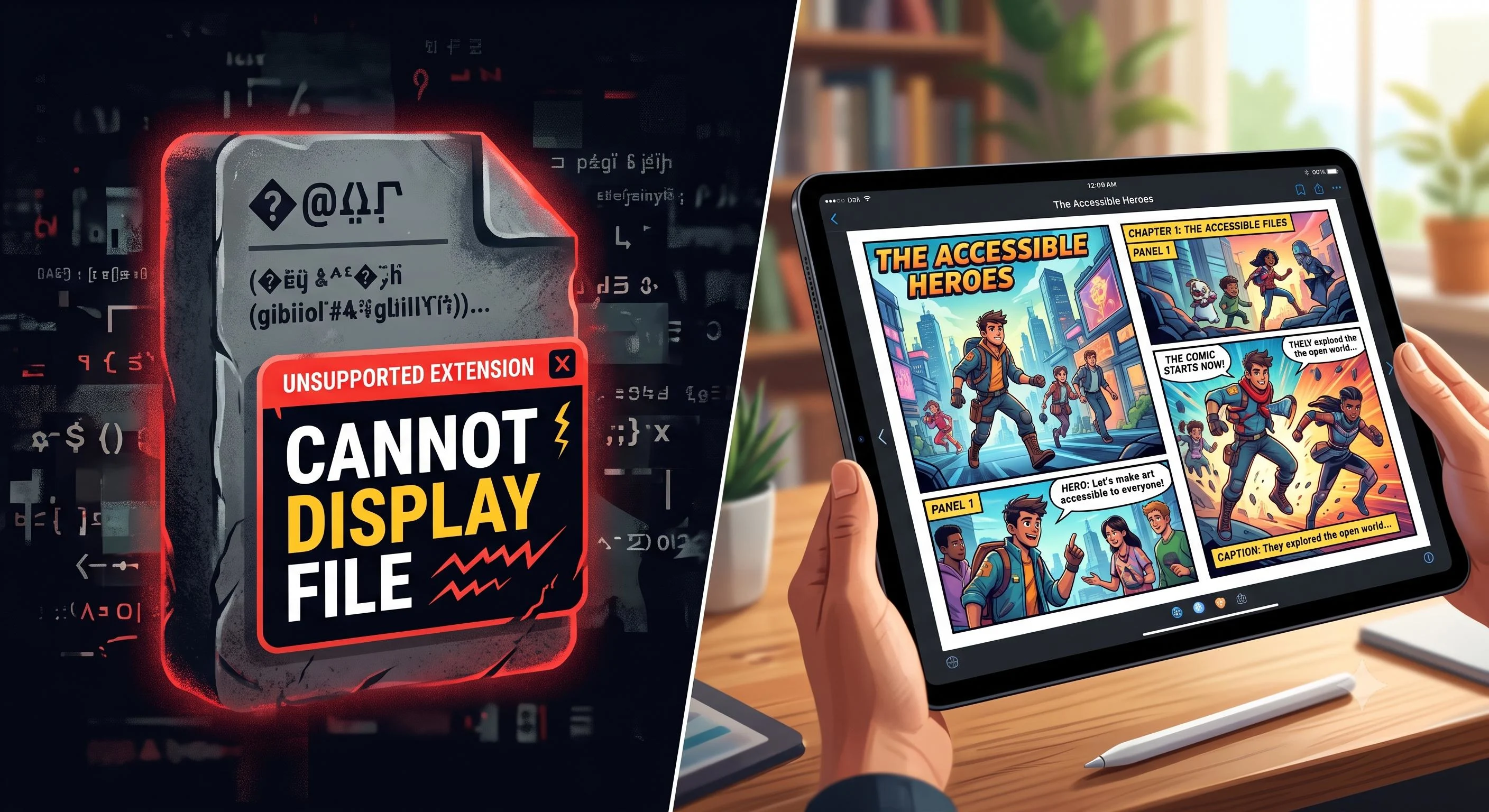

Table of Contents▼
Struggling to open CBZ files? Learn how to convert comic archives to PDF online for seamless reading on any device, high-fidelity printing, and easy sharing.
Quick Answer
To convert a CBZ file to PDF, upload the comic archive to a secure web-based converter, allow the processing tool to arrange the source images into unified pages, and download the finished file. Using a dedicated platform ensures the document preserves the original page order, artwork sharpness, and full-bleed layout—making your comics instantly readable on any smartphone, tablet, or e-reader without needing a specialized comic application.
Moving Beyond Specialized Readers: The Digital Comic Dilemma
You find an old backup drive or download a highly anticipated independent graphic novel, only to realize the files are in .cbz format. You double-click. Nothing happens. Your operating system throws a generic error asking you to search an app store for a compatible reader.
For dedicated comic enthusiasts, CBZ is a familiar friend. But for the rest of us—or when you just want to read a quick issue on your work laptop, share a rare vintage scan with a friend, or print a few pages for a physical art portfolio—these specialized archives are an unnecessary roadblock. You shouldn't have to install heavy, third-party desktop software just to look at sequential art.
This is exactly where a lightweight web utility like Doxbar changes the dynamic. By converting those restrictive comic archives into universally accepted PDFs, your graphic novels instantly become readable on any screen, shareable over standard email, and fully printable without layout headaches.
The Core Friction Points of CBZ Files
To understand why a format shift is necessary, it helps to look at what is actually happening under the hood of a comic archive and why it frequently disrupts normal digital workflows.
Software Dependencies: Unlike standard document types, CBZ files require dedicated sequential art readers. If you shift between a Windows desktop, an iPad, and an Android phone, you have to find, install, and configure separate apps across every single ecosystem.
The Shared Storage Problem: Trying to drop a raw CBZ file into a shared company channel, an educational portal, or an email thread to a non-tech-savvy friend usually ends in confusion. The recipient is left with an unopenable file.
Layout and Scaling Degradation: Many legacy mobile image viewers fail to scale zipped images sequentially. You end up scrolling horizontally to see a single panel, ruining the narrative flow.
Printing Limitations: You cannot easily send a CBZ file directly to a standard home or commercial printer. To print individual pages, you would have to manually extract the archive, organize the images, and send them to the print queue one by one.
Local Security Overhead: Downloading unverified desktop comic readers to open a single file introduces potential security exposures. Keeping your workflow entirely within a secure browser environment is fundamentally safer.
Behind the Architecture: CBZ vs. PDF
What actually happens when you flip a file from a comic archive to a portable document? The transformation isn't just a simple extension swap; it changes how the underlying data is structured.
A .cbz file is fundamentally just a renamed .zip archive packed with sequential image files—usually JPEGs or PNGs—ordered alphabetically to preserve page numbers. When a comic reader opens it, the app extracts those images into temporary memory and displays them back-to-back. You can read more about the evolution of these formats on the Wikipedia Comic Book Archive page.
What Happens During Conversion?
Original CBZ
ZIP archive containing comic page images.
Processing
Extracts images.
Preserves page order.
Builds fixed PDF pages.
Final PDF
Single portable document.
Compatible with most devices.
Suitable for printing and sharing.
Image Integrity Retention: The raster images (JPEGs or PNGs) inside the original CBZ are extracted cleanly and embedded directly into the target document wrapper without turning them into vector format or introducing compression artifacts.
Fixed-Layout Geometry: The canvas system groups loose sequential graphics into structured pages, locking the aspect ratio so text bubbles and margins scale perfectly on all displays.
Standardized System Reading: The output structure complies with global open standards maintained by organizations like Adobe, rendering natively inside web browsers without any temporary file decompression.
Page Display and Aspect Ratios
Comic archives rely entirely on local software to decide how an image fits your screen. If an image is oddly sized, a basic viewer might stretch it out of proportion. PDFs enforce hard boundaries. If a comic page is designed with a specific aspect ratio, it retains those exact proportions whether it is opened in a web browser, a tablet app, or a professional print preview window.
Font Elements and Metadata
While standard CBZ files only contain flat image pixels, advanced PDF containers can embed text layers, structured navigation tables, and distinct metadata profiles. If a digital comic includes a text-based foreword or an index, a PDF allows that text to be searchable and interactive.
What to Look For in the Best CBZ to PDF Converter
If you have decided to clean up your digital library, standardize your graphic novels, or open a CBZ without a reader, do not just jump at the first random website that pops up in search results. A poorly optimized system can ruin the reading experience. Prioritize these core features:
1. Data Privacy Protocols
Your files shouldn't linger on a remote server indefinitely. Modern web tools should process your file efficiently and carry out a routine data purge from their temporary storage arrays shortly after execution to protect your privacy.
2. High-Fidelity Layout Preservation
Comic art relies heavily on exact framing, bleeding margins, and double-page spreads. A quality conversion system analyzes the dimensions of each internal image file and constructs corresponding PDF pages that match the original artwork dimensions precisely, without cropping out crucial panels.
3. Balanced Image Compression
Uncompressed comic archives can easily weigh hundreds of megabytes. A sophisticated web application applies intelligent downscaling to raw images, reducing file sizes significantly so they are easy to share via email or store on mobile devices, without turning the vibrant artwork into a blurry, pixelated mess. For massive files, pairing this process with a dedicated PDF Compression Tool can further streamline your digital library.
4. Comprehensive Cross-Platform Support
The tool should function perfectly via native web engines like Mozilla Firefox or Google Chrome across Windows, macOS, Linux, and mobile operating systems without requiring any localized plugins or system extensions.
Evaluating Your Format Options
Every reading and distribution path involves specific trade-offs regarding processing speed, system overhead, and user friction.
Metric / Feature | Legacy Online Tools | Local Desktop Software | Modern Browser Workflows (Doxbar) |
Setup Time | Instant | 10–15 Minutes | Instant |
System Burden | Low | High (CPU & Storage) | Extremely Low |
Privacy Standards | Questionable (Ad-Heavy) | High (Local Processing) | High (Automated Data Purge) |
Mobile Accessibility | Poor / Fragmented | Non-Existent | Fully Optimized |
Output Optimization | Variable Quality | Complex Settings | Automated Tuning |
Technical Analysis: CBZ vs. PDF for Digital Libraries
Reading Intent: CBZ is excellent if you use an advanced comic reader application with panel-by-panel guided view tracking. PDF serves as the definitive CBZ reader alternative if you prefer basic scrolling, clean page turns, and total cross-device portability without downloading specialized apps.
Storage Performance: Raw image folders inside a CBZ can be unevenly compressed. A unified PDF structure standardizes graphic compression, resulting in uniform loading times across low-end mobile hardware.
Long-Term Digital Preservation: Software formats change, but PDF remains an internationally recognized archive standard. Converting your rare graphic novels ensures they remain readable decades into the future.
Step-by-Step Guide: How to Convert CBZ to PDF Online
Converting your comic archives doesn't require technical expertise. Here is how the seamless web workflow operates using Doxbar.
Upload Your Document: Navigate to the conversion tool in your browser. Drag your .cbz file directly from your local file manager and drop it onto the designated processing area, or tap to browse your local device storage.
Select Target Configuration: Ensure your output target is set to PDF. The tool's framework automatically parses the internal structure of your comic archive, preparing the underlying image sequences for packaging.
Execute the Conversion: Click the convert button. The system processes the image arrays inside an isolated cloud sandbox, safeguarding assets while wrapping them inside a clean PDF container.
Download Your Unified File: Once processing completes, hit the download link to save your brand-new PDF directly to your device's local drive or cloud storage.
Verify Visual Quality: Open the resulting document in any native PDF viewer or web browser. Scroll through to confirm that panel borders, color rendering, and page sequences match the original artwork exactly. If you are handling related assets, you can seamlessly jump to our Image to PDF or CBR to PDF tools to complete your digital library indexing.
A Realistic View: The Pros and Cons
To maintain full transparency, let’s look at both sides of the coin. No single document format solves every niche issue perfectly.
The Advantages
Instant Universality: Your comics open instantly inside default applications on any computer, phone, or smart display.
Streamlined Archiving: One single document format means you can organize your entire digital reading library alongside your standard ebooks and documents.
Native Printing Support: Print entire volumes or select individual pages flawlessly through standard device print dialogs.
Reduced Local Storage Footprint: Smart optimization reduces oversized image packages to manageable, highly compressed documents.
The Trade-offs
Loss of Adaptive Viewport Modes: Dedicated comic readers sometimes offer highly specialized features, such as guided panel-by-panel zoom transitions. Standard PDFs display whole pages at once, meaning you rely on standard manual zooming.
Fixed Dimensions: If an archive contains mixed landscape and portrait images, a basic PDF conversion preserves those alternating page orientations, which might require rotating your tablet while reading.
High-Quality FAQ Section
1. Will converting a CBZ file to PDF lower the resolution of the artwork?
The resolution remains highly clear under standard conversion. Doxbar balances file size with visual clarity, ensuring that image compression remains invisible to the human eye while keeping the overall file size compact enough for easy sharing and reading.
2. Can I read converted PDFs on my Amazon Kindle or mobile e-reader?
Yes. Kindle devices, mobile apps, and e-ink readers handle native PDFs smoothly. Converting your CBZ files to PDF is one of the most reliable ways to make independent comics readable on Kindle screens without layout breaking.
3. What is the main difference between CBZ and CBR files?
The difference lies entirely in the compression method used to bundle the underlying images together:
CBZ: Bundled using standard ZIP compression.
CBR: Bundled using RAR compression. Our Universal Converter structure handles both styles seamlessly.
4. Are my uploaded comic books safe on your servers during conversion?
Yes, data security is a foundational priority. All uploaded files are processed through isolated pipelines and are automatically deleted from our temporary storage nodes within a short window after processing is finished.
5. Why do my digital comic files take up so much storage space?
Comics are visual mediums containing dozens of high-resolution, full-color images. When packaged as a raw archive, these uncompressed images require substantial storage space, which is why converting them to an optimized PDF wrapper helps lower storage pressure.
6. Will my double-page spreads display correctly in the PDF?
Yes. The processing engine respects the pixel layout of the source files. If a comic file contains a wide landscape image meant to span two pages, it is preserved as a single, wide page within the PDF container.
7. Can I extract raw images back out of a PDF later if needed?
Yes. If you ever need to access the individual JPEGs or PNGs again, you can use a basic PDF extraction utility or open the document in an advanced graphics editor to export the embedded image files.
8. Does this online tool require me to download a browser extension?
No, it runs entirely on cloud infrastructure. You do not need to download extra plugins, modify system settings, or install browser add-ons to use the converter.
9. Can I convert heavy graphic novels over 200MB online?
Yes. Our server architecture is scaled to handle large files efficiently, meaning heavy graphic novels and omnibus collections process smoothly without crashing your web browser tab.
10. Can I print my comics directly from the converted PDF?
Yes. You can open the PDF in any web browser or native viewer, hit print, and configure standard printer properties like margins, scaling, and paper sizes effortlessly.
Technical Trust and Structural Quality
Digital archiving requires precision. When dealing with precious creative works, independent zines, or historical scans, maintaining structural authenticity matters.
Our engineering framework prioritizes non-destructive processing. We do not alter the source files; instead, we analyze the pixel coordinates and image dimensions, rebuilding them into standard-compliant PDF wrappers. This architectural approach guarantees that your digital library remains highly stable, globally compatible, and safe for long-term storage across the next decade of operating system updates.
Final Thoughts
The files you own should adapt to your personal habits, not the other way around. You shouldn't have to change your device or install complex, unfamiliar software just to enjoy a great story.
Standardizing your comic collection with a clean conversion tool removes unnecessary tech barriers. It lets you get back to what actually matters: diving into great art and compelling narratives smoothly, on whatever screen is right in front of you.
Need to Convert Document Formats?
Try our secure, lightning-fast PDF conversion suite. Convert Word, Excel, Images, and more with zero formatting loss.

Doxbar Editorial
Security & Privacy Team
We specialize in secure document architectures, parsing engines, and modern developer utilities. Keeping your files safe, lightweight, and perfectly formatted.
Join the Conversation
Share your thoughts or ask a question about this topic. This is a privacy-first system.