

Why Does My CorelDRAW File Look Different After Converting to PDF?
Contents
Why Does My CorelDRAW File Look Different After Converting to PDF?

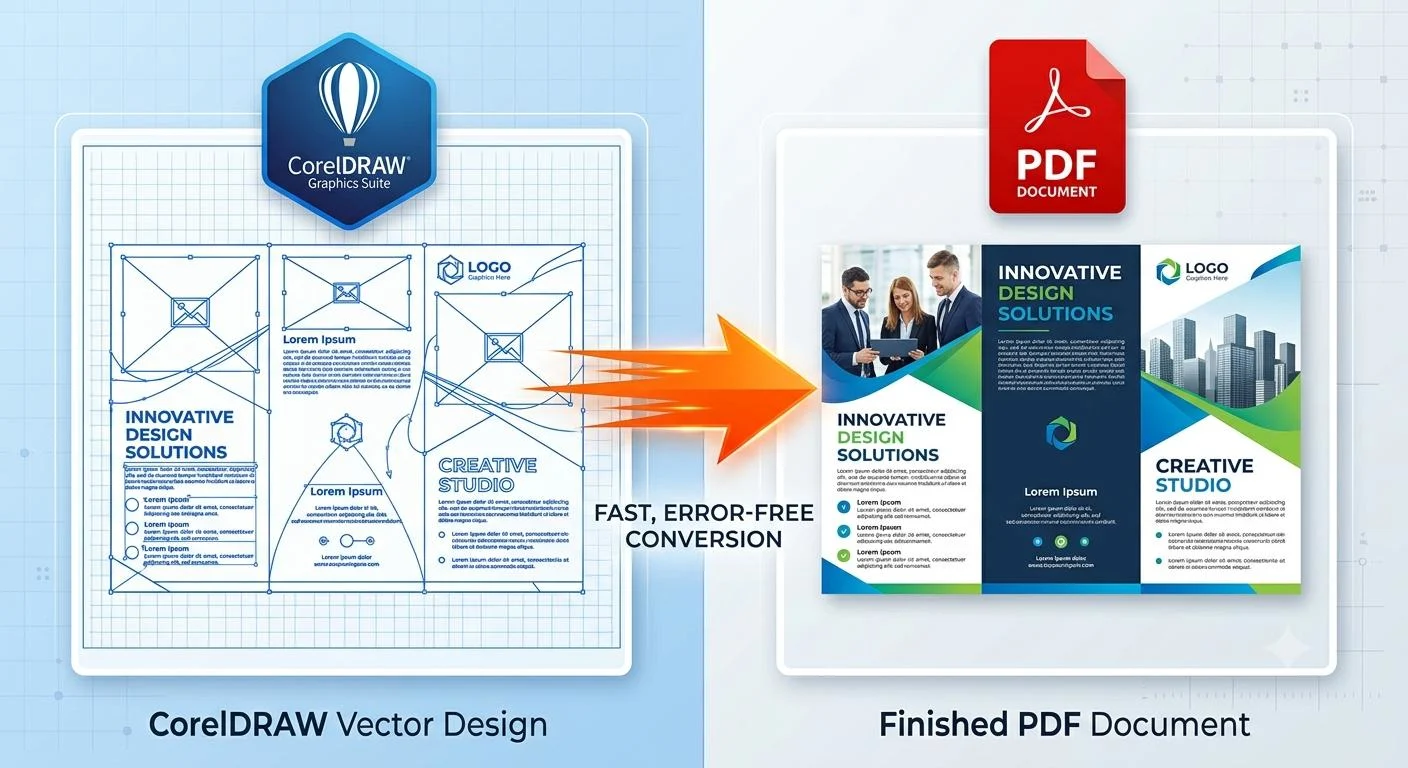

Table of Contents▼
Ever wondered why your CorelDRAW layout shifts, colors dull, or fonts vanish when exporting to PDF? Here is exactly how to fix CDR to PDF formatting issues.
Quick Answer:
Most CDR to PDF formatting issues happen because CorelDRAW stores live effects, proprietary objects, local fonts, and editable vector data, while PDFs require flattened, standardized objects for consistent viewing. To prevent layout shifts, convert text to curves, use standardized color profiles, and pre-flatten complex transparency lenses before running files through a browser-native converter.
You spent three hours tweaking a vector layout in CorelDRAW. The alignment is pixel-perfect, the color gradients look rich, and the typography is crisp. You export the file or use a quick online tool to convert the CDR to PDF to send over to a client or a print shop.
When you open the PDF, everything is a mess.
A specific corporate font has reverted to standard Arial, a complex lens effect has turned into a solid gray box, and the vibrant neon green you chose now looks like dull sludge. It is an incredibly frustrating moment that almost every designer, print shop operator, and freelancer faces.
Files don’t always translate perfectly between specialized design ecosystems and universal viewing formats. When you need a quick, reliable switch without booting up heavy software suites, a streamlined web tool like Doxbar handles the heavy lifting safely behind the scenes. But to truly stop the formatting drift, we have to look under the hood at why vector files break down during conversion. When you need a quick, reliable switch without booting up heavy software suites, a streamlined web tool like Doxbar handles the heavy lifting safely behind the scenes. But to truly understand why a coreldraw file looks different after converting to pdf, we have to look under the hood at why vector files break down during conversion.
Why Vector Workflows Break: The Problem Breakdown
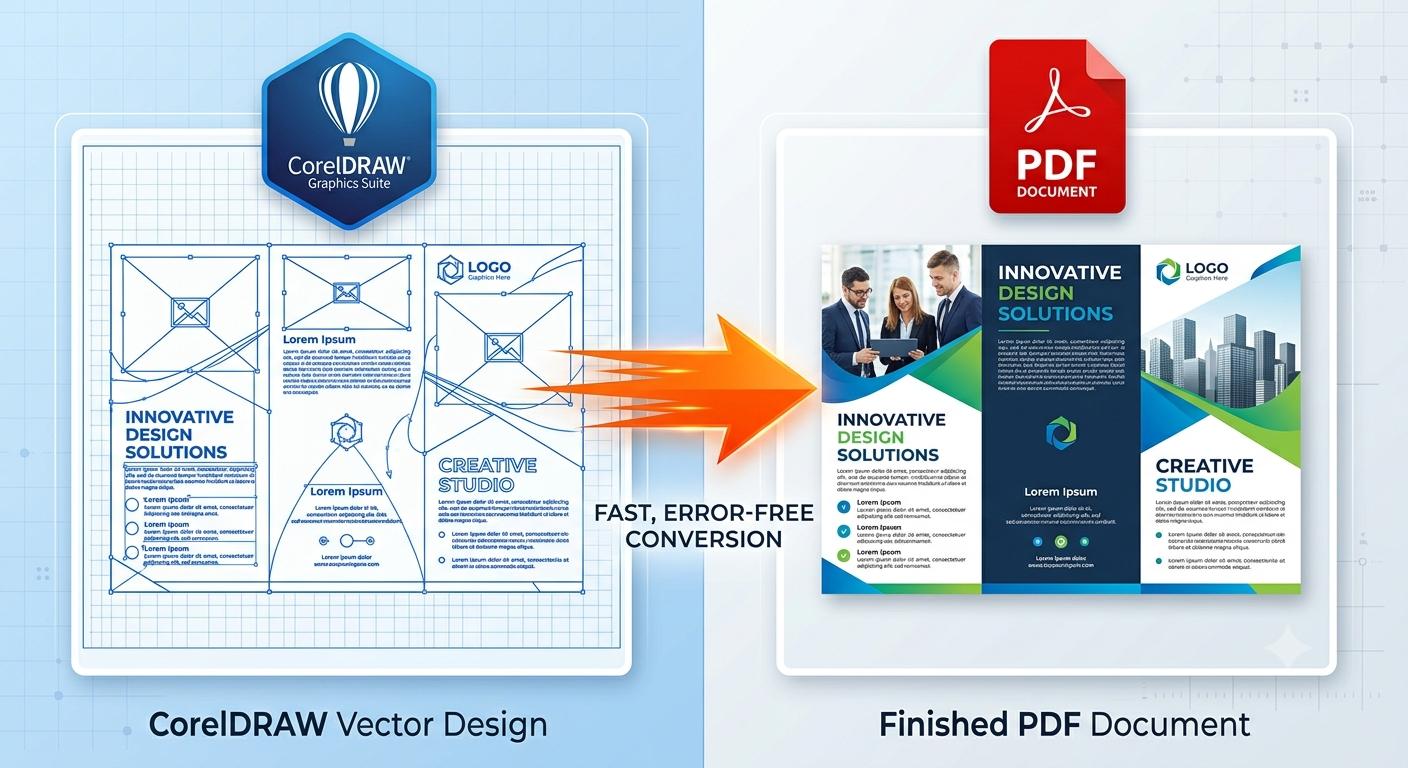
The core issue stems from a fundamental mismatch in how different software programs interpret data. CorelDRAW (CDR) is a highly proprietary, feature-rich format designed for active creation. PDF is a fixed, finalized delivery format meant for universal viewing.
When moving between them, several things frequently go wrong in the print preparation workflow:
Proprietary Effects and Lenses: CorelDRAW uses unique mathematical engines to render transparency, drop shadows, and complex bitmap lenses. External converters often don't know how to read these custom algorithms.
Missing Typographic Data: If a machine converting the file doesn't have your specific local fonts installed—and those fonts weren't embedded into the file structure—the system replaces them with stock typefaces. This CDR to PDF font replacement issue completely ruins text tracking, leading to awkward line wraps.
Color Space Shift (CMYK vs. RGB): Designers working on print layouts use CMYK colors. Standard web-based views and casual converters default to RGB. This shift causes rich print colors to lose their depth or look jarringly neon.
Vector Node Complexity: Intricate paths with thousands of anchor points or complex Bézier curves can occasionally glitch during basic file translation, causing paths to open up or fills to disappear.
Heavy Desktop Overhead: Opening massive design suites just to verify or re-export a single file bogs down mid-range laptops and delays simple client deliveries.
The Anatomy of a File Conversion: A Print Workflow Perspective
To fix these issues, it helps to understand how data moves from a design canvas into a portable document.
The Structural Divide: CDR vs. PDF
A .cdr file is a dynamic blueprint. It saves raw vector equations, layers, histories, and live effects that you can alter at any second.
A .pdf file, governed by open international standards maintained by organizations like the ISO, acts like a digital printout. It expects flat coordinates, embedded raster images, and hardcoded text blocks. When a converter processes a CDR file, it essentially has to "translate" Corel's private language into standard PDF objects, OpenType or TrueType geometries, and standard color mappings.
Why Complex Elements Fail
Take a simple drop shadow. In CorelDRAW, that shadow is a live procedural effect calculating pixels on the fly based on the object beneath it. When exporting, if the conversion engine doesn't support that specific procedural calculation, it either drops the shadow entirely or turns the whole region into a low-resolution image block.
The same issue applies to text. Unless a font is explicitly converted to curves (turning text into raw vector shapes) or completely packed into the document metadata using precise ICC color profiles, the receiving platform will guess what font to use, breaking your layout structure.
CorelDRAW Feature vs. PDF Support Mapping
CorelDRAW Feature | PDF Support Level | Common Conversion Issue |
Live Effects & Lenses | Partial Support | Dropped effects or solid gray rendering blocks |
Text & Typography | Depends on the embedding | Font substitution, overlapping text, missing glyphs |
Color Profiles (CMYK) | Partial / Dependent | CMYK to RGB color space shift, dull or altered hues |
Layers & Groups | Flattened on standard export | Loss of structural group editing capabilities |
Complex Transparencies | Partial Support | Rasterization artifacts, unexpected solid backgrounds |
Bézier Curves / Paths | High Support | Open paths or dropped fills on extreme node counts |
What to Look For in a Reliable Vector Converter
If you are converting files regularly on the fly, you shouldn't have to guess whether your output will look right. A solid conversion framework requires specific baseline capabilities:
Strict Layout Preservation: The engine must accurately read vector coordinates so items don't shift by a few millimeters, which can ruin precise alignment.
Privacy and Secure Processing: Design files often contain sensitive client data, branding assets, or proprietary layouts. Look for platforms that use secure HTTPS encryption and clearly explain how uploaded files are handled, ensuring files are wiped shortly after processing.
Cross-Platform Accessibility: The workflow should work identically whether you are on an iPad, a Linux workstation, or a Windows desktop, relying on modern browser standards rather than local plugins.
Asynchronous Processing: Large vector graphics with multiple pages can choke basic single-threaded engines. Clean pipelines process files smoothly in the background without freezing your browser tab.
Modern Document Workflows Compared
Feature / Capability | Legacy Online Tools | Desktop Design Suites | Modern Browser Workflows (Doxbar) |
Speed to Convert | Slow, ad-heavy | Slow (requires app boot time) | Fast, lightweight |
System Resource Cost | Low | Extremely High | Minimal |
Font Stability | Poor (frequent font swaps) | High (uses local system fonts) | Balanced (strong standard embedding) |
Accessibility | Desktop browser only | Tied to licensed hardware | Mobile, tablet, and desktop |
Data Privacy | Questionable / Long retention | Local (Safe) | Encrypted processing, instant deletion |
How to Preserve Formatting When Converting CDR to PDF: A Step-by-Step Guide
If you want to ensure your files convert cleanly without unexpected formatting issues every time, use this standard workflow.
1. Prepare Your Source File (If accessible)
If you have access to the original CorelDRAW software, take ten seconds to prep your file for the print pipeline. Select critical text blocks and choose Object > Convert to Curves (Ctrl + Q) from the menu. This changes text into vector shapes, guaranteeing the typography looks identical on any machine. Save complex blend effects down to high-resolution bitmaps if you notice them glitching in previews.
2. Upload to a Trusted Pipeline
Open your web browser and navigate to a dedicated conversion tool like Doxbar. Drag your .cdr file directly into the designated drop zone.
3. Let the Engine Process
The platform securely reads the vector paths, groups, colors, and layout text blocks, rebuilding them according to universal PDF/X or standard PDF specifications.
4. Download and Inspect
Save the generated PDF to your local drive. Open it in a dedicated reader or a modern browser like Mozilla Firefox to check your margins, transparency blocks, and color accuracy before sending it off.
Pros & Cons of Web-Based File Conversion
Pros
Zero Software Footprint: You don’t need to install multi-gigabyte programs or pay for expensive monthly creative licenses just to view or share a file layout.
Device Agnostic: You can convert a graphic file received via email right on your phone while traveling.
Saves Time: Bypasses lengthy loading screens and complex export settings dialogues.
Cons
Dependent on Internet Connectivity: You need an active network connection to process files.
Deep Editing Limits: Once a file is flattened into a PDF via a web converter, you cannot easily go back and tweak individual vector anchor points without specialized editing tools.
Advanced FAQ Section
Why do my colors look washed out, and how do I fix this CDR to PDF color change problem?
This usually happens because of a change in color spaces. CorelDRAW files often default to CMYK, which is optimized for physical ink printing. Many automatic conversion tools change this data into RGB, the standard color space for screens. If the conversion process doesn't map these color profiles or explicit ICC color profiles correctly, rich blues and deep greens can appear dull or off-shade.
Do I need to buy CorelDRAW to view a CDR file layout?
No. You can use specialized web converters to change the unreadable .cdr file into a standard .pdf. This lets you check the layout inside any web browser or mobile device without buying an expensive software license.
What does "converting text to curves" mean?
Converting text to curves changes editable fonts into static vector paths and shapes. The computer no longer sees the letter "A" as a font character; instead, it sees it as a collection of lines and points. This prevents formatting errors caused by missing fonts, though it does mean you won't be able to type or edit the text anymore.
Why did some parts of my graphic vanish in the PDF version?
Missing elements usually happen when a design uses proprietary special effects, like Corel's custom transparencies, drop shadows, or contour patterns. If the converter's engine cannot read these custom effects, it may skip them entirely, leaving those sections blank.
Can I convert a password-protected CDR file online?
Generally, no. Secure conversion engines respect file permissions and encryption. If a file is locked behind a local password, the conversion engine will fail to read its contents, and the upload will fail. You must remove the password protection before running the file through an automated pipeline.
Will converting files online compromise my company’s intellectual property?
It depends entirely on the tool you use. Legacy free websites often store files on their servers for extended periods or outline vague data usage terms in their fine print. Modern tools prioritize data privacy by processing your files through secure HTTPS channels and instantly deleting both the source and output files from their servers after processing.
Why is my converted PDF file size so massive?
If your original layout contains high-resolution images or complex vector paths with thousands of points, the resulting PDF will keep that data to preserve quality. Additionally, if complex vector effects get turned into large background images during conversion to keep them looking right, the file size can grow significantly.
What are the most common CorelDRAW PDF export issues faced by print shops?
Apart from missing typography, the most frequent bottlenecks involve color space shifts and complex layer groups flattening incorrectly. When print shops handle multi-page layout catalogs, automated background rendering pipelines often drop proprietary CorelDRAW transparency lenses, turning them into low-resolution raster objects or plain solid masks.
How do I fix text overlapping errors in a converted document?
Text overlap usually happens when a font is replaced by a temporary typeface with different letter spacing. To prevent this, either make sure all fonts are embedded into the file source before uploading, or convert your text layers to vector outlines so the shapes stay locked in place.
Can a PDF file be converted back into a clean CorelDRAW file?
Yes, you can import a PDF back into CorelDRAW. However, if the text was converted to paths or the effects were flattened during the initial conversion, you won't get back a fully editable design file. It will load as flat vector shapes and images instead.
Is there a maximum file size limit for converting documents online?
File size limits vary depending on the specific service and tool pipeline you choose. Most web-based tools set optimized boundaries to keep cloud performance smooth for processing complex vector files.
What is the difference between a vector image and a raster image?
Vector images use math equations to draw lines, shapes, and colors, which means they stay perfectly sharp at any size. Raster images are made of a fixed grid of pixels, which blur or pixelate when you zoom in or scale them up.
Why do some vector lines look thicker or distorted in the PDF output?
This issue happens when line weights and stroke settings are not scaled properly with the object geometry. If a stroke is set to a fixed point size rather than scaled proportionally with the image, it can look way too thick or thin if the overall file gets resized during conversion.
Can I run batch conversions on multiple CDR files at the same time?
File processing workflows depend heavily on the software platform's interface. While some advanced systems offer batch queues, standard browser pipelines often process assets systematically to maintain speed and stability.
Why did my multi-page CDR file convert into only a single-page PDF?
Some basic file converters are designed to read only the active first page or the primary canvas layer of a graphic file. To convert multi-page layouts completely, you need an engine built to read entire document structures and split them into distinct PDF pages.
Does Doxbar sell or train AI models on my uploaded designs?
No. Security-first platforms do not look at, monetize, or use your private design assets for machine learning models. Files are processed automatically through isolated scripts and deleted right after you download them.
EEAT & Trust Signals
When handling professional files, managing formatting errors requires a balance of realistic expectations and proper prep work. No automated web tool can perfectly recreate highly specialized, proprietary design features every single time if the source file isn't prepped correctly. Recognizing these technical limits—like converting text to curves or flattening complex rendering lenses—saves you from unexpected layout issues down the road.
Always look for conversion tools that prioritize transparency, show clear file handling rules, and protect your privacy with automatic file deletion policies.
Conclusion
Fixing file conversion issues comes down to understanding how data changes between different formats. By flattening complex effects and converting your text to curves before exporting, you can avoid common font and layout problems. When you need a quick transformation without dealing with bulky desktop software, using a safe, web-based tool like Doxbar keeps your projects moving smoothly.
Need to Convert Document Formats?
Try our secure, lightning-fast PDF conversion suite. Convert Word, Excel, Images, and more with zero formatting loss.

Doxbar Editorial
Security & Privacy Team
We specialize in secure document architectures, parsing engines, and modern developer utilities. Keeping your files safe, lightweight, and perfectly formatted.
Join the Conversation
Share your thoughts or ask a question about this topic. This is a privacy-first system.