

Why Does My DXF Drawing Look Different After Converting to PDF?
Contents
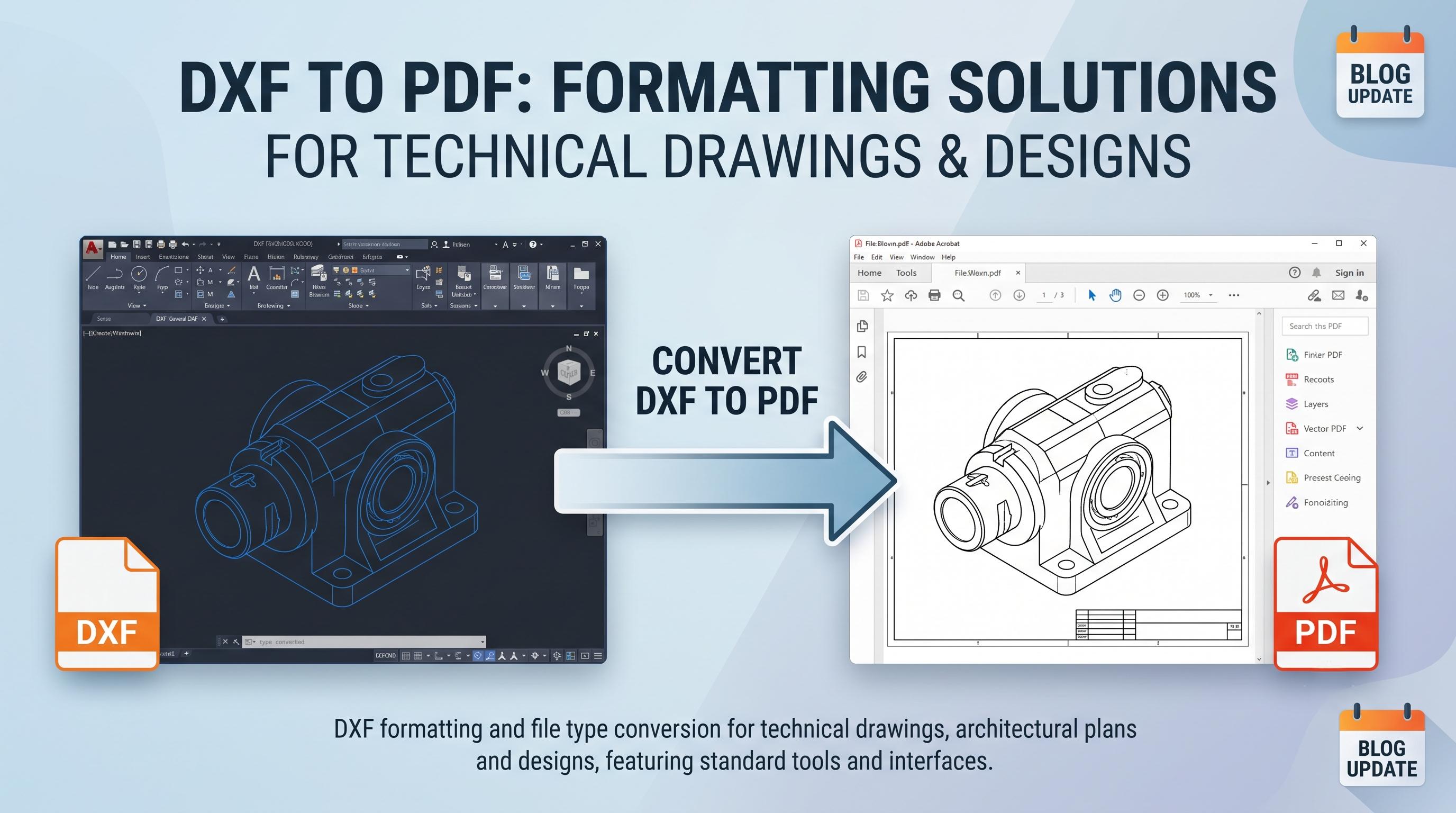
Why Does My DXF Drawing Look Different After Converting to PDF?

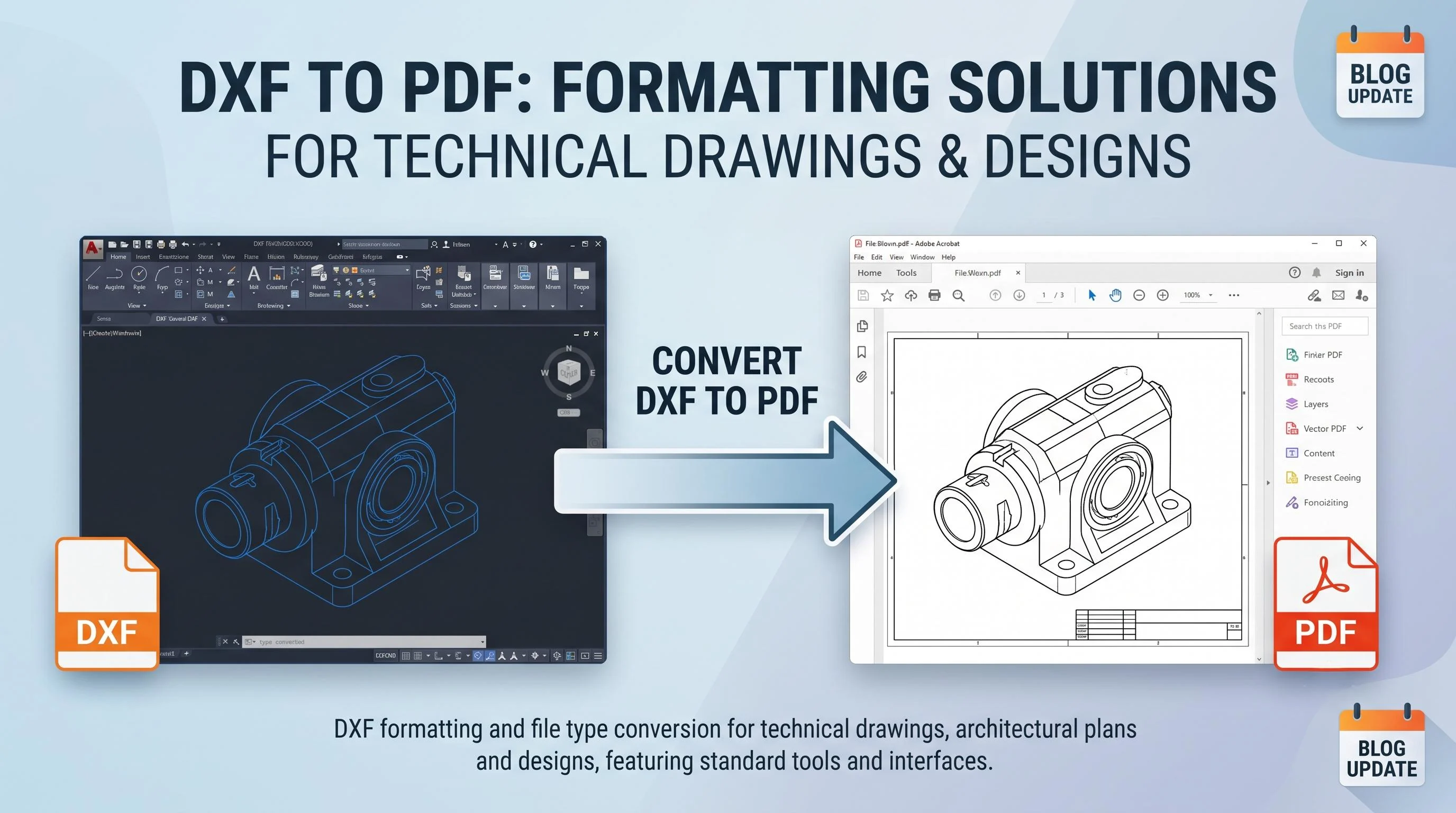

Table of Contents▼
Missing text, broken lines, or shifted scales in your DXF to PDF conversions? Learn why formatting breaks and how to get perfect CAD exports every time.
Introduction
You’ve spent six hours meticulously detailing an engineering schematic or an architectural floor plan in your CAD software. Every layer is color-coded, the dimensions are perfectly constrained, and the typography is crisp. You hit export, open the resulting PDF to send to a client or a manufacturing shop, and your stomach drops.
The dashed hidden lines are suddenly solid. The elegant font you used for annotations has been replaced by a blocky, misaligned generic typeface overlapping your borders. Even worse, when the machinist opens it, the 1:10 scale you carefully set is completely distorted.
It’s an incredibly frustrating workflow bottleneck that freelancers, architects, and mechanical engineers run into weekly. While standard document conversions (like Word to PDF) are mostly solved problems, vector graphic data formats like Autodesk's DXF (Drawing Exchange Format) are fundamentally different beasts.
When you need a quick, reliable blueprint display without firing up heavy desktop applications, web-based toolkits like Doxbar bridge the gap—but understanding why these graphical shifts happen in the first place is the key to preventing them.
Problem Breakdown
Converting CAD files to portable documents isn't just about changing a file extension. The translation layer frequently drops data due to several fundamental architectural conflicts:
Line Weight and Style Dropping: In a CAD environment, a dashed line isn't just a series of short dashes; it’s a vector property defined by specific scale factors. During conversion, the rendering engine often misinterprets these vectors, turning hidden lines, centerlines, or phantom lines into standard solid strokes.
Font Substitution Chaos: DXF files historically rely on SHX (compiled shape) fonts or specific TrueType Fonts (TTF). If the environment performing the conversion doesn't have access to your exact local font library, it panics and swaps them out, destroying your text alignments and margins.
Scale and Coordinate Distortion: CAD files exist in an infinite virtual space defined by coordinates. PDFs exist on a fixed, physical page layout (like A4 or Arch E). Forcing an infinite coordinate system into a bounding box regularly causes clipping or accidental scaling issues.
Complex Hatch Pattern Corruption: Solid fills, gradients, or complex hatching patterns (like concrete or brick symbols) frequently turn into solid black blobs or disappear entirely, rendering cross-sections unreadable.
The Bloatware Penalty: Relying on massive desktop software suites just to view or export a quick proof introduces immense friction. They take minutes to load, consume gigabytes of RAM, and don't work when you are on a tablet or a field mobile device.
Educational Deep Dive
To fix these issues, we have to look under the hood at how these formats talk to each other.
Vectors vs. Fixed Coordinates
A DXF file is essentially a highly detailed structured text file containing geometric data—points, lines, arcs, and circles relative to an origin. It doesn't inherently care about paper sizes until you set up a layout viewport.
Conversely, the PDF standard, maintained natively alongside open web specifications by bodies like the W3C and Adobe, is a fixed layout format designed to look identical on every screen. When a converter processes a DXF, it must map abstract vector units into absolute typographical points ($1 \text{ inch} = 72 \text{ points}$).
The Core Vector Conversion Process
During conversion, the software reads the DXF geometry, applies the selected viewport and scale, maps CAD coordinates to the PDF page, and then writes the final vector content. Any error in these steps can lead to misplaced text, clipped drawings, or incorrect scaling.
If the conversion engine doesn't accurately parse the transformation matrix or lacks proper viewport support, your drawing elements compress or stretch unnaturally.
Why Fonts Break: The SHX vs. TTF Dilemma
Unlike standard web apps that use OpenType or TrueType fonts, legacy CAD programs rely on SHX fonts. These aren't true text characters; they are "shape files" made of vector lines that tell the plotter pen how to move.
When converting to a PDF, an entry-level rendering engine cannot embed an SHX font because it isn't a recognized system font. It tries to approximate the shapes, leading to text string overlaps or missing symbols ($\pm$, $ \ varnothing$, \degree$).
The Role of Vector PDF Parsers
Modern browser engines utilize specialized canvas libraries to parse vector paths natively. According to documentation hosted by the Mozilla Developer Network (MDN), modern browser engines can render complex path structures efficiently via hardware acceleration. A high-quality online converter leverages these browser-native capabilities to match your original geometry precisely without flattening your drawing into a pixelated, low-resolution image.
Modern Solution Framework
When choosing how to handle your drawing exports without dropping thousands of dollars on enterprise software licenses, focus on these critical pillars:
Zero-Trust File Isolation: Your blueprints and proprietary designs are intellectual property. Look for platforms that clear your file data from remote cloud storage minutes after processing finishes.
True Vector Preservation: Ensure the output isn't just a giant, blurry JPEG embedded inside a PDF wrapper. The PDF should remain fully vector-based, allowing you to zoom in infinitely onto lines and text strings without pixelation.
Automated Viewport Bounds Detection: The system should automatically calculate the outer extents of your CAD drawing so nothing gets chopped off at the margins.
Cross-Platform Accessibility: The engine should work effortlessly whether you are running a high-end workstation, a lightweight Linux laptop, or a field tablet on a construction site.
Comparison Table
Feature / Metric | Legacy Web Converters | Desktop CAD Suites | Modern Browser-Based (Doxbar Workflow) |
Processing Speed | Slow, queue-dependent | Slow startup, fast export | Instantaneous |
Text & Font Accuracy | Poor (heavy substitutions) | Perfect (uses local fonts) | High (intelligent TTF mapping) |
Vector Sharpness | Often flattens to a low-res image | Perfect vector paths | Pure vector preservation |
System Resource Impact | Low | Extremely High | Negligible |
Cost Barrier | Free but ad-heavy/unsafe | High monthly subscription | Cost-effective / Freemium |
Data Privacy | Questionable logging | Local-only | Secure auto-wipe protocols |
Step-by-Step Workflow Guide
Exporting clean CAD files using modern lightweight tools doesn't require complex configuration profiles. Here is how to ensure formatting stays intact:
Step 1: Clean Your Drawing Space
Before uploading any DXF file, open your source drawing and run a quick PURGE and AUDIT command if possible. This clears out orphaned layers, broken blocks, and unreferenced styles that confuse standard transformation matrices.
Step 2: Upload to a Dedicated Vector Engine
Drop your clean .dxf file into the secure processing interface at Doxbar. Avoid sketchy sites running unencrypted HTTP connections.
Step 3: Set Layout Orientations
Choose your target layout settings. For wide blueprints, ensure the orientation is locked to landscape to prevent the coordinate system from squishing horizontally.
Step 4: Convert and Verify Geometry
Execute the conversion. Once the download is available, open the PDF and check three key test areas: the title block text alignment, complex circles/arcs for segmentation, and dashed lines for proper scaling.
Pros & Cons Section
The Upside
Speed: You can convert a drawing on your phone in the middle of a meeting without needing a laptop.
Accessibility: Clients can view files easily since every device has a native PDF reader, whereas viewing a DXF requires a specialized CAD viewer.
File Size Efficiency: Clean vector PDFs are drastically smaller than raw DXF text databases, making them easy to attach to emails.
The Realistic Downside
Loss of Editability: Once converted to a PDF, you lose the parametric history and block data of the CAD environment. It’s a delivery format, not a design format.
Extreme 3D Limits: If your DXF contains complex, unrendered 3D wireframes rather than clean 2D projections, the 2D flattening algorithm can look cluttered or chaotic.
Advanced FAQ Section
1. Why did my text turn into strange symbols or question marks in the PDF?
This happens when your conversion engine doesn't recognize the original CAD font. It defaults to a fallback font style, which maps specific characters or engineering symbols incorrectly.
2. Are my proprietary architectural blueprints safe when using an online converter?
If you use legacy, ad-supported free websites, your data might be stored or analyzed. Platforms like Doxbar prioritize security by implementing automated deletion scripts that wipe your files from the servers shortly after conversion.
3. Can I convert a 3D DXF file into a usable PDF?
Yes, but it will be flattened into a 2D vector graphic based on the active camera view or top-down view profile saved within the DXF file metadata.
4. Why do my circles look like jagged polygons in the final PDF export?
This is caused by a low "curve smoothness" or tessellation setting during the vector rendering phase. The algorithm is breaking down smooth mathematical splines into straight line segments to save file space.
5. What is the maximum file size limit for converting drawings online?
Most modern web tools handle up to 25MB to 50MB files seamlessly. Since DXF files are text-based, files larger than this usually contain excessive unpurged data.
6. Do I lose layer data when converting from DXF to PDF?
Standard conversions flatten all elements into a single visual plane. However, advanced vector engines can map DXF layers into native PDF layers, allowing users to toggle them on or off inside software like Adobe Acrobat Reader.
7. How do I maintain an exact 1:100 scale on an exported PDF?
Ensure that your conversion viewport matches the intended paper bounds exactly and that "fit to page" scaling is disabled during the final print or export command.
8. Why are some lines missing entirely from my PDF document?
Check your source file to see if those elements are on a designated "No Print" or defpoints layer. Conversion utilities respect these flags and skip rendering those paths.
9. Can I convert a PDF back into a workable DXF file?
You can convert it back using vector tracing software, but you will lose your original layer structures, dimensions, and parametric constraints. It will usually import as a raw collection of loose vector paths.
10. Why are my solid hatch patterns rendering solid black and covering my text?
This indicates a layer sorting or draw-order problem. Ensure text elements are brought to the front of the drawing space before running the conversion tool.
11. Does Doxbar support batch conversions for multiple CAD drawings?
Yes. Modern SaaS tools allow you to queue up multiple files at once, processing them simultaneously in isolated environments to minimize waiting times.
12. What's the difference between a DWG and a DXF file when exporting?
DWG is a closed, binary format native to AutoCAD. DXF is an open, text-based format created to allow other design programs to read CAD data easily. Because DXF is plain text, web utilities parse its vector coordinates much more cleanly.
13. Why are my line colors shifted or washed out in the PDF?
This happens if your drawing uses color index mapping dependent on a specific plot style table (.ctb file). Online converters map RGB colors directly from the vector definitions.
14. Can I run these conversions on a mobile phone?
Absolutely. Since modern online tools handle the heavy geometric math processing in secure cloud environments, any standard mobile browser can run the operation.
15. How do I fix overlapping text strings in my title blocks?
Switch your text formats in the source file from custom SHX line fonts to standard system TrueType fonts like Arial or Helvetica before converting.
16. Why does my PDF file look pixelated when I zoom in closely?
Your conversion software likely rasterized the file, turning vectors into pixels. Use a high-end tool like Doxbar that preserves raw mathematical vector lines so they stay perfectly sharp at any zoom level.
17. How long are my drawings stored on your server?
Files are typically held only long enough to complete the calculation and allow for the download loop, after which secure file deletion scripts purge them entirely.
18. Does this conversion process support civil engineering coordinate maps?
Yes, the underlying math engine maps large coordinate scales accurately, but ensure your viewport extents are wrapped tightly around the active drawing area.
19. Why did my line types change from hidden dashes to solid lines?
The global line type scale factor (LTSCALE) in your DXF file might be too small or too large for the target page size, causing the individual dashes to blend into a single solid stroke.
20. Can I convert encrypted or password-protected DXF files?
No. To protect your intellectual property, you must strip any encryption locks from the file locally before submitting it to an automated vector processing pipeline.
EEAT & Trust Signals
When navigating file transformations, safety and accuracy matter far more than flashy features. Blueprints represent physical builds, structural installations, and manufacturing pipelines where a single misplaced decimal point or clipped dimension can cost thousands of dollars in material waste.
Always cross-check critical measurements manually inside a native PDF viewer before signing off on fabrications. Our editorial team compiles these processing breakdowns based on real-world workflow struggles across the cloud architecture space, ensuring your structural assets remain private, safe, and geometrically accurate.
Conclusion
Dealing with broken CAD formatting doesn't mean you have to jump right back into heavy, high-overhead desktop programs. By managing your drawing purges, transitioning to web-standard TrueType fonts, and leaning on lightweight, vector-focused web utilities, you can easily get clean, presentation-ready PDFs every time.
The next time you need to share a fast blueprint preview with a field crew or a client, skip the system lag. Head over to Doxbar and drop your files into a clean, rapid, and secure document processing pipeline designed to respect your vectors.
Need to Convert Document Formats?
Try our secure, lightning-fast PDF conversion suite. Convert Word, Excel, Images, and more with zero formatting loss.

Doxbar Editorial
Security & Privacy Team
We specialize in secure document architectures, parsing engines, and modern developer utilities. Keeping your files safe, lightweight, and perfectly formatted.
Join the Conversation
Share your thoughts or ask a question about this topic. This is a privacy-first system.