

FODT to PDF: How to Turn a Flat XML Document into a Shareable PDF
Contents
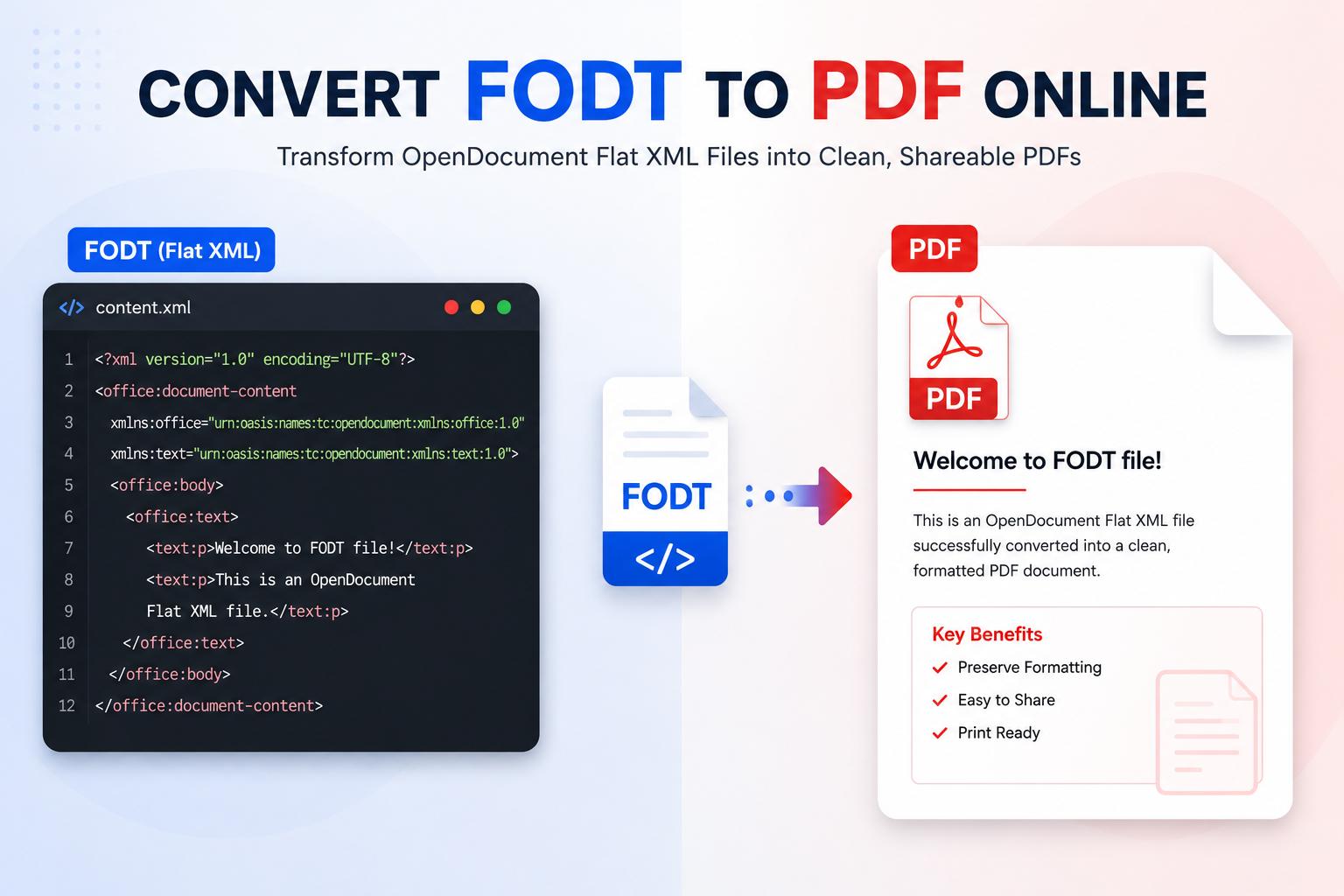
FODT to PDF: How to Turn a Flat XML Document into a Shareable PDF

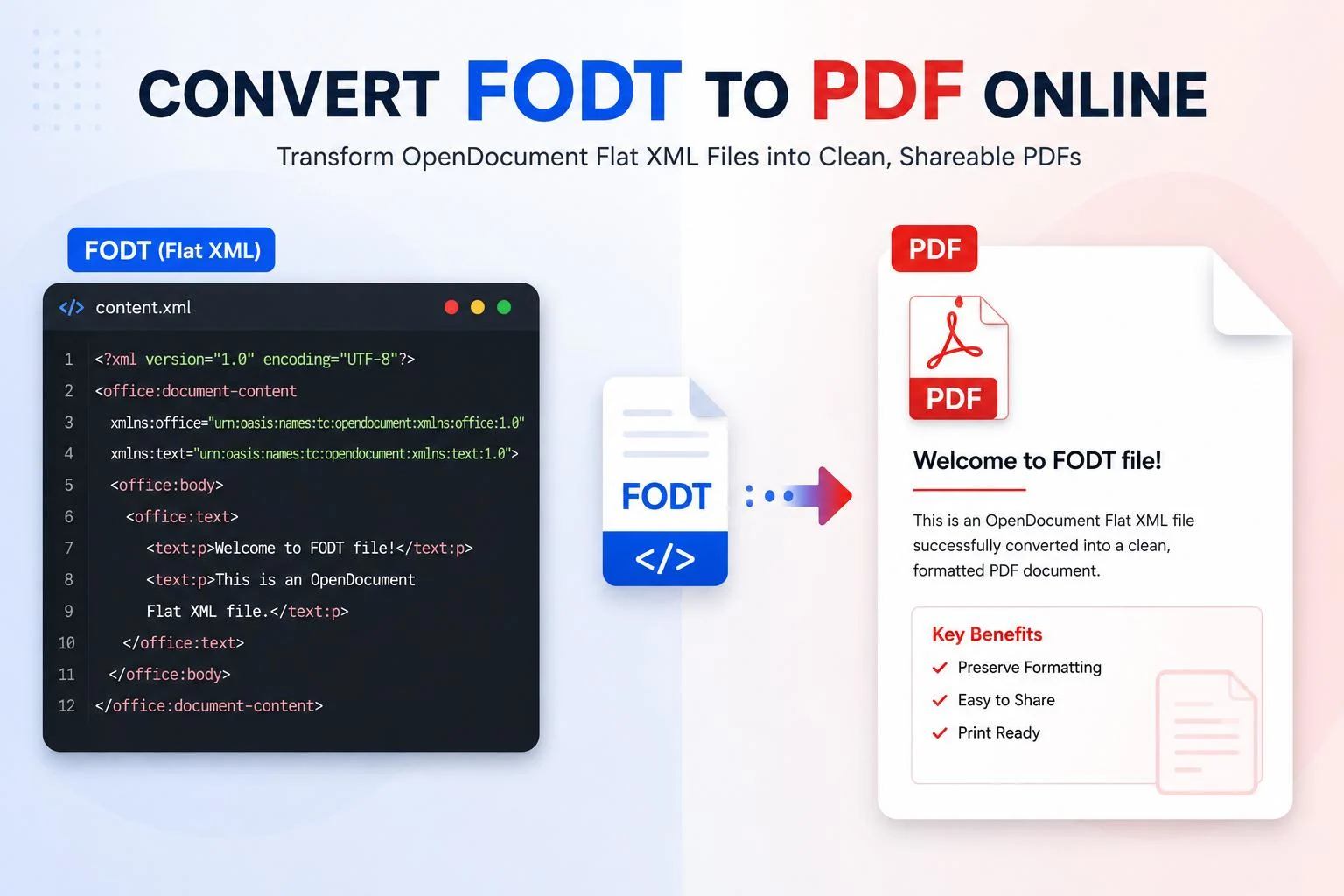

Table of Contents▼
Convert FODT files to PDF online while preserving document formatting, fonts, images, and page layout. Learn how to convert FODT using a browser or LibreOffice.
“Quick Answer: You can convert an FODT (Flat OpenDocument Text) file to PDF using a browser-based converter, LibreOffice Writer, or command-line tools. PDF converts the XML-based document structure into a fixed page layout that is easier to view, print, and share across desktop and mobile devices. To ensure visual consistency, verify font substitution, image placement, tables, and page breaks after exporting.
FODT files are useful when you need an OpenDocument file in a single, editable XML format, but they are not convenient for everyday sharing. Most people cannot open them as a normal document, and viewing the raw XML does not provide the page layout you expect.
Converting FODT to PDF turns that structured document into a fixed-layout file that is much easier to share, print, and view across devices. You can convert an FODT file with LibreOffice or use a browser-based converter when you do not want to install desktop software.
The important part is making sure fonts, images, tables, margins, and page breaks survive the conversion. This guide explains what FODT is, how to convert it to PDF, and what to check if the formatting changes.
What Is an FODT File?
An FODT (OpenDocument Flat XML Text Document) file is a single, uncompressed XML file that stores all document contents, styles, layout metadata, and embedded media.
Standard OpenDocument files (.odt) are actually ZIP-based packages containing multiple internal files such as content.xml, styles.xml, and media directories. Because standard ODT files are binary archives, reviewing granular text changes in version control tools like Git can be tricky.
This structure can be useful in automated document generation, templating workflows, and version-control environments where readable XML and line-by-line comparisons are valuable.
FODT vs. ODT vs. PDF: At a Glance
Format | What It Is | Primary Use Case | Easily Viewed on Mobile? | Editable? |
FODT (.fodt) | Single uncompressed XML document | Version control, XML pipelines, templates | No (Requires specialized apps) | Yes |
ODT (.odt) | ZIP-packaged OpenDocument archive | General word processing & editing | Limited native support | Yes |
PDF (.pdf) | Fixed-layout digital document | Sharing, distribution, archiving, printing | Yes (Universally supported) | Limited |
FODT vs ODT: Which One Should You Use?
তোমার article-এ FODT explanation আছে, কিন্তু এই comparison আলাদা section হিসেবে থাকলে topical coverage আরও ভালো হবে।
উদাহরণ:
“Use FODT when: You need readable XML, automation, or version-control-friendly document files.
Use ODT when: You primarily need a normal editable OpenDocument file for everyday writing.
Use PDF when: You need a finished document for sharing, printing, or distribution.
Why Convert FODT to PDF?
While FODT works well inside development pipelines and office suites, sharing raw XML with external recipients presents several challenges:
Viewer Incompatibility: Most everyday users do not have LibreOffice, Apache OpenOffice, or an XML viewer installed. If opened in a basic text editor or standard browser, an FODT file displays raw markup tags rather than formatted pages.
Accidental Edits: Because FODT is a working source document, sending it to third parties invites unintended alterations to text or styling.
Inconsistent Rendering Across Systems: If the recipient opens the file in a different office suite or on an operating system that lacks the original fonts, margins, line wraps, and pagination can shift noticeably.
Universal Presentation: PDF fixes text, margins, and graphics into an unalterable visual structure that looks identical on Windows, macOS, Linux, iOS, and Android.
Need a quick browser-based option?
If you do not want to install LibreOffice, you can use Doxbar's FODT to PDF converter to convert the file directly from your browser.
Open your browser and navigate to a dedicated document converter like Doxbar FODT to PDF.
Upload your .fodt file from your local storage or drag and drop it into the conversion zone.
Select PDF as your desired output format.
Click Convert and allow the engine to process the XML styling tree.
Download your finished PDF and inspect the layout for accuracy.
Need to convert a file right now?
Upload your file to Doxbar and convert FODT to PDF directly in your browser—no software installation or account setup required.
How to Convert FODT to PDF with LibreOffice
If you already use LibreOffice or Apache OpenOffice, you can convert your document directly using desktop software:
Open LibreOffice Writer.
Go to File > Open and locate your .fodt file.
Check the document to ensure all embedded media, custom fonts, and tables appear as expected.
Navigate to File > Export As > Export as PDF....
Select your export parameters (such as standard PDF or PDF/A for archiving) and click Export.
Choose your destination folder and save the file.
Convert FODT to PDF with LibreOffice from the Command Line
For system administrators and developers who need to convert documents automatically in batch processes or continuous deployment pipelines, LibreOffice provides a headless conversion flag:
Bash
# Convert a single FODT document to PDF headlessly libreoffice --headless --convert-to pdf document. fodt # Batch convert all FODT files in a directory libreoffice --headless --convert-to pdf *.fodt
This method executes server-side without launching a visual desktop interface, making it suitable for automated report generation and background processing jobs.
How to Prevent Formatting Problems During Conversion
While standard conversions are typically straightforward, complex XML documents can encounter visual discrepancies. Here is how to keep your formatting intact:
Missing Fonts & Text Reflow: If the conversion environment lacks the exact font used in the FODT document, a fallback font will be substituted. This can alter line height and push text onto extra pages. Stick to standard typographic families or ensure custom fonts are available on the rendering system.
Embedded Images: FODT documents can contain image data within the XML package, including encoded binary data. If a conversion tool does not correctly process those resources, images may fail to appear in the PDF.
Table Widths and Page Bounds: Wide tables with fixed pixel dimensions can sometimes clip or split awkwardly across margins. Ensure tables use proportional widths or fit within standard page boundaries.
Page Breaks and Headers: Check that section breaks, running headers, and footers line up correctly, particularly around multi-page tables.
Special Characters and Symbols: Ensure the document uses standard UTF-8 encoding so mathematical notations, currency symbols, and non-Latin characters render properly without substitution artifacts.
Workflow Comparison: Online Converter vs. LibreOffice
Method | Best For | Software Setup | Speed | Ideal Environment |
Online Converter (e.g., Doxbar) | Quick, one-off conversions without software | None (Browser-based) | Instant | Any browser, mobile, or desktop |
LibreOffice Desktop GUI | Detailed visual inspection before export | Full office suite installation | Moderate | Personal workstation / Office setup |
LibreOffice CLI | Programmatic automation & bulk jobs | CLI / Server dependencies | Fast | Backend servers, scripts, CI/CD |
What Happens to FODT Content After Conversion?
Converting an FODT file to PDF fundamentally changes how the underlying data is stored:
From Editable Nodes to Fixed Layout: In FODT, content exists as semantic XML nodes (<text:p>, <table: table>). In PDF, elements are compiled into fixed visual coordinates on a page canvas.
Formulas and Calculations: Dynamic formula fields are rendered as static text values based on the state of the document at the time of conversion.
File Size Differences: An FODT file with multiple embedded images contains bulky Base64 text. Depending on the embedded images, fonts, and PDF export settings, the resulting PDF may be smaller or larger than the original FODT file. Output size varies depending on resolution settings.
Security and Immutability: Unlike raw XML, which can be modified in any basic text editor, a converted PDF protects your text structure from accidental alterations during distribution.
Frequently Asked Questions (FAQ)
What does FODT stand for?
FODT stands for Flat OpenDocument Text. It is an uncompressed, single-file XML implementation of the OpenDocument standard (ODF).
Can I convert FODT to PDF without LibreOffice?
Yes. You can use an online browser-based converter like Doxbar, which processes the XML layout and generates a standard PDF without requiring local desktop software.
Can Microsoft Word open FODT files?
Microsoft Word has native support for standard .odt files, but it does not reliably open .fodt files. Word may fail to recognize the extension or display it as unparsed raw XML text.
How do I preserve formatting when converting FODT to PDF?
To keep your layout consistent, ensure that standard fonts are used, table dimensions fit within page margins, and complex multi-page sections are previewed before distribution.
Why did my fonts or line breaks change after conversion?
This happens when the system converting the file does not have access to the exact fonts specified in the FODT XML. When a fallback font is substituted, character widths differ, causing text to wrap differently.
Can I convert FODT to PDF on a mobile device?
Yes. Open your mobile browser on iOS or Android, upload the .fodt file to an online converter, and save the exported PDF to your device storage or cloud drive.
Can I convert FODT to PDF on Linux?
Yes. Linux users can convert files via the LibreOffice desktop interface, through the terminal using libreoffice --headless --convert-to pdf filename.fodt, or through an online browser tool.
Can I batch convert multiple FODT files?
Yes. You can process multiple files simultaneously using the LibreOffice command-line interface on a desktop or server, or by utilizing batch queues on supported web converters.
What happens to tracked changes during conversion?
If an FODT file contains active revision marks, different converters may render the markup visually or export the document with changes incorporated. To avoid ambiguity, accept or reject all revisions before compiling the final PDF.
Can I convert a PDF back to an FODT file?
While you can convert a PDF back into an editable text document using OCR or document reconstruction tools, you will rarely recover the exact original XML structure or custom style definitions of the initial FODT source file.
Best Practices Before Sharing the PDF
Before emailing or distributing your newly converted PDF, take a moment to run through this quick pre-flight checklist:
Verify Page Margins: Ensure no text blocks or wide tables are clipped near the page edges.
Check Graphic Clarity: Confirm that embedded diagrams, screenshots, or corporate logos are rendered at full sharpness.
Inspect Page Count: Verify that font substitutions did not push closing text onto an unwanted trailing blank page.
Retain the Source File: Keep your original .fodt file in your repository or local drive for future revisions, using the PDF strictly as your shareable, read-only copy.
Conclusion
FODT is an excellent format for automated document pipelines, templating, and version-controlled writing environments. However, it is not built for routine client distribution or mobile reading.
Converting your document to PDF provides a clean, fixed visual layout that anyone can open, review, and print with complete fidelity.
If you need a fast, reliable way to convert an FODT file without installing desktop software, try Doxbar's FODT to PDF Converter to get a shareable PDF in seconds.
Need to Convert Document Formats?
Try our secure, lightning-fast PDF conversion suite. Convert Word, Excel, Images, and more with zero formatting loss.

Doxbar Editorial
Security & Privacy Team
We specialize in secure document architectures, parsing engines, and modern developer utilities. Keeping your files safe, lightweight, and perfectly formatted.
Join the Conversation
Share your thoughts or ask a question about this topic. This is a privacy-first system.