

Can a PDF Play an Animated GIF? What Happens During GIF to PDF Conversion
Contents
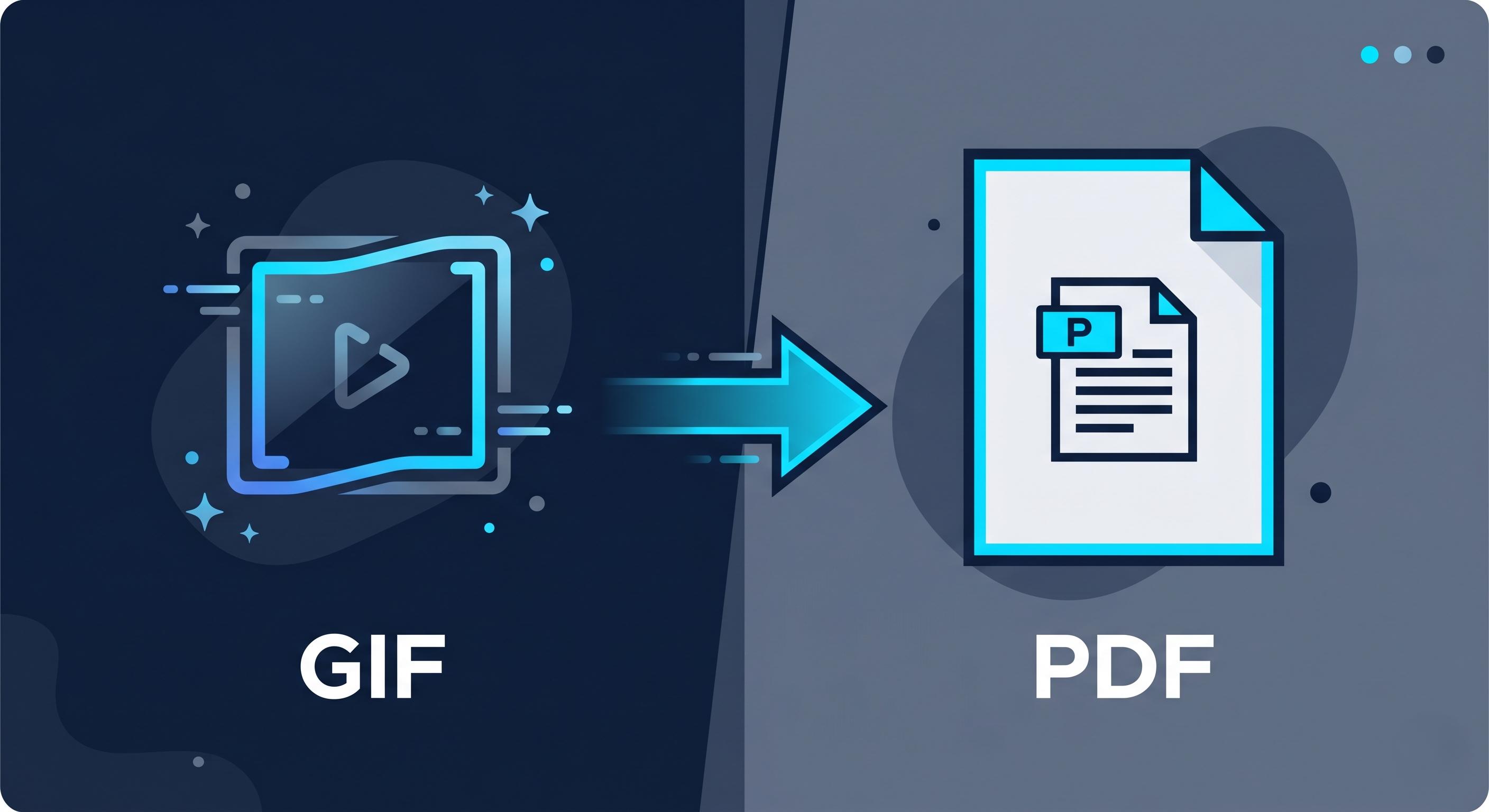
Can a PDF Play an Animated GIF? What Happens During GIF to PDF Conversion

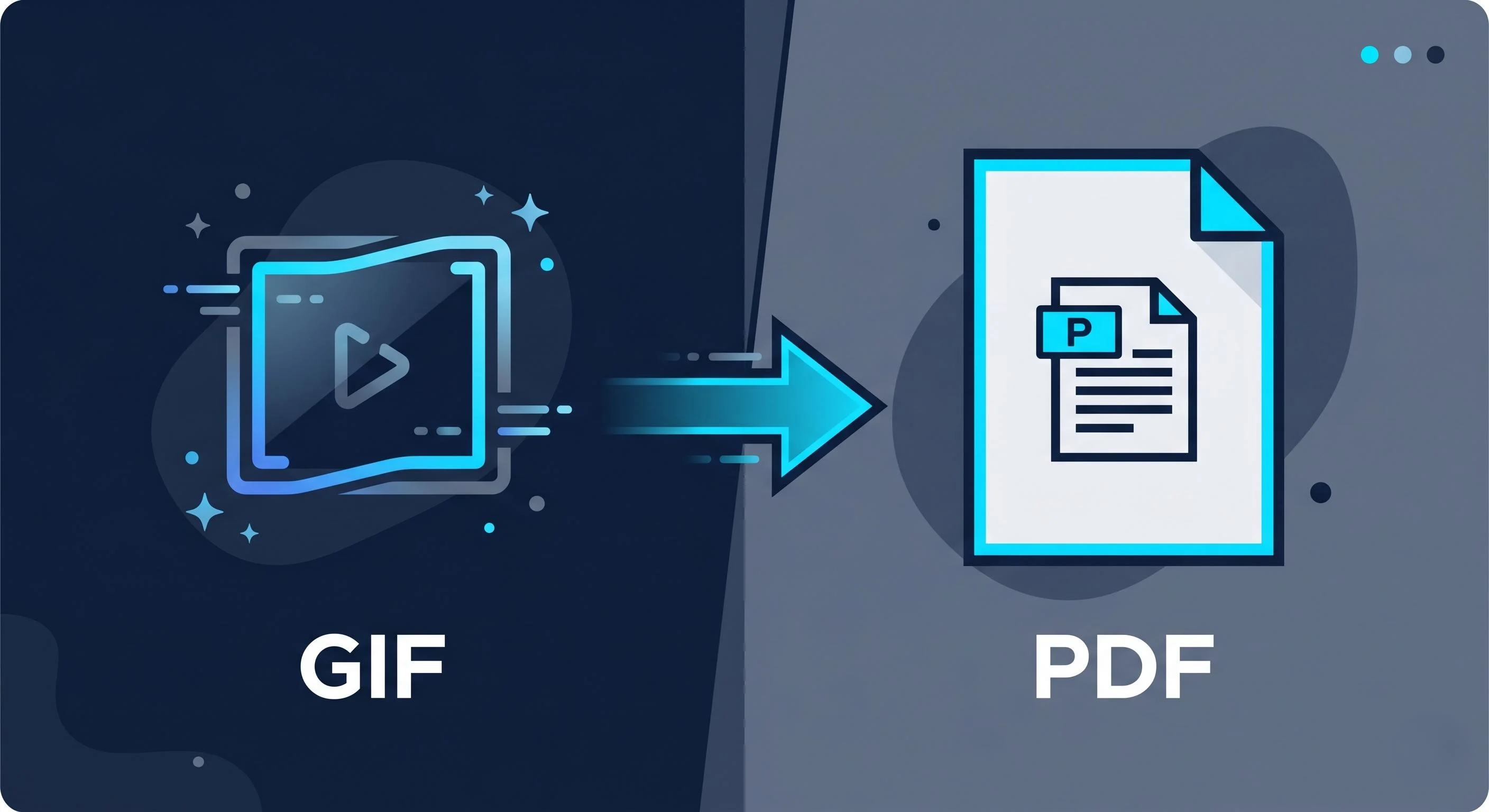

Table of Contents▼
Wondering why GIF animation disappears when converted to PDF? Read an expert breakdown of PDF specifications, rendering engines, and how to keep your layout.
Imagine you have spent hours perfecting an animated looping diagram for a client presentation or an interactive training manual. It perfectly illustrates a complex user workflow. But the corporate client requests the final resource packet as a standardized PDF. You drag your GIF into a standard converter, hit save, and open the new document—only to find a completely frozen, static image. The motion is gone, the context is ruined, and you are left wondering where those crucial frames went.
This is a classic friction point in modern digital workflows. We rely on GIFs for quick, snackable loops of motion, yet the professional world runs on the predictability of PDFs. When these two formats collide, the transition is rarely seamless.
⚡ Quick Answer: Does GIF Animation Work in PDF?
No. When you convert an animated GIF to PDF, the animation is permanently lost because standard PDF files do not support automatic frame playback. Most document rendering engines extract only the first frame (Frame 0) or a static flattened thumbnail of the GIF, discarding the remaining temporal frame data. To share motion within a PDF, you must link out to an external cloud asset or break the animation down into a multi-page step-by-step storyboard.
Why the Animation Disappears: The Core Problem
Most users assume GIF-to-PDF conversion preserves motion because both formats can contain images. In reality, the conversion process removes temporal frame data because PDF rendering engines are designed for digital document preservation, not dynamic media playback.
The fundamental issue boils down to a clash of underlying file structures:
The Raster Loop vs. The Static Canvas: The Graphics Interchange Format (GIF) functions like a digital flipbook, cycling through compressed raster frames at a set frame rate. Conversely, the Portable Document Format (PDF), initially developed by Adobe, mimics physical paper. It relies on fixed vector coordinates, explicit font mappings, and static object placement. Because physical paper cannot move, the official PDF Specification does not listen for automated image-looping protocols.
The Death of Embedded Media Standards: In the past, legacy desktop apps like Adobe Acrobat Pro allowed users to create an Interactive PDF by embedding rich Flash media or raw video loops. However, modern web browsers, secure document viewers, and mobile preview engines now strictly block or ignore these embedded scripts due to severe security vulnerabilities and execution lags.
The File Size Explosion: If an unoptimized conversion tool actually attempted to extract every single image layer from an animated image format and map them into individual PDF pages, a tiny 3 MB web graphic would instantly balloon into a bloated, 60-page document that crashes mobile browsers.
Educational Deep Dive: How Conversion Engines Process Images
When you drop an asset into an online file converter, the server-side document rendering engine opens the file container format to read its binary blocks.
[Animated GIF Container] │ ├──► Frame 0 (Static Layout Base) ──> Extracted & Flattened ├──► Frame 1 (Temporal Motion) ──> Stripped / Discarded └──► Frame 2 (Temporal Motion) ──> Stripped / Discarded │ ▼ [Standard PDF Canvas Object] (Result: Crisp, Static Image)
A standard engine is programmed to look for structural data that matches the output canvas. Since a standard PDF sheet cannot natively register variable frame rates, the engine performs a flattening process. It captures the initial reference frame, applies layout preservation rules to maintain the exact aspect ratio, and converts it into a standard static raster format (like a JPEG or PNG string) pinned to the PDF page coordinates.
This structural limitation isn't unique to graphics. The same challenges regarding document interoperability show up whenever you try to bridge mismatched formats—such as moving complex grid data from Excel sheets to PDF without breaking cell constraints, or transitioning rich text formatting from Word docs to web layers.
Modern Solution Framework: What to Look For
If your design project, technical brief, or marketplace listing relies heavily on an animation, you cannot fix it using simple, legacy offline software installations. Instead, you must build a modern, browser-native workflow around the following core pillars:
Layout and Aspect Ratio Preservation: The single frame that is extracted must retain its precise color depth, sharpness, and vector boundaries without forcing or stretching the image into an awkward print layout.
Cross-Platform Accessibility: The converted document must open identically inside native browser sandboxes (like Chrome, Safari, or Mozilla Firefox) without prompting the end-user to install risky media plugins.
Data Security & Privacy-First Architecture: Since you are processing operational assets, your files should never sit on an open server. The platform must use secure end-to-end encryption and execute automated data wipes within minutes of conversion.
Comparing the Approaches to File Conversion
Feature / Workflow | Legacy Online Utilities | Bulky Desktop Software | Modern Browser-Based Utilities (Doxbar) |
Animation Processing | Drops frames randomly; frequently distorts image aspect ratios. | Can manually isolate frames, but demands expensive local licenses. | Cleanly flattens the asset to a crisp, high-resolution base frame. |
System Resource Footprint | Ad-heavy pages that cause browser tabs to freeze or lag. | High storage footprint; it slows down local machine boot sequences. | Zero local installation; runs entirely inside an isolated browser sandbox. |
Data Privacy Standards | Keeps files on public server paths for third-party data tracking. | Safe locally, but exposed if the software patches fall out of date. | Secure ephemeral processing; server logs are automatically cleared. |
Step-by-Step Workflow: How to Convert While Keeping Context
Because a standard PDF canvas cannot play motion, use this structured workflow to safely convert your file without losing the informational value of your animation:
Step 1: Optimize the Initial Frame
Ensure your GIF doesn't start with a blank fade-in or a black screen. If it does, a standard conversion engine will render an empty box. Set your first frame to the most visually descriptive moment of the sequence.
Step 2: Drop the Asset into a Secure Converter
Navigate to a web-native utility like Doxbar. Drag your animated file into the encrypted file zone. The system will safely read the file metadata without triggering malicious script paths.
Step 3: Let the Engine Flatten the Canvas
The conversion architecture extracts the high-resolution base asset, scales it perfectly to standard page boundaries, and wraps it into a clean, optimized PDF container.
Step 4: Verify Across Devices
Download your output file. Test it across multiple viewports—such as an iOS/Android native reader and a desktop browser preview—to guarantee that the layout remains uniform and formatting loss is at zero.
Step 5: Embed a Dynamic URL Bridge
If the motion loop is completely mandatory for your viewer, place a clean hyperlink directly underneath the flat image inside the document, pointing to a secure cloud link hosting the live, looping file.
Pros & Cons of Flattening Animated Graphics
Pros
Flawless Cross-Platform Rendering: Eliminates broken media icons and plugin errors on the recipient's screen.
Drastic File Size Compression: Stripping the extra temporal frames sheds heavy megabytes, making the document easy to email.
True Print Readiness: Allows the document to be physically printed without encountering clipping paths or web layout corruption.
Cons
Loss of Dynamic Motion: The animation is permanently frozen into a single visual instance.
Potential Loss of Complex Context: If an instructional step relied entirely on seeing the movement, that standalone context disappears.
Advanced FAQ Section
1. Does PDF support animated GIFs under any circumstances?
According to the official modern PDF Specification, standard documents do not support auto-playing animated formats. While legacy software suites previously allowed rich media embedding via external players, modern security frameworks widely reject these files to mitigate malware delivery risks.
2. Why does my GIF to PDF conversion lose animation completely?
The process loses animation because the conversion engine flattens the file. It reads the source container, isolates the primary base frame, and drops the remaining temporal layers to generate a lightweight, standardized page that can display consistently on any screen.
3. How can I show an animated image in PDF reports safely?
The most reliable method is to use a high-quality static screenshot as a visual placeholder within the page layout, and pair it with an explicit hyperlink or a QR code that redirects the reader to the live animation hosted on a secure cloud server.
4. Can a PDF play a GIF if I open it inside Adobe Acrobat Pro?
No, modern document viewers will still render it as a flat, static image. Acrobat Pro can embed video containers like MP4s using specialized interactive tools, but this practice is increasingly discouraged because mobile operating systems usually fail to render them.
5. Why do some online converters turn my transparent GIF into a solid black box?
This happens when an unoptimized engine fails to process the alpha transparency layer of the original file. When translating the asset to a standard PDF color space, it defaults the empty background transparency channel to solid black text or dark blocks instead of mapping it onto a clean white background plate.
6. Is it possible to execute a GIF frame extraction into a multi-page PDF?
Yes, but you cannot use a standard single-page tool. You must first use an image processing utility to split the animated GIF into its separate static frames (such as individual PNG files), and then use a merging tool to bundle those frames sequentially into a single multi-page PDF document.
7. What happens to the underlying image quality during conversion?
If you use a premium, modern cloud engine, the resolution, pixel density, and color fidelity of the reference frame are preserved perfectly. Low-end or ad-supported converters often apply aggressive raster compression, resulting in fuzzy text and pixelated edges.
8. Why are browser-native workflows safer than downloading offline conversion utilities?
Local software apps often require administrative privileges, use local system resources, and expose your machine to vulnerabilities if left unpatched. Web-native tools run instantly inside your browser's secure sandbox environment without altering your system configuration.
Topical Architecture: Related Guides & Resource Clusters
To build deep operational familiarity with modern digital asset and document workflows, explore our comprehensive technical breakdowns:
PNG to PDF Layout Processing: Understanding how vector layouts handle transparency differently than static pixel grids.
JPG to PDF Quality Loss: How to prevent blurriness, artifacts, and pixelation during image-to-document compression phases.
Why PDF Formatting Breaks: A deep look at font substitutions, margin misalignments, and cross-platform rendering failures.
Are Online File Converters Safe? The definitive checklist for verifying server-side encryption, data privacy standards, and automated file deletion schedules.
Conclusion
Converting an animated GIF to a PDF inherently transforms a dynamic web asset into a static, secure document. While the motion loop is removed, you gain universal cross-platform compatibility, minimal file profiles, and reliable print readiness. The key to maintaining a clean professional workflow is choosing lightweight, web-native utilities that protect your data privacy and keep your visual scales perfectly intact.
Need to convert GIFs, images, or legacy documents without installing bulky software or compromising your data security? Doxbar provides exceptionally fast, browser-based tools that handle your file transformations securely in the cloud, keeping your daily formatting workflow completely effortless.
Need to Convert Document Formats?
Try our secure, lightning-fast PDF conversion suite. Convert Word, Excel, Images, and more with zero formatting loss.

Doxbar Editorial
Security & Privacy Team
We specialize in secure document architectures, parsing engines, and modern developer utilities. Keeping your files safe, lightweight, and perfectly formatted.
Join the Conversation
Share your thoughts or ask a question about this topic. This is a privacy-first system.