

POTM to PDF: Convert Macro-Enabled PowerPoint Templates
Contents
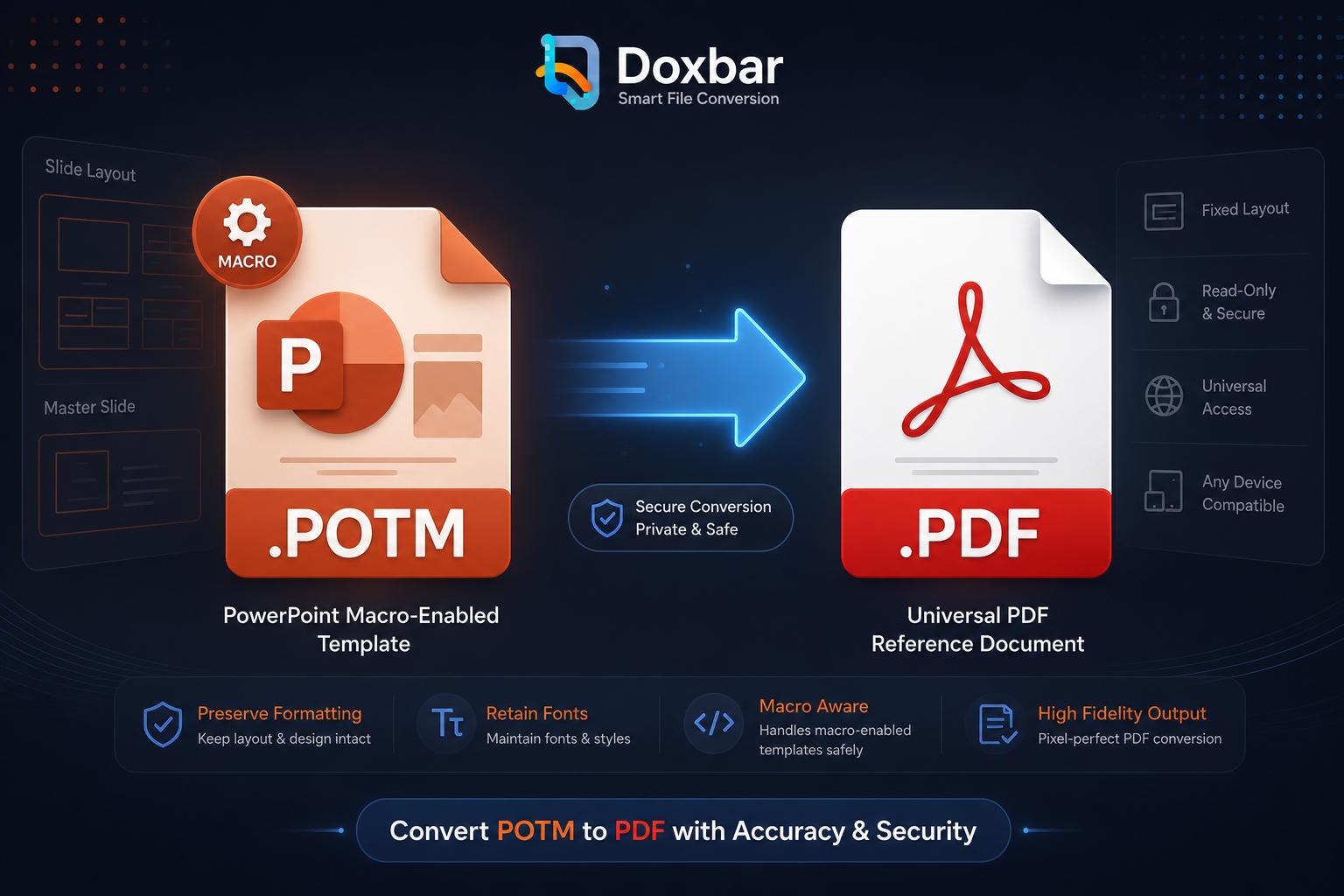
POTM to PDF: Convert Macro-Enabled PowerPoint Templates

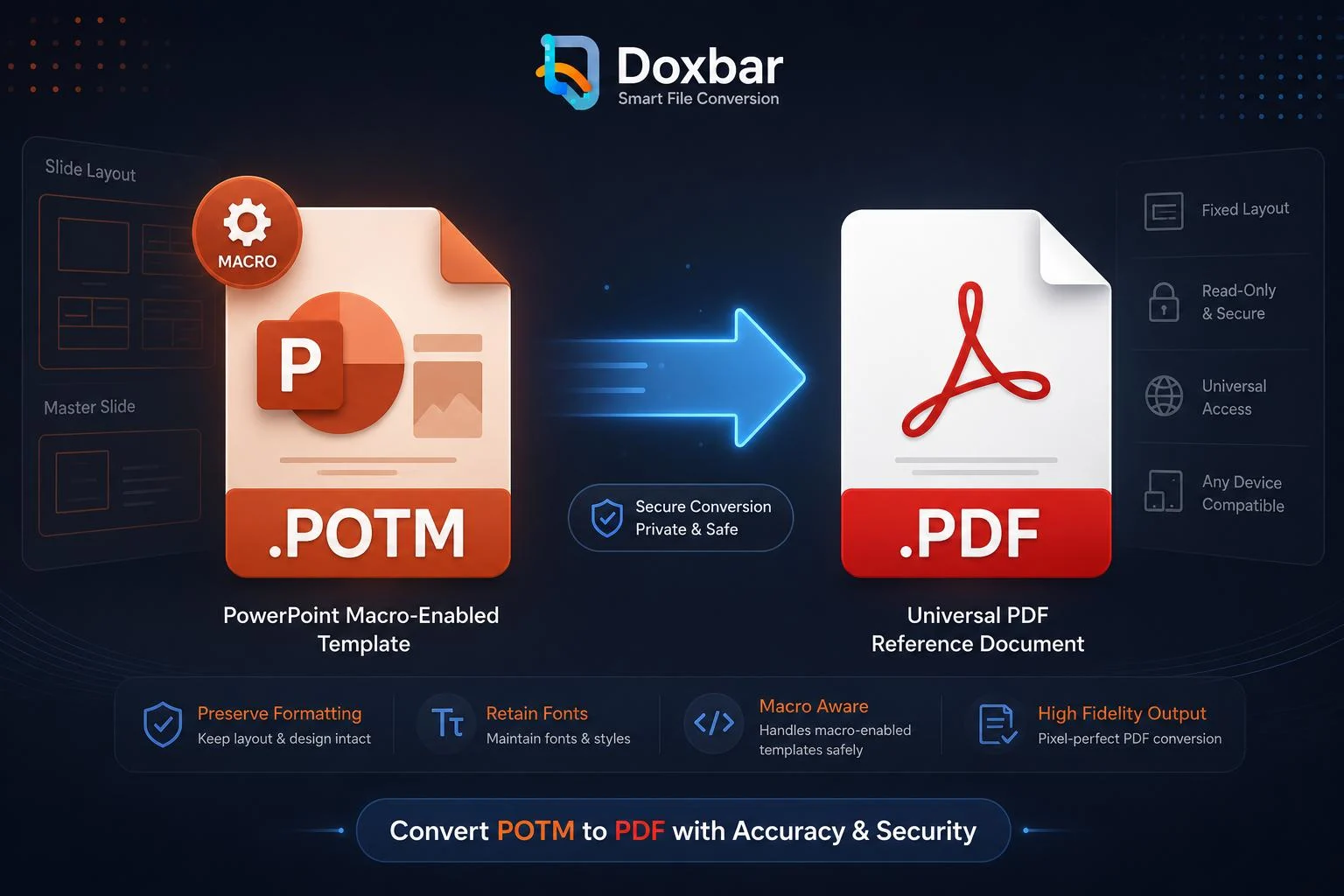

Table of Contents▼
Learn how to convert POTM macro-enabled PowerPoint templates to PDF without losing slide formatting, breaking layouts, or exposing sensitive VBA code.
1. Introduction: The Frustration of Sharing Macro-Enabled Templates
Picture this: You spent two days building a polished PowerPoint reporting template. It includes custom VBA macros that pull monthly performance figures, format tabular charts automatically, and apply client-specific color palettes. Everything works seamlessly on your desktop.
Then comes the moment to share it with your manager, an external auditor, or a client who just wants to review the final design.
You email the raw file. Five minutes later, the messages start rolling in:
"My phone won't open this file."
"Microsoft 365 showed a scary security banner blocking the macros."
"The layout is scrambled, and half the fonts are missing."
Sending a raw .potm file outside your internal desktop environment is a recipe for broken layouts and friction. When people only need to read the deck, approve the slide structures, or archive a report, they do not need your underlying automation code. They need a fixed, lightweight, platform-neutral document.
Converting your POTM to PDF bridges that gap instantly. It freezes your visual layout, strips out security warnings, and lets anyone review your slides on any device without touching your underlying PowerPoint environment.
2. Breaking Down the File Bottleneck: What Makes POTM Files Tricky?
To understand why POTM files cause headaches, it helps to break down what this format actually is.
A POTM file is an OpenXML macro-enabled presentation template. Unlike a standard .pptx or .potx, a POTM holds underlying Visual Basic for Applications (VBA) project code designed to automate repetitive slide generation.
While powerful, this format creates distinct operational hurdles:
Security Flagging and Antivirus Blocks: Because macro code can theoretically carry malicious payloads, enterprise firewalls, email gateways, and modern web mail clients treat macro-enabled files with high suspicion. Many corporate IT filters quarantine .potm attachments automatically.
Mobile and Web Viewer Incompatibility: The web and mobile versions of Microsoft PowerPoint (as well as Google Slides and Apple Keynote) do not execute desktop VBA scripts. When opened on mobile devices, POTM files often throw errors or fail to load slide layouts correctly.
Accidental Template Overwrites: Templates are meant to spawn new presentations, not serve as final deliverables. Sharing a template directly creates version-control confusion, where users edit the master structure instead of generating an instance deck.
Font and Asset Drift: If your template relies on specific brand fonts or embedded vector shapes, recipients without those local typography assets installed will see generic fallback fonts that disrupt slide geometry.
3. Educational Deep Dive: How the File Architecture Differs
Understanding the underlying OpenXML architecture clarifies why converting a PowerPoint template to PDF behaves differently from converting standard office documents.
File Format Matrix: POTM vs. Common PowerPoint Formats
Format | Full Name | Primary Purpose | Contains Macros? | Generates New File on Double-Click? |
.POTM | PowerPoint Macro-Enabled Template | Reusable layout master with VBA scripts | Yes | Yes (opens as a new .pptm) |
.POTX | PowerPoint Standard Template | Standard reusable slide layouts | No | Yes (opens as a new .pptx) |
.PPTM | PowerPoint Macro-Enabled Presentation | Working presentation deck with VBA | Yes | No (opens the file itself) |
.PPTX | PowerPoint Standard Presentation | Standard working slide deck | No | No (opens the file itself) |
Portable Document Format | Fixed-layout distribution document | No | No (universal static view) |
Why Converting to PDF Solves the Underlying Problem
When you convert a PowerPoint macro template to PDF, the rendering engine processes the visual composition tree—slide masters, background shapes, typography positions, and placeholder geometry—and prints them into a fixed vector/raster coordinate space.
According to the open standards documented for Office Open XML on Wikipedia, presentation templates separate raw XML slide definitions from the binary macro storage (vbaProject.bin).
During a standard PDF export or raster conversion:
The conversion engine evaluates the slide master layers and visual elements.
The engine executes layout calculations, matching the specified aspect ratios (16:9 widescreen or 4:3 standard).
The binary VBA module is intentionally omitted from the target output.
The visual layers are written to the fixed-layout ISO 32000 PDF Standard specification managed by Adobe and ISO committees.
The result is a clean visual representation of your slide deck that requires no local script interpreter, displays identically on an iPhone or an enterprise Linux workstation, and carries zero malware flags.
4. Modern Solution Framework: What to Look for in a File Workflow
Whether you convert files using desktop software or modern browser-based utilities, your workflow should meet specific reliability and safety standards.
Layout and Coordinate Precision: Slide templates rely heavily on tight typography margins, multi-column text boxes, and background color blocks. A reliable converter must respect exact point-based coordinates rather than estimating text flow.
Zero Script Execution Risk: The tool should parse the visual presentation structure without executing macro instructions on the server side, ensuring safe document handling.
Cross-Device Accessibility: The resulting PDF must render predictably across Adobe Acrobat, browser PDF viewers (Chromium/Gecko engines), Apple Preview, and mobile PDF readers.
Data Hygiene and Privacy: For cloud processing, look for platforms that process transfers over encrypted HTTPS/TLS connections and automatically purge temporary files from cache shortly after processing.
5. Architectural Comparison: Legacy vs. Modern Conversion Methods
Different tools handle template rendering with varying degrees of fidelity and overhead.
Attribute | Legacy Desktop Suites | Old-School Ad-Heavy Converters | Modern Web Workflow (e.g., Doxbar) |
Installation Requirement | Heavy local install (2GB+) | None (Browser) | None (Browser) |
Mobile Accessibility | Poor / Limited functionality | Cluttered mobile UI | Responsive, mobile-first |
Macro Safety Handling | Prompts user with warnings | Varies (often fails on .potm) | Strips macros, renders pure layout |
Processing Speed | Depends on local hardware | Slow / Queued processing | Fast cloud-based parsing |
Security & Privacy | Local only | High tracking / Ad networks | Strict data privacy & auto-deletion |
Fidelity to Master Layouts | High | Low to Moderate | High vector precision |
6. How to Convert POTM to PDF Step-by-Step
Converting your macro template into a client-ready PDF takes less than a minute. Here is the standard workflow:
Upload the POTM File: Select your .potm template from your local drive, cloud storage, or drag it into the Doxbar converter window.
Set Your Target Output: Select PDF as your desired export format.
Initiate Processing: The engine reads the XML structure, parses the master slides, and strips the inactive VBA project payload.
Download the PDF: Save the generated PDF directly to your device.
Quick Verification: Open the file to verify that custom fonts rendered cleanly and table cell borders stayed intact before sending it off for review.
7. Realistic Pros & Cons of Converting POTM to PDF
Maintaining a balanced workflow means knowing when to convert and when to keep files in their native formats.
Advantages
Friction-Free Sharing: Anyone can open the document on iOS, Android, macOS, Windows, or Linux without warning dialogs.
Preserves Visual Hierarchy: The PDF locks vector shapes, text alignments, and color codes in place.
Reduces Security Friction: Stripping VBA scripts eliminates security warnings in enterprise email systems.
Smaller Footprint: Removing unused template overhead and embedded macro binaries often yields a more compact file size for easy emailing.
Disadvantages & Trade-offs
Loss of Interactivity: A PDF cannot execute interactive macros, buttons, or dynamic form fields created in VBA.
Static Content Only: If your POTM template contains live data links to an Excel spreadsheet, the PDF will capture only the values present at the moment of conversion.
Non-Editable Slide Structure: While helpful for review, a PDF cannot be used as an active presentation template to generate new PowerPoint decks without reverse conversion.
8. Advanced FAQ Section
General & Conceptual Questions
What is a POTM file?
A POTM file is a Microsoft PowerPoint template that contains preconfigured slide layouts, formatting, and Visual Basic for Applications (VBA) code used to automate formatting or data-population tasks.
Why should I convert a POTM file to PDF?
Converting a POTM to PDF makes the slide layout universally viewable on any device, prevents recipients from seeing macro security warnings, and protects your master template from accidental edits.
Will my macros work inside the converted PDF?
No. PDFs do not support PowerPoint VBA macros. The PDF captures a static visual snapshot of the slide designs.
What is the primary difference between POTM and PPTM?
A POTM is a template designed to generate new presentation instances when opened. A PPTM is a standard presentation file containing specific slides and macros.
What is the difference between POTM and POTX?
POTM files support macro automation scripts (VBA), whereas POTX files are standard OpenXML templates that cannot store macros.
Can I convert POTM directly to PDF without opening PowerPoint?
Yes. Modern online conversion tools like Doxbar process the OpenXML slide data directly in your browser without requiring desktop office software.
Does converting a POTM file to PDF alter my original file?
No. The conversion process creates a completely new, independent .pdf document while your original .potm source file remains untouched.
Technical & Formatting Questions
Will custom fonts in my POTM file stay intact after conversion?
Yes, provided the conversion engine processes the font metrics properly. Standard fonts render identically, while non-standard fonts are embedded as vector outlines to prevent layout shifts.
How does a converter handle hidden slides inside a POTM?
Most standard converters render all slides defined in the master tree. If your template has hidden slides intended only for scratch work, review the exported PDF and remove unwanted pages using a PDF organizer.
Will widescreen 16:9 layouts convert properly to PDF?
Yes. Modern converters detect the aspect ratio configured in the slide master XML (whether 16:9 widescreen, 4:3 standard, or custom dimensions) and create matching PDF page dimensions.
What happens to embedded audio or video files during conversion?
Because PDF is primarily a print and visual document standard, embedded media clips will render as static poster images representing the video thumbnail.
Can I convert a password-protected POTM file?
If the file requires a password to open, you must provide the password or remove protection before the conversion engine can parse the internal XML tree.
Does converting POTM to PDF reduce file size?
In most cases, yes. Stripping out the VBA binary container, template revision data, and unreferenced master layouts generally produces a leaner file.
Workflow & Comparison Questions
Should I convert POTM to PPTM before converting to PDF?
Not necessarily. While you can open a POTM, save it as a PPTM presentation, and then export to PDF in desktop PowerPoint, modern file converters can process the POTM template directly to save you a step.
Is a PDF suitable for sending design proposals to clients?
Yes. Sending a PDF ensures that your client sees the exact design, typography, and layout you intended, regardless of the software or device they use to view it.
Can I convert a PDF back to a POTM template later?
You can convert a PDF back into a standard PowerPoint presentation (.pptx), but the original VBA macro code cannot be recovered from the PDF because it was never included in the visual export.
Why do my colleagues get a "Macros Disabled" warning when I email them a POTM?
Microsoft 365 implements strict security policies (such as Mark of the Web) that block macro execution in files received from external or untrusted sources. Converting to PDF avoids this security barrier.
Can Google Slides open and convert POTM files?
Google Slides can import some visual layout components of a POTM file, but it will ignore the VBA macros completely and may encounter font and alignment shifts.
Security, Privacy & Troubleshooting
Is it safe to upload proprietary business templates to an online converter?
Security depends on the platform you choose. Safe platforms process files over encrypted TLS channels, do not inspect document content, and delete all uploaded and converted files automatically after processing.
Why does my converted PDF have scrambled text alignments?
This usually happens when an older converter fails to calculate line heights and text box padding defined in custom slide masters. Using an updated conversion engine resolves this issue.
Will converting a POTM to PDF reveal sensitive VBA source code?
No. Converting to PDF renders only the visible slide canvas. Your macro subroutines, variables, and internal code comments are completely omitted from the output.
Can I convert large POTM templates with hundreds of slides?
Yes. High-performance cloud processing engines can parse large slide decks quickly without running into local system memory limits.
Does converting to PDF flatten vector shapes into blurry images?
Quality converters retain shape geometry, icons, and text boxes as native PDF vector elements, ensuring sharp lines at any zoom level.
Can I print the resulting PDF directly to standard paper sizes?
Yes. Once converted, the PDF can be scaled to standard letter or A4 print formats directly from your system's print dialog without misaligning slide margins.
9. EEAT & Practical Workflow Recommendations
To keep your template and reporting workflows running smoothly across teams, keep these practical tips in mind:
Separate Development from Distribution: Keep your master .potm template stored in a secure internal repository for active development and automation. When sharing reports or slide layouts externally, generate a .pdf for distribution.
Keep VBA Modules Documented Internally: Because converting to PDF strips automation code, always retain an uncompiled source backup of your VBA modules in your internal version control system.
Verify Aspect Ratios Before Converting: If your presentation is meant for digital review, stick to 16:9 widescreen. If it is intended primarily for printing or binder distribution, consider designing your master slides in standard A4 or US Letter dimensions before exporting.
Follow Secure File Handling Practices: For sensitive financial models or corporate reporting decks, review security documentation from organizations like the National Institute of Standards and Technology (NIST) and Cloudflare to verify that your cloud file-processing habits meet internal compliance guidelines.
10. Summary
Macro-enabled PowerPoint templates are indispensable for building automated, structured reporting workflows on the desktop. But when it comes to communication, collaboration, and client delivery, format compatibility matters.
Converting your POTM files to PDF eliminates security warnings, preserves brand-critical formatting, and guarantees that your slides look sharp on any screen. When you need to turn a complex template into a clean, shareable document, browser-native tools like Doxbar make the transition quick and straightforward.
Need to Convert Document Formats?
Try our secure, lightning-fast PDF conversion suite. Convert Word, Excel, Images, and more with zero formatting loss.

Doxbar Editorial
Security & Privacy Team
We specialize in secure document architectures, parsing engines, and modern developer utilities. Keeping your files safe, lightweight, and perfectly formatted.
Join the Conversation
Share your thoughts or ask a question about this topic. This is a privacy-first system.