

PPS to PDF: Convert Legacy PowerPoint Show Files to PDF
Contents
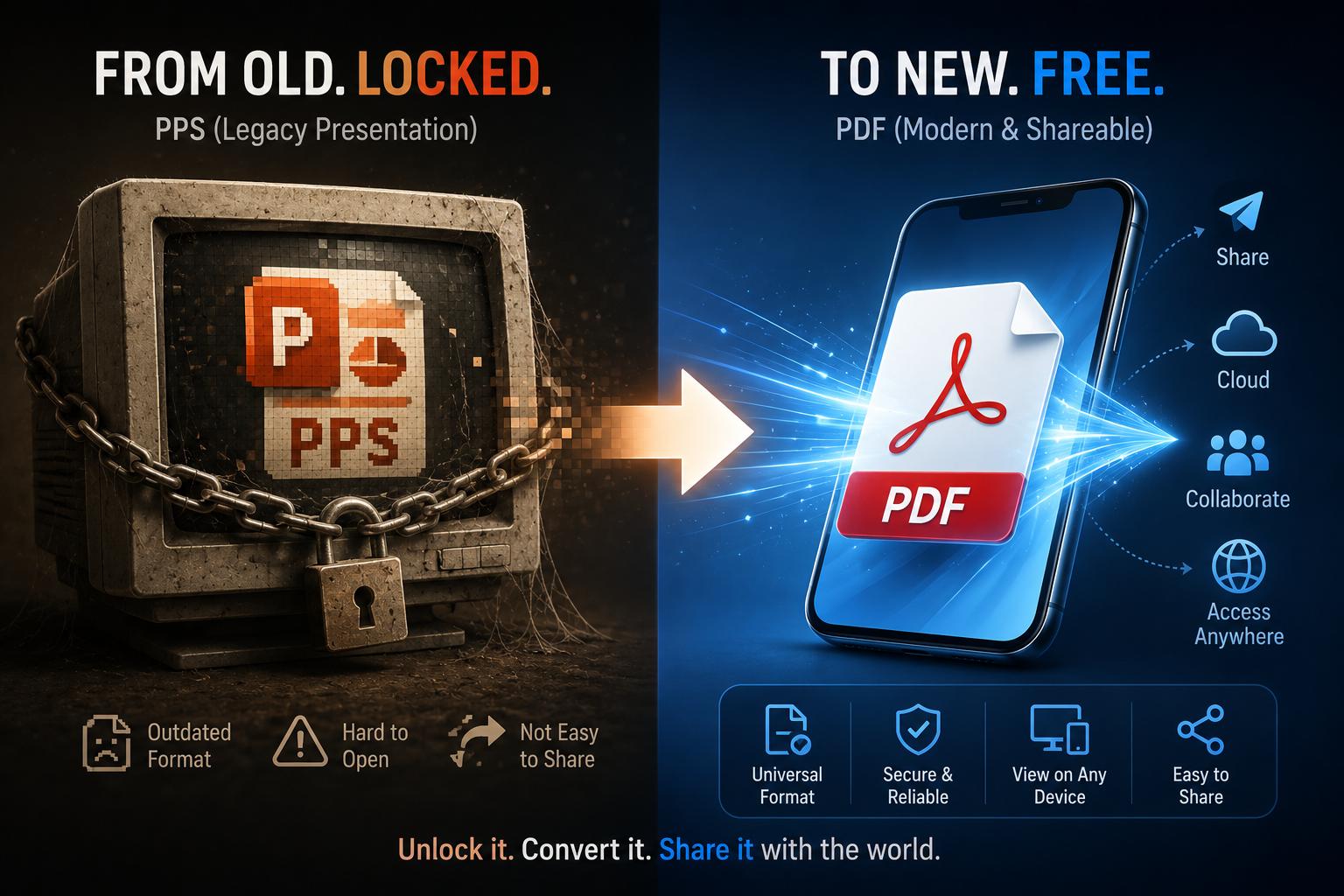
PPS to PDF: Convert Legacy PowerPoint Show Files to PDF

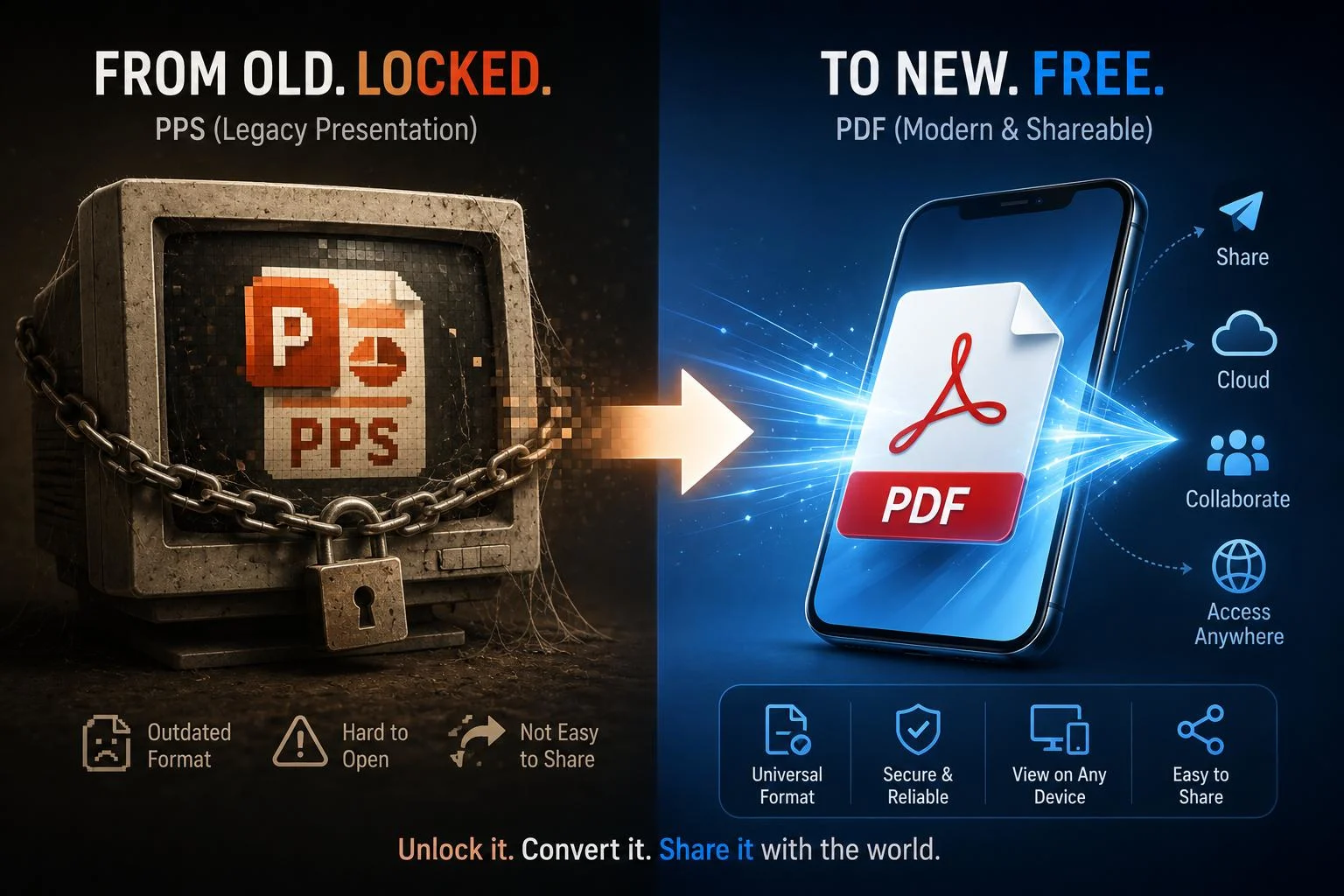

Table of Contents▼
Need to open an old PPS file? Learn how to convert legacy PowerPoint Show files to PDF for easier sharing, printing, and viewing across modern devices.
Quick Answer
“How do you convert a PPS file to PDF?
You can convert a PPS (PowerPoint Show) file to PDF using Microsoft PowerPoint or an online PPS-to-PDF converter. Converting the presentation creates a fixed-layout PDF that is easier to open, share, print, and view across devices without launching the slideshow in presentation mode. For the best result, review the converted PDF for fonts, images, hyperlinks, and slide layout before sharing.
The Legacy File Dilemma
Picture this: You are wrapping up a project, and a client forwards you an archive of older company guidelines. You click the attachment, and it’s a .pps file. If you are lucky, it opens as a mandatory, full-screen presentation you cannot escape without mashing the ESC key. On a modern device, however, support can vary depending on the operating system, application, and viewer you are using. If all you need is to read or print the slides, opening a legacy slideshow file can be more work than necessary.
Legacy PowerPoint Shows (PPS files from the 1997–2003 era) were designed for a different computing era. They were designed to open directly in Slide Show mode rather than the normal editing workspace. Today, they are a workflow bottleneck. When you just need to read the text, print a handout, or send a clean document to a colleague, a forced slideshow is the last thing you want.
Converting that old PPS file to PDF bridges the gap between decades-old software and modern document standards. If you are looking to bypass compatibility hurdles without downloading heavy desktop software, or if you want a browser-based workflow instead of installing desktop software, an online converter such as Doxbar can provide another way to convert supported PPS files to PDF.
Why Legacy PPS Files Break Modern Workflows
Relying on old PowerPoint Show formats introduces several immediate friction points in a standard workday:
Slide Show Mode by Default: Unlike a standard PPT file that opens in editing mode, a PPS is instructed to launch directly into presentation mode. You cannot easily extract a single slide or skim the contents.
Device Incompatibility: Trying to view a PPS file without PowerPoint—especially on a modern smartphone or tablet—Support varies across operating systems, browsers, and presentation applications. If the recipient does not have compatible software, a PDF can be a simpler format for reading and sharing the slides.
Security and Compatibility Policies: Some organizations restrict or block older Office file formats because legacy formats can present additional security and compatibility concerns. Whether a PPS attachment is blocked depends on the organization's email and Office security policies
Printing Nightmares: If you need to print a handout, trying to format a full-screen auto-playing file is unnecessarily frustrating.
Behind the Formats: How Conversion Actually Works
To understand why a converter is necessary, it helps to look at the structural differences between these formats.
According to Microsoft’s official file format documentation, the .pps extension is a binary file associated with PowerPoint 97–2003. The .pps format is a PowerPoint 97–2003 Show format designed to open as a slide show rather than the normal editing view.
A PDF (Portable Document Format), originally developed by Adobe, takes a completely different approach. It is a fixed-layout format. When you convert a legacy PowerPoint Show to PDF, the converter engine strips away the auto-play commands, transition metadata, and animation triggers. It then maps the visual layer of each slide—text, shapes, embedded images—onto a static page.
Because modern web browsers utilize built-in PDF rendering engines (a standard pushed heavily by organizations like Mozilla), a PDF will look the same whether you open it on a Linux machine, an iPhone, or a Windows desktop.
What to Look for in a Modern File Converter
When dealing with legacy files, especially those containing sensitive client data, you shouldn't rely on random, ad-heavy conversion sites. A reliable utility framework should prioritize:
Strict Privacy Policies: Files should be processed securely and automatically deleted from servers shortly after conversion.
Layout Preservation: The tool must accurately interpret old Microsoft binary structures so that custom fonts and graphics do not overlap or break.
Cross-Platform Independence: You should be able to run the conversion from any browser without installing local software or extensions.
Batch Processing: Workflows are rarely limited to a single file. Handling multiple old PowerPoint presentations simultaneously saves time.
Evaluating Your Conversion Options
Feature | Desktop Software | Online Converter |
Installation | Usually required | Usually not required |
Processing | Can be local | Usually handled by provider |
Mobile workflow | Depends on software | Browser-based options available |
Privacy | Local processing possible | Depends on provider |
File limits | Software-dependent | Provider-dependent |
Layout fidelity | Often strong | Varies by converter |
Internet required | Not always | Usually yes |
Doxbar is one browser-based option for converting supported files to PDF. Check its current file limits and privacy information before uploading sensitive documents.
Step-by-Step Workflow Guide
Turning your PPS into a printable PDF requires just a few clicks. Here is how to do it efficiently:
Upload the File: Drag and drop your .pps file directly into the conversion area.
Upload the
.ppsfile to the converter. Before uploading sensitive material, check the service's current security and retention policies.Confirm Format: Ensure the output is set to PDF.
Convert: Click the convert button. The system will extract the static slides and strip the auto-play data.
Download: Save the new PDF to your local drive or cloud storage.
Verify: Open the PDF to ensure complex graphs or overlapping text boxes were preserved correctly.
Pros & Cons of Converting PPS to PDF
The Advantages:
You can finally share the PowerPoint Show as a PDF that clients can open universally.
Perfect for printing old PowerPoint presentations as handouts.
File sizes are generally compressed, making them ideal for email attachments.
Bypasses the need for expensive Microsoft Office licenses just to view a legacy file.
The Limitations:
You will lose all slide transitions, embedded audio, and custom animations.
Once converted to PDF, the text is flattened. If you need to heavily edit the old PPS file, converting to a PPTX first might be a better route.
PPS vs PPT vs PPTX vs PPSX: What's the Difference?
Format | Main use | Era |
| Editable PowerPoint presentation | Legacy |
| PowerPoint Show | Legacy |
| Editable modern presentation | Modern |
| Modern PowerPoint Show | Modern |
Advanced FAQ Section
1. What exactly is a PPS file?
It is a PowerPoint Show file used primarily in PowerPoint 97 through 2003. It auto-plays as a slideshow rather than opening in edit mode.
2. How do I open a PPS file without PowerPoint?
The fastest method is converting the PPS to a PDF using a secure browser tool. Once converted, any web browser or native document viewer can open it.
3. PPS vs PDF: Which is better for sharing?
PDF, hands down. A PDF guarantees the recipient can open it regardless of their device, whereas a PPS requires compatible presentation software.
4. Why is my PPS file not opening on my Mac?
Modern Apple software often struggles with decades-old Microsoft binary formats. Converting it to PDF resolves this completely.
5. Can I edit an old PPS file?
If you only have a PPS file, you can force it into edit mode by opening PowerPoint first, then navigating to File > Open and selecting the file. However, if you don't have PowerPoint, converting it is your best bet.
6. Will converting old PPS to PDF reduce file size?
Usually, yes. Stripping out the legacy presentation metadata and compressing the images typically results in a lighter file.
7. Is it safe to convert company files online?
It depends on the provider. Look for services that explicitly state they use TLS encryption and automatically wipe your files from their servers within 1-2 hours.
8. What is the difference between PPSX and PPS?
PPS is the legacy binary format (pre-2007). PPSX is the modern, XML-based equivalent used in current versions of Microsoft Office.
9. Can I view a PPS file on an iPhone?
Natively, it is very unreliable. Converting the PPS presentation for email as a PDF ensures mobile users can read it immediately.
10. How do I print a PowerPoint Show?
You generally cannot print directly from an auto-playing show. You must convert the PowerPoint Show to a printable PDF first, then print the resulting pages.
11. Will my fonts change during conversion?
If the original PPS used custom, non-standard fonts that aren't embedded, the converter may substitute them with standard web-safe fonts.
12. Does converting a PPS slideshow to PDF keep hyperlinks?
Most modern conversion engines will preserve standard HTTP hyperlinks on the flattened PDF pages.
13. What happens to my animations?
They disappear. A PDF is a static document. Any text that flew in on a click will simply appear as flat text on the final page.
14. Should I convert old PPS to PPTX or PDF?
If you need to edit the content and present it again, choose PPTX. If you just need to read it, print it, or email it to a client for review, choose PDF.
15. Why does my email client block PPS files?
Because the legacy format is highly susceptible to macro viruses. IT departments frequently block .pps extensions to protect the network.
16. Can I convert a PowerPoint 2000 PPS to PDF?
Yes. A good converter will handle files spanning the entire PowerPoint 97–2003 lifecycle.
17. Is there a way to batch-convert old PPS files?
Many online utilities allow you to drag and drop multiple files at once, outputting a zipped folder of PDFs.
18. What if the PPS is password protected?
You will need to provide the password to unlock the file before the converter can read and parse the slides.
19. Does a PDF load faster than a PPS?
Significantly. PDFs load instantly in web browsers, whereas PPS files require booting up presentation software.
20. Can I search the text inside the converted PDF?
Yes. As long as the original PPS contained text layers (and wasn't just a slideshow of flattened images), the resulting PDF will be fully text-searchable.
EEAT & Trust Signals: Safe File Management
When modernizing old files, managing expectations is important. Converting an old PowerPoint file to PDF is a structural change, not just a cosmetic one. You are trading interactive presentation elements for universal accessibility and security.
From a data-handling perspective, always verify the security posture of your workflow. For online conversion, check whether the service uses HTTPS/TLS for file transfers and clearly explains its file-retention and deletion practices. For confidential or regulated documents, local processing may be preferable when company policy requires files to remain on-device. Doxbar's published privacy information explains how uploaded files are handled and deleted after processing. For highly classified offline data, strict internal company guidelines might mandate using native Microsoft desktop applications rather than cloud utilities.
Bringing Your Legacy Files Forward
Dealing with unsupported file formats shouldn't derail your afternoon. By shifting from an outdated auto-play format to a universal document standard, you make your information instantly accessible, highly shareable, and infinitely easier to print.
Whether you are archiving old corporate data or just trying to read a presentation sent by an old-school client, converting your PPS to PDF removes the friction. If you have a legacy file sitting on your desktop right now, or if you need a browser-based option, you can use Doxbar to convert supported PPS files to PDF without installing desktop presentation software.
Need to Convert Document Formats?
Try our secure, lightning-fast PDF conversion suite. Convert Word, Excel, Images, and more with zero formatting loss.

Doxbar Editorial
Security & Privacy Team
We specialize in secure document architectures, parsing engines, and modern developer utilities. Keeping your files safe, lightweight, and perfectly formatted.
Join the Conversation
Share your thoughts or ask a question about this topic. This is a privacy-first system.