

How to Convert Visio (VSD) to PDF Without Losing Diagram Quality or Page Layout
Contents
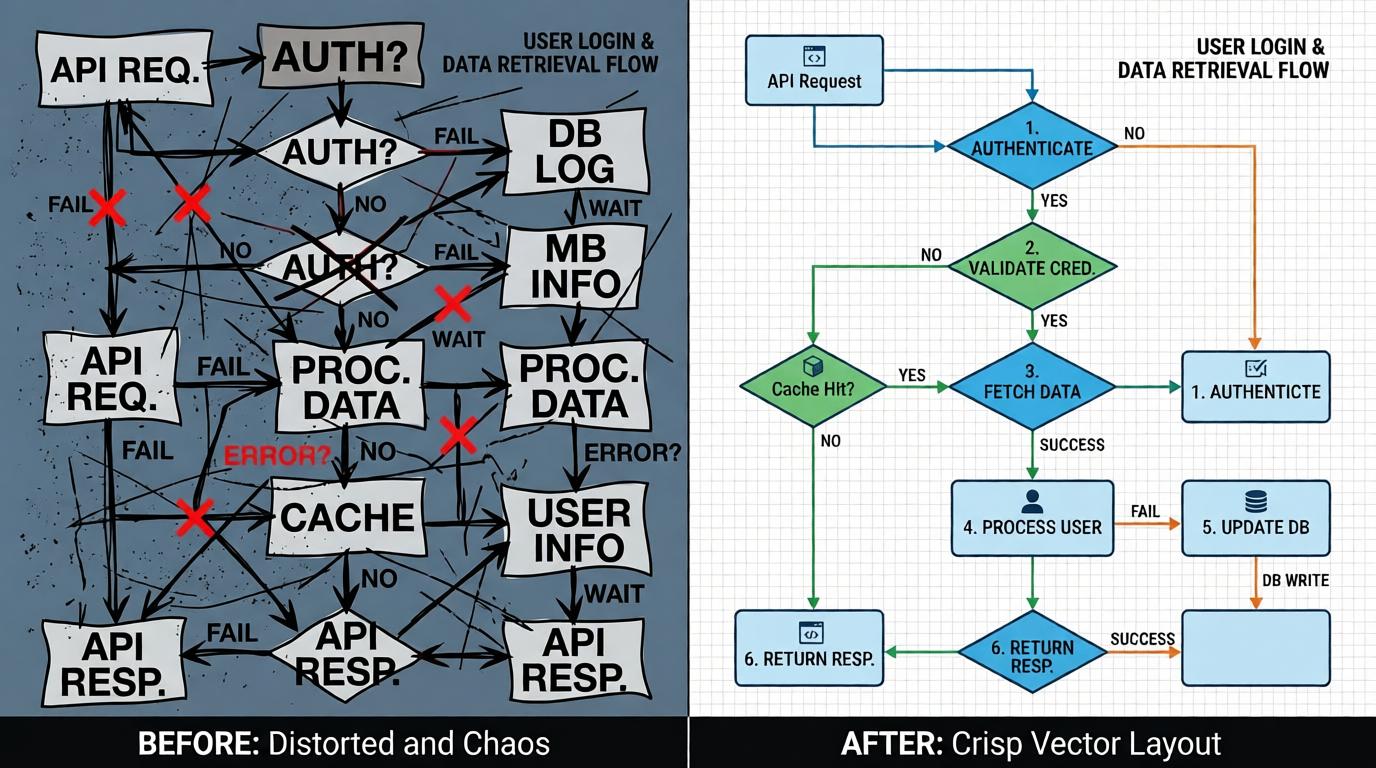
How to Convert Visio (VSD) to PDF Without Losing Diagram Quality or Page Layout

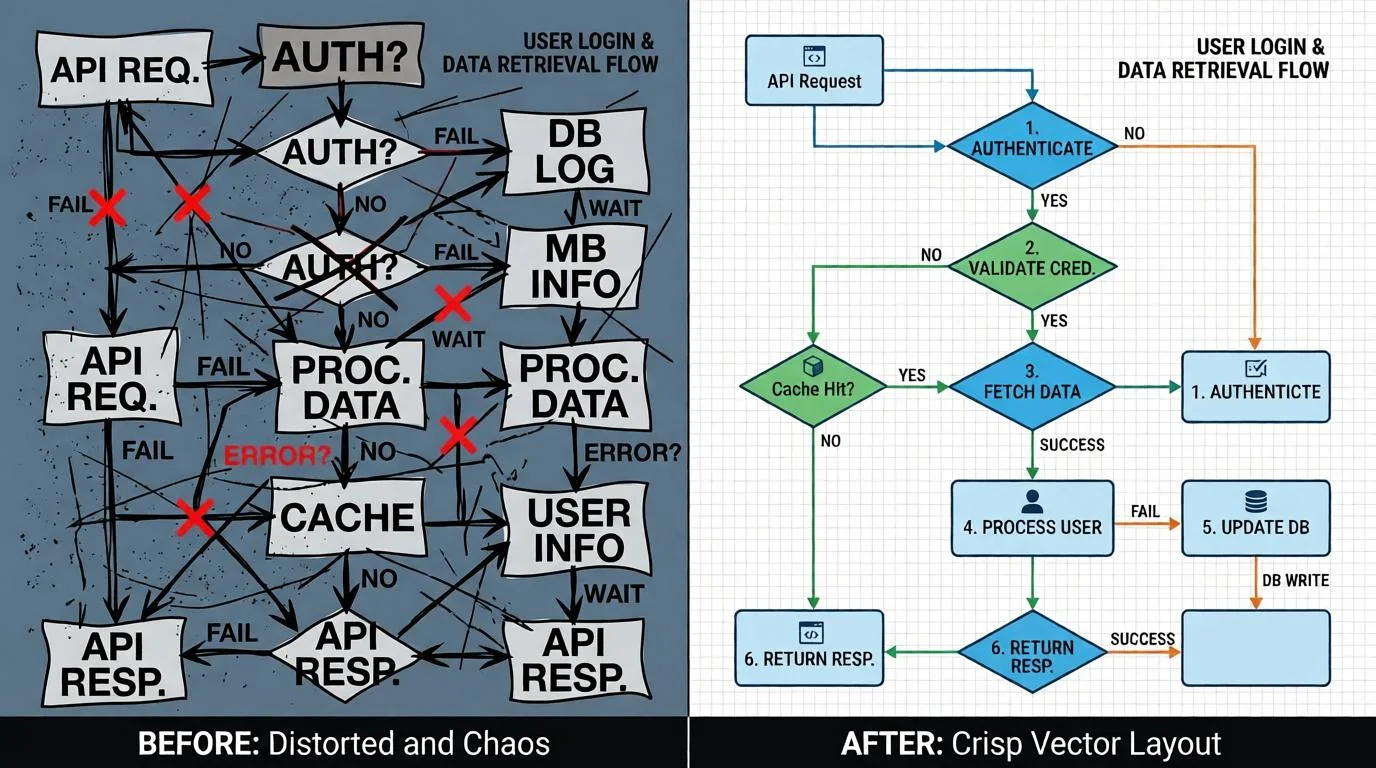

Table of Contents▼
Stop dealing with broken connectors and shifted text. Learn how to convert VSD to PDF perfectly while preserving your exact diagram layout.
Introduction
Imagine you've spent three hours meticulously mapping out a complex network topology diagram, a detailed floor plan, or a cross-functional business process map. Every dynamic connector line is perfectly aligned, the technical shapes are precisely sized, and the custom fonts make perfect sense. You export the file, send it to a client or your project documentation repository, and immediately get a message back: "Hey, the text is wrapping weirdly, and half the arrows are pointing to empty space."
It is incredibly frustrating. Microsoft Visio is an industry powerhouse for creating technical documentation and engineering drawings, but sharing native .vsd or .vsdx files is rarely practical for document sharing. Most stakeholders lack a dedicated Visio license, making it essential to find a universal format for Visio files so you can share Visio diagrams with anyone.
Yet, basic file conversion attempts frequently butcher vector paths, disrupt your landscape layout, or turn crisp high-resolution shapes into a blurry, pixelated mess. When it comes to business-critical tasks—like preparing a Visio to PDF for ISO documentation or final product reviews—getting a clean export shouldn't feel like a gamble. Let's break down why these file layouts change and how to open VSD as PDF smoothly without losing formatting.
The Root Causes: Why VSD to PDF Layouts Change
To fix a blurry Visio PDF or a shifted layout, it helps to look under the hood. A Visio file isn’t a flat document; it is a complex database of vector graphics, shape coordinates, control points, and text boxes. When you save Visio as PDF or attempt to convert a VSD file for sharing, several critical elements can break down:
1. Vector Path Flattening vs. Rasterization
True technical diagrams rely on vector graphics, which allow engineers and clients to zoom in infinitely on intricate schematics. If a low-quality online converter processes your file into a raster image (like a JPEG embedded inside a PDF page), you lose crispness. To keep Visio diagrams sharp in PDF format, the conversion engine must map the original mathematical paths exactly.
2. Broken Connectors and Shape Snapping
Visio shapes connect using dynamic anchors. When a legacy conversion tool parses a .vsd file without matching Microsoft’s proprietary geometry logic, those connectors often lose their anchor points. This is why Visio connectors appear broken after PDF rendering—they revert to straight lines or jump across the canvas, overlapping your text.
3. Font Substitution and Bounding Box Overflow
If your architectural diagram uses a specific corporate font that the converting server doesn’t have installed, it falls back on a default system font. Because different fonts have varying character widths, this subtle switch can cause text to break onto a new line, overflow its bounding box, or be cut off at the margins.
4. Page Size and Canvas Scaling Issues
A massive engineering drawing or floor plan rarely fits nicely onto standard letter paper. If your export settings aren’t configured to handle custom canvas boundaries, you will run into a common Visio diagram cut off in PDF issue, or find your multi-page Visio PDF divided up into awkward, unreadable sections.
Desktop Software vs. Legacy Converters vs. Modern Web Workflows
When deciding how to convert Visio to PDF for clients, you generally have three choices. Each approach handles formatting and security differently:
Conversion Feature | Legacy Online Tools | Desktop Software (Native) | Modern Web Workflows (Doxbar) |
Setup Hassle | None, but often filled with spam ads | High (Expensive license & installation) | None (Clean, completely browser-based) |
Render Quality | Poor (Fix Visio PDF formatting constantly) | Perfect native rendering | High-Fidelity Vector Matching |
Data Privacy | High risk of tracking or data retention | Safe local processing | Secure automated data purge |
Cross-Platform Access | Yes | Windows-centric restrictions | Works on any device (Mac, Linux, iPad) |
Batch Processing | Rarely supported for free | Manual workflow per file | Seamless multi-file handling |
What Makes a Converter Safe and Reliable?
If you need to convert VSDX to PDF online without software installed, you shouldn't just trust any random upload box. Professional workflows, especially for technical or enterprise documentation, require a platform built around specific standards:
No Software Footprint: You should be able to drop a file in and get your result without needing administrative privileges to install desktop applications.
True Vector Preservation: The rendering engine must respect paths, layers, and line weights so your output is print-ready and clear at any resolution.
Isolated Data Transfers: Your data must be protected using modern encryption protocols, ensuring proprietary network maps or facility layouts remain completely confidential.
The Layout-Safe Workflow Guide
To guarantee your diagram retains its original formatting and scale during conversion, follow this step-by-step process:
Step 1: Prep Your Canvas
Open your drawing and ensure no shapes are bleeding over the active page boundaries. If your project includes a mix of portrait layout and landscape layout sheets, group complex multi-part shapes together to help the rendering engine process them as single units.
Step 2: Upload to a Vector-Aware Engine
Open your browser and navigate to the processing tool. Drag your .vsd or .vsdx file directly into the secure upload zone on Doxbar.
Step 3: Let the Cloud Engine Match Entities
The backend system systematically maps the vector coordinates, preserves text spacing, and locks connector anchors to their relative shapes without altering your page size.
Step 4: Download and Verify
Save your new document. Open the file in a viewer and zoom in closely on a tight cluster of lines or text elements. If the lines stay perfectly sharp and your text alignment looks identical to the original, your vector graphics are completely intact.
A Realistic View: Pros & Cons of Web-Based Conversion
The Advantages
No Visio License Required: You can instantly access and view files sent by vendors even if you don't use Microsoft's ecosystem yourself.
Fast File Preparation: It strips away heavy application loading times, letting you convert Visio for email distribution in seconds.
Reduced File Sizes: The cloud optimization removes underlying file construction metadata while keeping visual assets crisp, making files much easier to distribute.
The Realities
Requires Internet Access: If you are working in a secure offline facility or a remote field environment with no reception, web tools won't load.
Static Document Delivery: A PDF is inherently an archiving and sharing format. Once converted, you cannot drag shapes around or alter the underlying diagram logic; it becomes read-only.
Advanced Troubleshooting FAQ
Why does my text blur when I zoom into the PDF?
A blurry text or line artifact means the converter rasterized your diagram into an image instead of preserving it as raw vector paths. Ensure you are using a high-fidelity tool like Doxbar that outputs native vector text layers.
How do I fit a huge engineering drawing onto a single PDF page?
To fit a large drawing on a single page, check your page setup before converting. A premium converter automatically reads the original document canvas properties to prevent truncation, but you can also adjust the target printer settings to match your specific layout dimensions.
Is it safe to convert highly sensitive network topology diagrams online?
It is only safe if the platform uses strict data handling policies. Look for systems that deploy encrypted connections and automated file destruction. Doxbar processes conversions in isolated environments and purges files automatically shortly after completion, satisfying basic document compliance needs.
What happens to clickable hyperlinks inside my shapes?
Advanced vector conversion pipelines parse the shape action data and map those URLs directly into the corresponding coordinates of the PDF, keeping your technical manuals and documentation fully interactive.
Can I process old?VSD formats from older versions of Visio?
Yes. High-performance converters are backward-compatible, meaning they read legacy binary .vsd files from older software suites just as cleanly as modern XML-based .vsdx files.
Why did my custom fonts change to a generic system font?
When a server doesn't have a specific custom font installed, it substitutes it with an available alternative. To avoid layout shifts caused by font mismatches, use standard web fonts or ensure your converter uses an engine designed to match character metric spacing accurately.
Can I merge multiple Visio tabs into a single multi-page PDF?
Yes. A modern document workflow reads all background and foreground tabs within your file, assembling them sequentially into a single, cohesive multi-page PDF document.
Validating Document Trust and Security
When handling enterprise architecture blueprints, proprietary system configurations, or project documentation, security isn't just an afterthought. Following data minimization and security principles—similar to those advocated by organizations like the Cloud Security Alliance—ensures your operational intellectual property remains safe. Files handled through our processing pipeline are encrypted during transit, fully isolated from public access, and automatically destroyed right after conversion.
Final Thoughts
Converting your essential business diagrams shouldn't force you to spend an hour fixing misaligned arrows or truncated text labels. Using a dedicated, vector-aware platform preserves every connection point, custom font boundary, and layout aspect exactly as you drew them.
If you have a complex schematic that needs to look flawless right now, skip the expensive licenses and complex export setups. Go to Doxbar, drop your file into the converter, and download a crisp, professional, print-ready PDF in seconds.
Need to Convert Document Formats?
Try our secure, lightning-fast PDF conversion suite. Convert Word, Excel, Images, and more with zero formatting loss.

Doxbar Editorial
Security & Privacy Team
We specialize in secure document architectures, parsing engines, and modern developer utilities. Keeping your files safe, lightweight, and perfectly formatted.
Join the Conversation
Share your thoughts or ask a question about this topic. This is a privacy-first system.