

Why XML Files Are Hard to Read (And How to Convert XML to PDF)
Contents
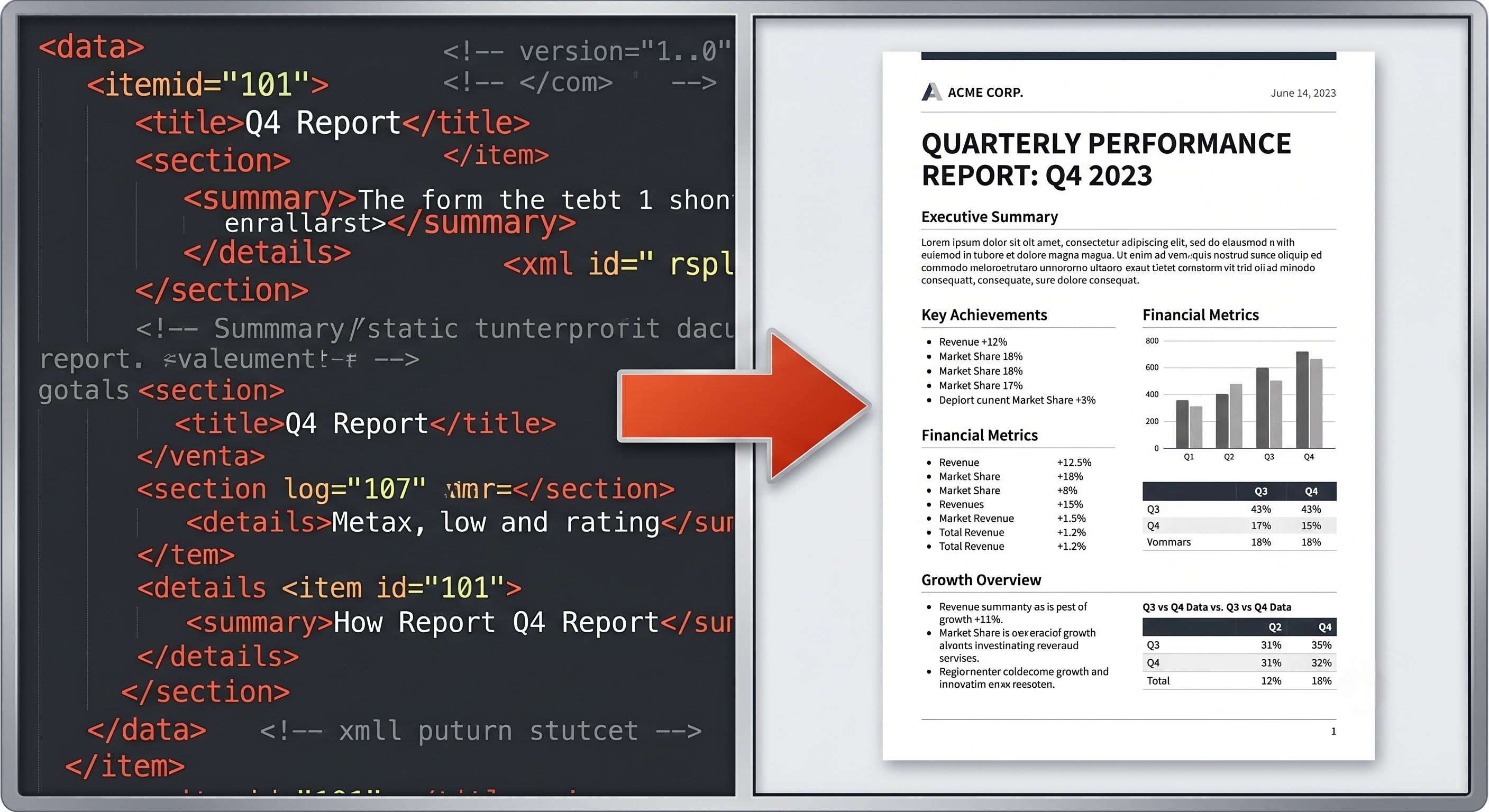
Why XML Files Are Hard to Read (And How to Convert XML to PDF)

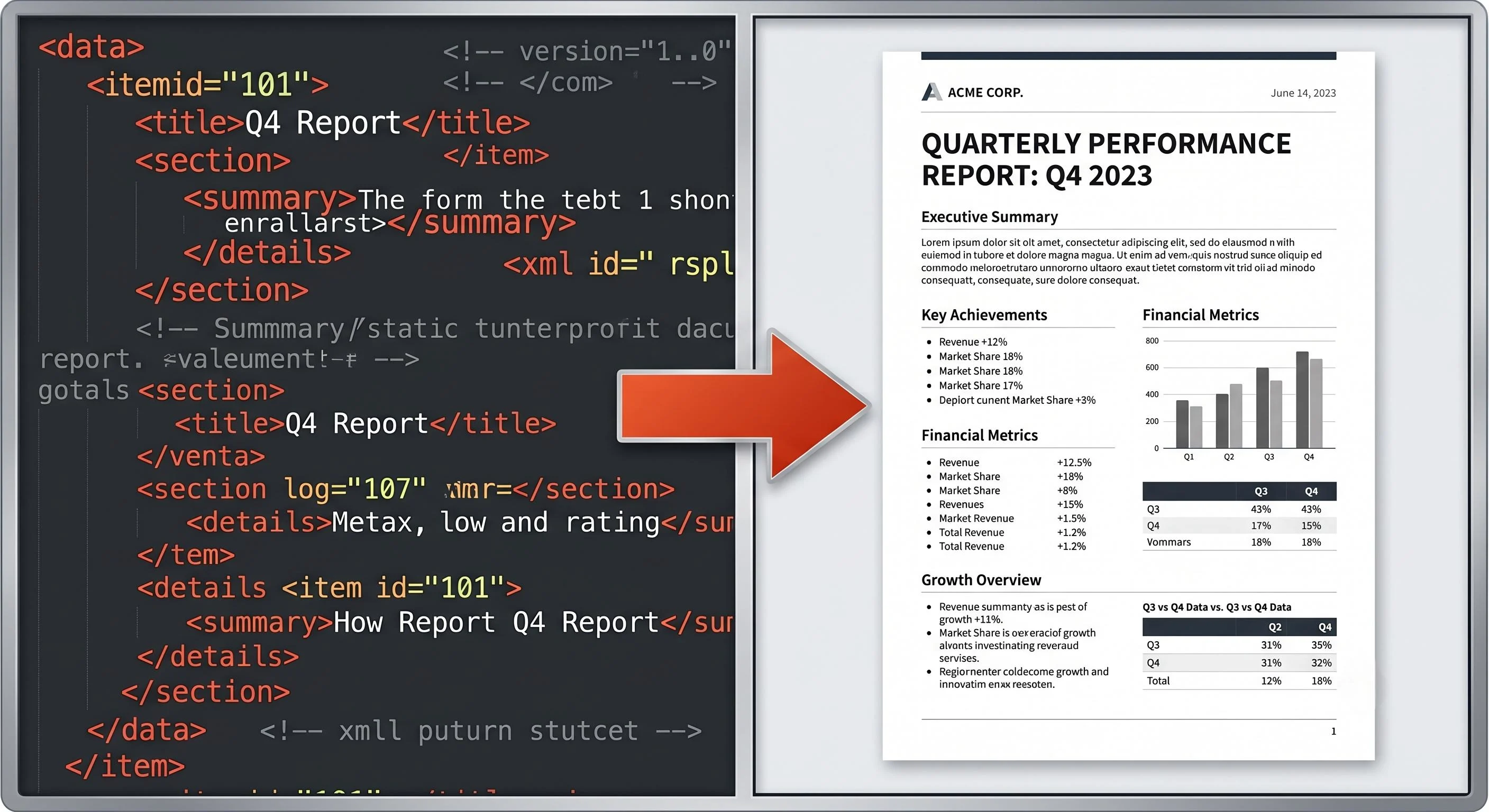

Table of Contents▼
Struggling to read raw XML data? Learn how to convert XML to PDF effortlessly, make XML files readable, and fix layout issues using an online XML viewer.
⚡ Quick Answer:
To convert XML to PDF, a parser reads the XML structure, extracts the data, applies a readable layout, and renders the content into a fixed-format PDF document. This makes complex XML files easier to read, share, print, and archive across devices.
The Morning Email That Ruins Your Flow
Imagine opening your inbox at 9:00 AM to find an urgent message from a client or vendor. They’ve sent over a critical XML invoice or inventory report that you need to review before an upcoming meeting. You double-click the attachment, expecting a clean, organized document.
Instead, your screen fills with a chaotic wall of angle brackets, nested tags, and unformatted strings of text.
XML
<invoice id="94827"> <meta><date>2026-06-21</date><currency>USD</currency></meta> <lineitems><item sku="884-A"><desc>Cloud Infrastructure Suite</desc><rate>1250.00</rate></item></lineitems> </invoice>
Your eyes strain trying to separate the actual data from the code. Whether you need to read XML files easily or share them with non-technical stakeholders, dealing with a raw data file can bring your workflow to a halt. You might try to search for an XML viewer online or guess how to open XML files without breaking the syntax.
The real solution to make an XML file readable is to transform it into a universally accessible format. Knowing how to convert XML to PDF isn't just a matter of convenience—it's essential for getting work done without a headache.
Why Raw XML Layouts Break Your Brain
To understand why people constantly look for an XML file to PDF converter, it helps to look at what the format is actually designed to do.
Designed for Software, Not Eyes
Extensible Markup Language (XML) was created to store and transport data. According to the W3C (World Wide Web Consortium), it is a flexible framework meant to be machine-readable. Because it lacks built-in styling rules, no native parameters tell a system how large a heading should be or how columns should align.
The Nested Tag Trap
XML relies heavily on nested hierarchies. A single piece of pricing information inside a convert XML invoice to PDF scenario might be buried six layers deep inside tags like <billing>, <invoice>, and <pricing>. When a human tries to scan this, the visual noise of the syntax overpowers the actual numbers.
Device and Application Variances
If you pass a raw XML file to a teammate, you have no control over how their machine handles it. One person might use a code editor where it looks somewhat aligned, while another might open it in a basic text editor where it stretches out into a single, unending horizontal line. This is why most professionals prefer to open an XML file as a PDF for absolute consistency.
💡 Common Misconception
Myth: XML files are broken or corrupted because they look confusing when opened.
Reality: Most XML files are perfectly valid. They are designed for machines and data exchange, not for human reading. Converting XML into a structured PDF makes the information easier to understand.
The Technical Reality: Data vs. Presentation
Why can’t you just hit "Print" on an XML file? The issue lies in the fundamental divide between data storage and document presentation.
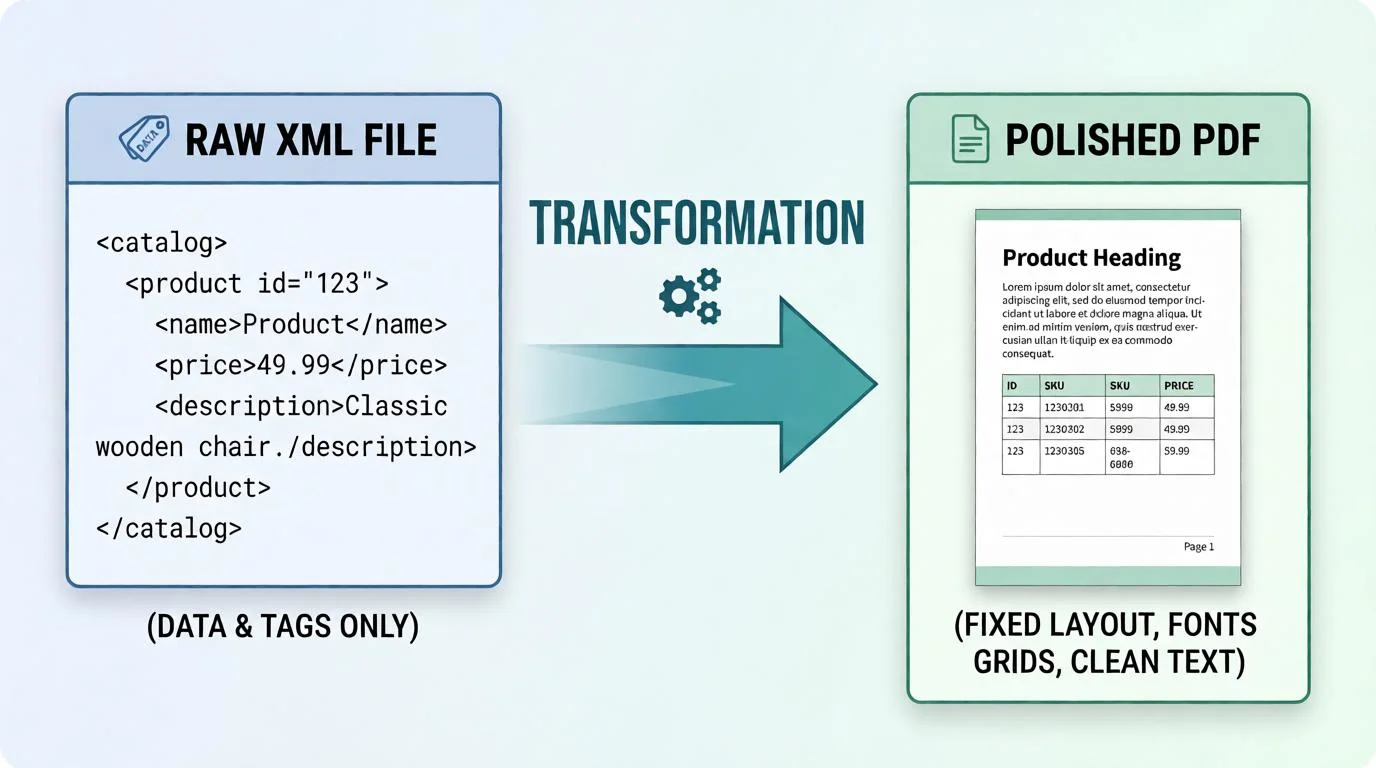
A diagram illustrating the transformation process of data. On the left, a blue card represents a "Raw XML File" containing data and tags only, showing a sample code snippet with product details like id, name, price, and description. A large teal arrow in the middle, labeled "TRANSFORMATION" with gear icons, points to the right. On the right, a green card represents a "Polished PDF," showing a rendered document with a clean layout, formatted fonts, descriptive text, a structured data table, and a page number.
Why Visual Formatting Breaks
When you open a Microsoft Word document, the application uses hidden code to actively render fonts, colors, and margins. XML doesn't include these visual instructions. If you try to open it directly in a browser, the browser applies its own default, sterile rendering engine—often displaying it as an interactive, collapsible code tree.
The Behavioral Difference: XML vs. PDF
XML is fluid and structural: It expands, contracts, and changes shape depending on the software parsing it. It cares about data integrity, not aesthetics.
PDF is rigid and visual: Portable Document Format, pioneered by Adobe, freezes a document in time. A PDF looks the same whether it is viewed on an iPhone, an old Windows desktop, or a Linux-based tablet.
What a Modern Document Conversion Framework Looks Like
When you realize you need a reliable XML to PDF converter, you shouldn't just grab the first free tool you find on a sketchy search engine results page. A secure, modern workflow requires specific safeguards.
Absolute Data Privacy: Your data files often contain proprietary code, client names, or financial numbers. Look for tools that clearly explain how uploaded files are handled and deleted after processing.
Layout and Grid Preservation: The tool must have an intelligent underlying layout engine that automatically aligns data points into clean, structured tables—essential when you convert XML report to PDF.
Cross-Platform Accessibility: The resulting file must be accessible across all operating systems without requiring specialized plug-ins.
Zero Software Bloat: You shouldn't have to download a heavy desktop execution suite. A browser-native or lightweight web setup is ideal for modern, fast-moving teams.
Comparing Your Options for Document Management
Feature / Capability | Legacy Online Converters | Heavy Desktop Software | Modern Browser-Based Workflows |
Setup Time | Instant but risky | High (Installation required) | Instant (Zero installation) |
Formatting Accuracy | Often garbled or broken | High but complex to configure | Clean, automated layout mapping |
Data Privacy | Poor (Ad-heavy, tracking) | High (Local processing) | High (Secure data standards) |
System Footprint | Low | High RAM usage | Extremely low |
Mobile Accessibility | Broken mobile UIs | Non-existent | Fully responsive |
The 4-Step Path to Clean Documents
Fixing your reading workflow shouldn't take more than half a minute. Here is how a streamlined transformation process looks using modern tools:
1. Upload Your Source File
Drop your unreadable .xml file into the processing dashboard of your chosen web tool. There’s no need to clean up the code or fix broken indentations beforehand.
2. Choose Your Output Profile
Select PDF as your target format. This tells the transformation engine to prepare a fixed-layout canvas that preserves spaces, typography, and structural lines.
3. Let the Layout Engine Work
The system processes the internal data strings, maps out an intuitive visual hierarchy, strips out messy backend markup, and arranges your text cleanly.
4. Download and Share
Save the polished PDF directly to your device. It is now ready to be attached to emails, archived in your company storage, or read without squinting.
Pros & Cons of Transitioning to PDF-Centric Workflows
The Upside
Instant Readability: Anyone on your team can read the file immediately without specialized software development tools.
Executive Ready: PDFs look polished and professional, making them perfect for external stakeholder presentations.
Immutable Records: Unlike an XML file, which can easily be altered by an accidental keystroke in a text editor, a PDF provides a stable snapshot of data.
The Reality Check
Loss of Raw Automation: Once data is baked into a PDF layout, it becomes difficult for software systems to automatically parse it back into a database. Always keep your original XML backups if your engineering team needs them.
Fixed Dimensions: If a table is incredibly wide, formatting it onto a standard A4 or Letter PDF sheet requires careful scaling so the font doesn't become too microscopic to read.
XML Invoice Export
A supplier exports 500 invoices from an ERP system as XML files. The files contain all transaction data, but accounting staff cannot review them efficiently because the information is buried inside tags and nested elements. Converting the XML into a PDF report organizes invoice numbers, dates, totals, and customer information into a format that is easier to share, print, and archive.
Frequently Asked Questions
1. Why does my XML file look like a single giant line of text?
This happens when the system or application that generated the XML omitted line breaks and white spaces to reduce file size. While software parsers don't mind this layout, it makes the file impossible for human eyes to parse without processing it through a formatter.
2. Is it safe to upload proprietary data files to web converters?
It depends entirely on the tool. Many legacy free sites monetize your attention with intrusive ads and retain your data. Look for platforms with transparent data handling frameworks that automatically purge processed files from memory after a short duration.
3. Can I edit data once it is turned into a readable PDF?
PDFs are designed primarily for viewing, sharing, and archiving rather than editing. If you need to change values, it is best to update the original data source file and run the conversion process again.
4. What makes XML files different from HTML files?
HTML is designed to display content in a browser with implicit visual rules (like paragraphs and font weights). XML doesn't have predefined tags; it only categorizes data points (e.g., <price> or <date>), leaving layout completely out of the equation.
5. What is an XML schema, and do I need to understand it?
A schema is just a set of rules defining what tags are allowed in a file. As an end-user who just wants to read the document, you don't need to know anything about schemas; a good converter handles the processing automatically.
6. What happens if my XML file contains syntax errors?
If your file has broken or unclosed tags, an intelligent converter will either attempt to self-heal the structure or alert you exactly where the formatting break occurs so you can address it.
7. Can I convert multiple data files at the same time?
Modern web platforms often support batch processing, letting you queue up several structural data files and transform them into readable documents all at once.
8. Why do mobile devices struggle so much with raw data files?
Mobile operating systems lack native developer tools. Without an app built to parse code syntax, mobile screens will either freeze or display an unstructured block of text.
9. Does converting data modify the source file?
No. The transformation engine reads your source file, generates a completely separate PDF document, and leaves your original file completely untouched.
10. Why should I use a browser-based tool instead of a desktop utility?
Web-based tools like Doxbar remove the friction of software installations, updates, and system incompatibilities. It provides a clean, private, and instantaneous conversion experience right inside your browser window.
Maintaining Real-World Workflow Trust
In any modern business operation, efficiency and security cannot be compromised. When dealing with operational data, never assume that a free tool prioritizing clicks over privacy has your back. Always verify that your document processing pipelines use modern encryption and clear data-retention schedules.
By prioritizing crisp, readable document standards, you reduce operational friction, protect your team from eye strain, and stop wasting valuable time troubleshooting raw code strings.
Taking Control of Your Files
You don't need to spend your workdays deciphering code tags or dealing with frustrated clients who can't open your files. Streamlining your business workflows starts with simple, secure tools that do the heavy lifting for you.
When you need to turn complex, unreadable files into pristine, presentation-ready documents instantly, see how effortless it is at Doxbar.com. Keep your data private, keep your layouts intact, and get back to your real work.
Need to Convert Document Formats?
Try our secure, lightning-fast PDF conversion suite. Convert Word, Excel, Images, and more with zero formatting loss.

Doxbar Editorial
Security & Privacy Team
We specialize in secure document architectures, parsing engines, and modern developer utilities. Keeping your files safe, lightweight, and perfectly formatted.
Join the Conversation
Share your thoughts or ask a question about this topic. This is a privacy-first system.