

Why Does My EPUB Layout Change After Converting to PDF?
Contents
Why Does My EPUB Layout Change After Converting to PDF?

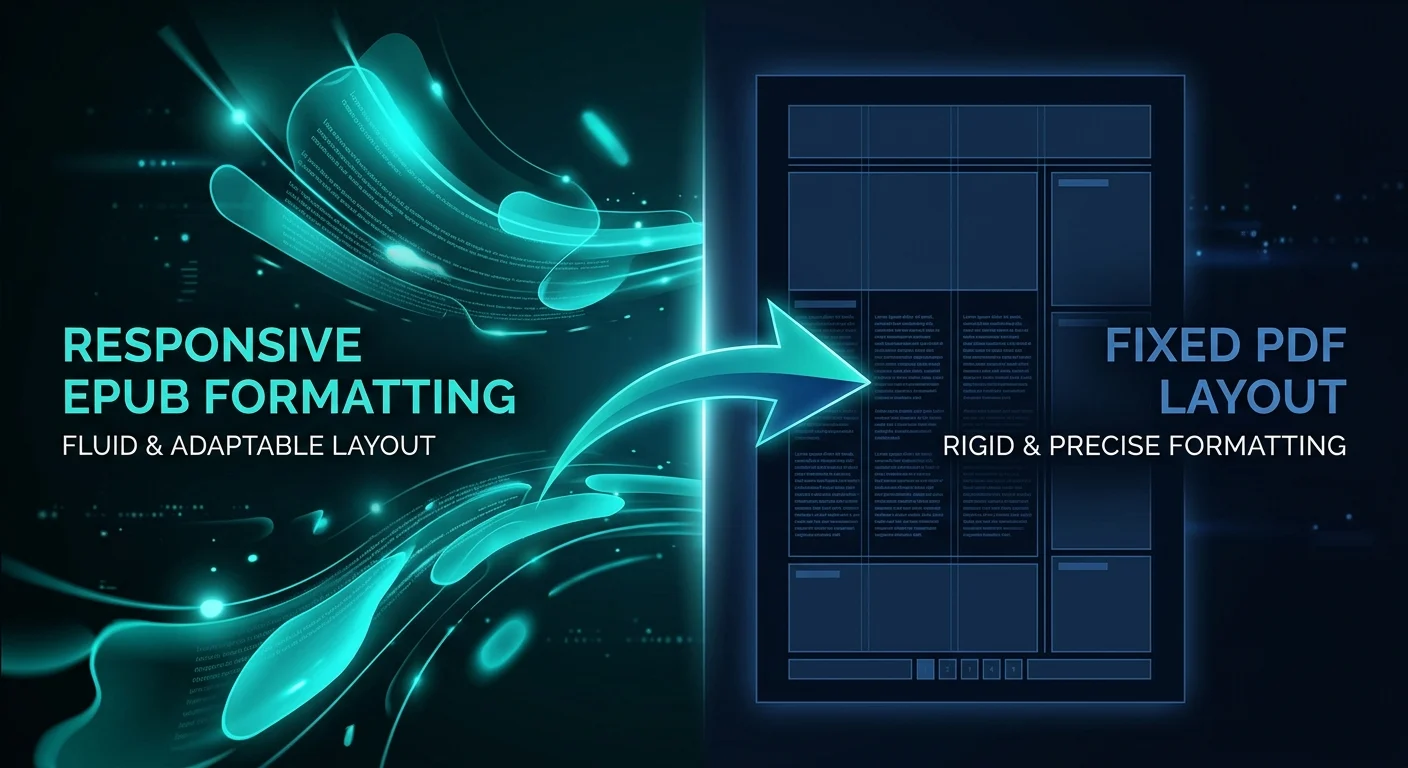

Table of Contents▼
Discover why EPUB files lose their layout when converted to PDF, how reflowable text impacts formatting, and how to get perfect document conversions every time.
Imagine spending hours meticulously designing a digital book or downloading a textbook you desperately need for an open-book exam. You open the EPUB file, and everything looks crisp. But your tablet’s annotation app requires a PDF, or perhaps your team needs a standardized printout. You drop the file into a quick online converter, hit download, and open the new PDF.
Suddenly, it looks like a digital crime scene.
Your beautifully centered chapter titles are shoved to the bottom of the previous page. Images are overlapping paragraphs, tables are cut in half, and weird blank spaces appear out of nowhere. It is a universal, incredibly frustrating office and remote-work headache.
At Doxbar, we handle millions of document transformations, and this is easily one of the most common complaints we see. The reality is that your converter isn't necessarily broken; rather, it is caught in a digital translation war between two fundamentally incompatible file philosophies.
The Root of the Problem: Why Document Workflows Break
When you transition files between formats like EPUB, Word, and PDF, you aren't just changing a file extension. You are forcing a document to completely rethink how it displays information.
The core issues behind these conversion headaches include:
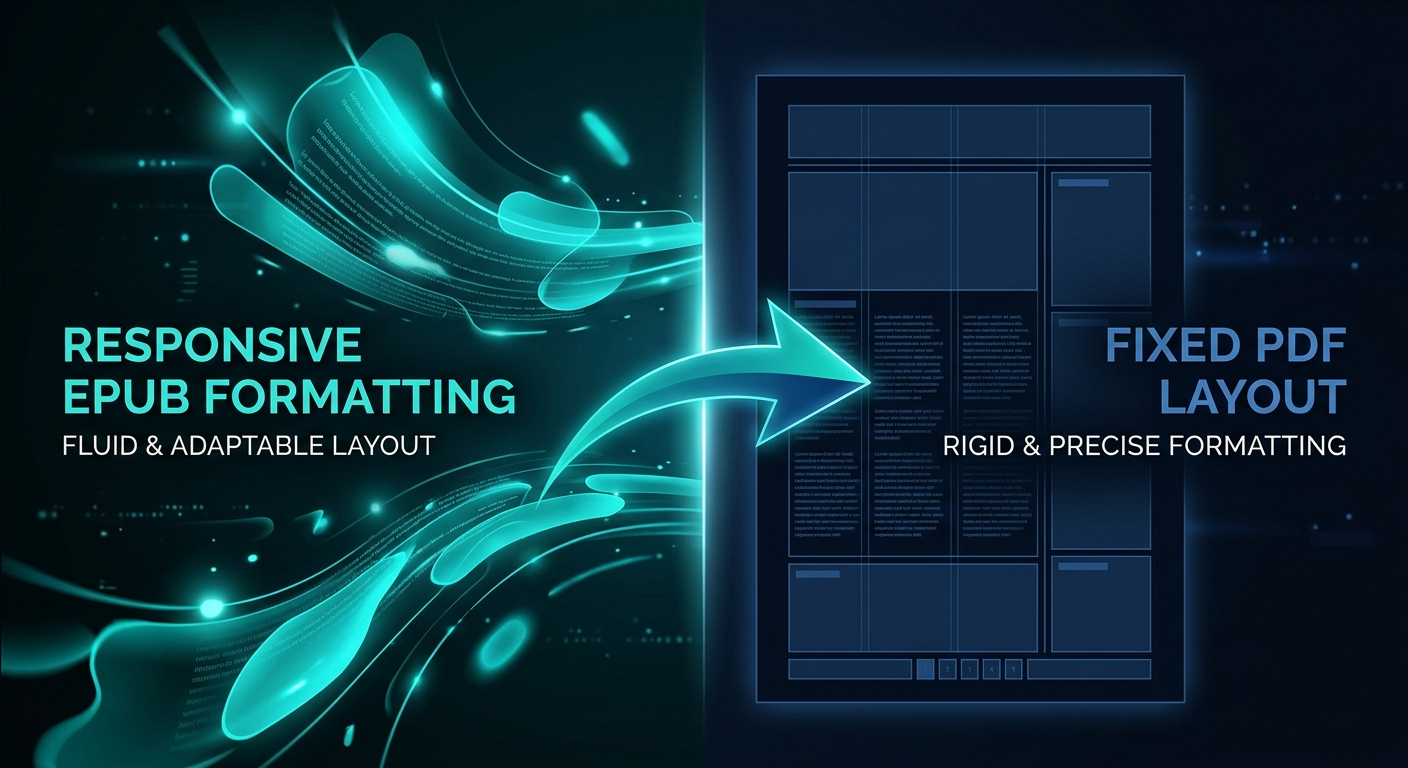
Fluidity vs. Rigidity: EPUB is built to move like water; PDF is built to act like concrete. Forcing one into the other naturally creates structural cracks.
Font Substitution Cascades: If the conversion engine doesn't have access to the exact fonts embedded in your EPUB, it defaults to standard system fonts (like Arial or Times New Roman). Because different fonts have varying character widths, this substitution ripples through the document, completely shifting page breaks.
The "Lost in Translation" Metadata: Complex elements like nested lists, multi-column tables, and embedded styles often get misread by standard conversion tools.
Heavy, Bloated Desktop Software: Legacy desktop apps often try to force their own proprietary print layouts onto the file during export, making the output look completely different from the source.
Educational Deep Dive: Reflowable Text vs. Fixed Layouts
To understand why your EPUB to PDF formatting issues occur, we have to look under the hood at how these formats handle typography and space.
The Responsive Nature of EPUBs
An EPUB file is essentially a packaged website. It is written in HTML and CSS, packaged up into a .epub zip file. Because it’s built on web code, it relies on reflowable text.
If you open an EPUB on an iPhone, it scales down to fit a small screen. Open it on a massive ultra-wide monitor, and the text lines stretch out across the screen. The reader has total control over the font size, margins, and line spacing. There is no concept of a "Page 5" in a standard EPUB because "Page 5" changes depending on how large your text is.
The Exact Geometry of PDFs
A PDF (Portable Document Format), developed by Adobe, operates on the exact opposite principle. A PDF does not care what screen you are using. It treats the digital screen exactly like a physical piece of paper. Every single character, pixel, image, and vector line is hardcoded to absolute coordinate points on an X/Y axis. If a word is programmed to sit exactly 2.5 inches from the left and 4 inches from the top of an 8.5x11 page, it will stay there forever.
🔄 The Format Dilemma: EPUB to PDF Conversion
📄 Source: EPUB (Fluid HTML/CSS)
The Nature: Like water. It uses a dynamic HTML/CSS layout where text reflows automatically to fit any screen size.
The Characteristic: It possesses no fixed page boundaries or static coordinates.
👇 The Conversion Bottleneck: Because EPUB is entirely fluid, the conversion engine struggles to find fixed anchors to determine exactly where pages should split or how elements should align.
🖨️ Output: PDF (Hardcoded Layout)
The Nature: Like stone. It relies on absolute pixel-perfect positioning.
The Characteristic: Every element is locked into precise, hardcoded coordinates ($X, Y$) that never change, regardless of the screen size.
💡 Core Takeaway: The friction in this conversion comes from trying to force a fluid, boundaryless format into a rigid, coordinate-based grid.
Why the Conversion Breaks Formatting
When you convert an EPUB to a PDF, the conversion engine has to make arbitrary executive decisions. It has to choose a virtual page size (usually Letter or A4) and then guess where to cut off the fluid text to create rigid page boundaries.
If the EPUB contains an image followed closely by text, the converter might calculate that the image fits at the bottom of Page 1, but the text must start on Page 2. If the CSS code in the EPUB has a minor bug, the converter might panic and throw the image over the text entirely, causing massive overlaps.
Furthermore, advanced document workflows often utilize Optical Character Recognition (OCR) or specialized layout engines. Organizations like Mozilla and Google have contributed heavily to web-rendering engines, but translating those browser-native layouts into print-ready PDF formats remains an algorithmic tightrope walk.
What to Look for in a Modern Conversion Framework
If you deal with documents daily, you cannot afford to waste time manually fixing broken layouts. When evaluating tools or building a reliable workflow, prioritize these core pillars:
1. Privacy and Secure Data Handling
Never sacrifice security for convenience. Ensure your tools use end-to-end encryption (HTTPS) and automatically purge uploaded data from their servers within a short window. Check compliance frameworks if you are handling proprietary corporate data.
2. Layout Preservation Engines
Look for converters powered by modern browser-native rendering frameworks. These engines render the EPUB as a webpage first, ensuring all CSS rules, spacing, and image alignments are perfectly processed before freezing them into a PDF structure.
3. Cross-Platform Consistency
Your tools should work identically whether you are on an iPad, a Linux workstation, or a Chromebook. Cloud-based, browser-native tools naturally bypass local operating system conflicts and missing local font issues.
Comparative Analysis: Conversion Methods
Feature | Legacy Online Converters | Desktop Software (Calibre, Adobe) | Modern Browser-Based Tools (Doxbar) |
Formatting Accuracy | Poor; frequent image overlaps | Moderate to Good; requires manual tweaking | High, utilizes advanced layout mapping |
Processing Speed | Slow, often ad-heavy | Dependent on local machine hardware | Near-instant cloud rendering |
Data Privacy | Questionable tracking policies | Secure (Local) | Secure (Automated data purge) |
Setup Required | None | High (Software installation & updates) | None; instant browser access |
Step-by-Step: The Optimal EPUB-to-PDF Workflow
To achieve the cleanest possible result when moving files into a print-ready or highly shareable format, follow this straightforward workflow:
Source Check: If possible, open the EPUB in a free reader to make sure the original file isn't already corrupted or badly formatted.
Upload Securely: Drag and drop your file into a trusted processing tool like Doxbar.
Select Your Output: Choose PDF as your target format. Advanced tools will automatically map target page sizes (like standard A4 or Letter).
Convert & Download: Let the cloud infrastructure handle the heavy computational lifting. Download the finalized PDF file in seconds.
Verify Margins and Layout: Open the PDF and flip to sections that contain tables, bullet points, or complex images to ensure the text wrapper handled the transitions smoothly.
Balanced Pros & Cons of PDF Conversion
Pros
Uncompromising Standardization: Once converted properly, your document looks identical on every single device.
Easy Annotations: PDFs are the universal gold standard for digital signatures, markup, and stylus notes.
Print Ready: Eliminates margins shifting or text clipping when sending documents to physical printers.
Cons
Loss of Text Flexibility: You lose the ability to dynamically upsize text on small mobile screens.
Increased File Size: Because PDFs embed specific structural assets, vectors, and layouts, file sizes are typically larger than fluid EPUB files.
Frequently Asked Questions
Why does my text overlap with images after converting?
This happens when the conversion engine cannot parse the CSS "float" or positioning properties embedded within the EPUB. The tool fails to calculate the height of the image, causing it to overlay the text block directly onto the same spatial coordinates.
Can I choose the page size during conversion?
Yes. High-quality document tools allow you to define standard target dimensions like Letter, A4, or custom digital dimensions to ensure the fixed PDF page constraints fit your intended viewing screen.
Do embedded links inside my EPUB still work in the PDF?
If you use a modern conversion engine, yes. Hyperlinks and internal document navigation paths (like a Table of Contents) are translated into native PDF clickable link annotations.
What is the difference between an EPUB and a PDF?
An EPUB is a fluid, responsive format based on web technologies (HTML/CSS) designed for comfortable screen reading. A PDF is a static, fixed-layout format designed to preserve the absolute visual design regardless of the viewing hardware.
Why do some fonts look different or weird post-conversion?
If the conversion tool lacks access to the exact licensed fonts embedded inside the EPUB, it substitutes them with generic system variations, which alter text spacing and word wrapping.
How do I fix chopped-off tables in my converted PDF?
Tables are notoriously difficult for reflowable formats to compute into fixed widths. To avoid cutoffs, ensure your conversion tool uses an engine capable of auto-scaling broad elements to fit within the designated page margin boundaries.
Is it safe to convert corporate documents online?
It depends entirely on the tool. Avoid sketchy, ad-riddled conversion sites. Instead, choose professional SaaS solutions like Doxbar that prioritize strict privacy policies, use HTTPS encryption, and automatically wipe files from servers post-processing.
Does converting EPUB to PDF reduce quality?
Text and vector graphics retain crispness because they scale mathematically. However, highly compressed images embedded within an EPUB might look slightly pixelated when blown up to fit full-sized PDF pages.
Why did my table of contents break after converting?
Because EPUBs rely on dynamic page generation, explicit page numbers do not exist in the source file. If a converter doesn't carefully map these dynamic anchors to the freshly created static PDF page numbers, the index breaks.
Can I convert password-protected EPUB files?
No. Security protocols protect copyright and privacy; encryption must be removed legally by the content owner before any background rendering engine can read and rewrite the layout data.
Will background colors transfer from EPUB to PDF?
Usually, yes. However, if your e-reader was simply applying a custom "Sepia" or "Dark Mode" theme locally, that visual layer won't transfer because it's controlled by your reader app, not the core EPUB file.
Why did my document suddenly gain 20 extra pages?
When fluid text is forced into fixed margins with larger text sizes or wider line breaks, the overflow requires more physical canvas space, automatically spinning out additional pages.
Does Doxbar support batch conversion?
Yes. Doxbar’s modern document ecosystem allows users to process multiple document tasks efficiently, eliminating the tedious loop of uploading files one by one.
Is OCR necessary for an EPUB to PDF conversion?
No. EPUB files already contain live, digital text strings. OCR is only required when turning flat image scans or pictures of physical pages into searchable text.
Can a PDF be converted back into a fluid EPUB perfectly?
Going backward is often harder. Stripping away rigid X/Y coordinates and trying to reconstruct clean, fluid HTML code from a PDF usually results in disjointed paragraphs and stray page numbers stuck in the middle of text blocks.
Do custom drop caps survive the conversion process?
Large decorative first letters (drop caps) frequently misalign during basic conversions because they rely on highly specific CSS styling that primitive conversion scripts fail to translate accurately.
Why does my PDF look different on my phone than on my PC?
It shouldn't. If a PDF looks different, the viewing app may be forcing a custom "PDF Reflow" accessibility mode. The native PDF layout itself remains completely static across all screens.
How can I preserve the exact design elements of an interactive eBook?
Ensure you use an end-to-end cloud converter built on top of modern layout pipelines. These frameworks map complex layout interactions seamlessly into fixed-media PDF elements.
What happens to embedded video or audio files during conversion?
Standard PDFs cannot natively run embedded web-media elements from an EPUB. These interactive elements will usually be converted into static placeholders or text links.
Why are my header and footer notes repeating incorrectly?
When dynamic digital books are sliced up into arbitrary page counts, formatting rules can loop unpredictably. Professional rendering engines solve this by analyzing block elements cohesively before rendering.
Conclusion
Converting an EPUB file into a clean, professional PDF doesn't have to feel like a gamble. The layout changes you encounter aren't random errors—they are simply the mathematical reality of translating fluid, responsive code into a rigid, print-ready document structure.
By understanding the differences between reflowable and fixed spaces and utilizing modern, security-conscious conversion environments, you can reliably bridge the gap between design flexibility and consistent presentations. If you are tired of dealing with broken layouts, missing margins, and fragmented text blocks, try processing your next batch of files using Doxbar's streamlined document suite for clean, reliable results.
Need to Convert Document Formats?
Try our secure, lightning-fast PDF conversion suite. Convert Word, Excel, Images, and more with zero formatting loss.

Doxbar Editorial
Security & Privacy Team
We specialize in secure document architectures, parsing engines, and modern developer utilities. Keeping your files safe, lightweight, and perfectly formatted.
Join the Conversation
Share your thoughts or ask a question about this topic. This is a privacy-first system.