


Precision PDF Cropping:
Master Your Margins.
Eliminate white space, extract high-res diagrams, and optimize your documents for mobile reading with DoxBar's visual coordinate-based cropping engine.
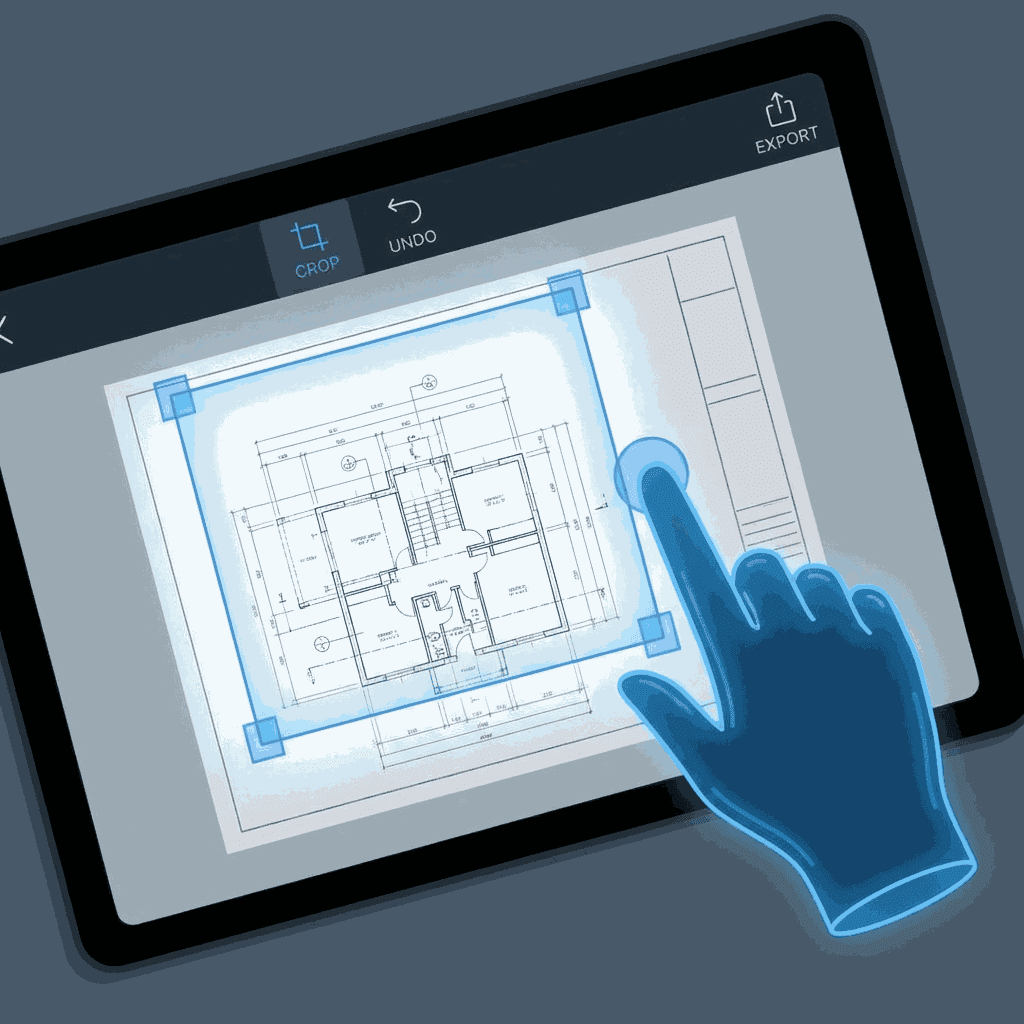
High-precision visual cropping: Defining the exact viewport for your document output.
01Why Standard PDFs Need Cropping
PDF documents are often built with standard paper sizes (A4, Letter) in mind. However, digital consumption rarely happens on digital paper. When reading an A4 document on a 6-inch smartphone, the 1-inch margins around the text effectively waste 40% of the available screen real-estate.
Structural Cropping doesn't just hide parts of the page; it updates the "BBox" (Bounding Box) and "CropBox" metadata within the PDF stream. This tells PDF readers to only render the selected area, making the content appear much larger and clearer on small screens.
The Margin Problem
Industrial scanners often leave black bars or messy edges at the borders of documents. Cropping is the professional solution to clean up scanned archives for public distribution.
02DoxBar's Advanced Toolbox
Visual Rect Selection
Our GUI allows you to draw coordinates directly on a live preview. No guessing millimeter offsets. What you see is exactly what you keep.
Coordinate Fine-Tuning
For technical users, we offer manual entry for Left, Top, Right, and Bottom offsets to ensure perfect symmetry across multi-page documents.
Smart Margin Auto-Detect
(Coming Soon) Our AI analyzes the page to find the bounding box of non-empty content and suggests the perfect crop instantly.
Multi-Page Sync
Apply your crop settings to just the current page, or synchronize the selection across the entire document for a uniform look.
The Professional Workflow
Upload & Preview
Drop your PDF. Our renderer generates a high-fidelity preview of each page to ensure selection accuracy.
Define the Viewport
Drag the 8-point handles. Zoom in to corners to ensure you aren't cutting off critical text or page numbers.
Apply structural metadata
Our engine updates the internal PDF stream with the new CropBox definition. Nothing is deleted, only re-bounded.
Optimized Output
Download a document that opens perfectly focused on the content, bypassing the white borders on every device.
Expert Insights
Frequently Asked Questions
Q: Does cropping permanently delete content?
In technical terms, PDF cropping usually only modifies the 'View Area' definition. The data outside the box remains in the file until you use our 'PDF Flatten' or 'Optimize' tool to physically purge hidden data.
Q: Can I crop all pages differently?
Yes. Our visual tool allows you to select any page in the thumbnails and adjust the crop handles specifically for that page. This is ideal for documents with inconsistent scanned borders.
Q: Is the output quality maintained?
Absolutely. We do not re-compress images during the cropping process. We only update the coordinate instructions, ensuring your PDF remains at 100% original quality.










