


Extract Images from PDF: Scrape High-Quality Photos Instantly
Need that logo or photo from a PDF? Don't take a screenshot. Extract the original high-resolution image file embedded inside the document.
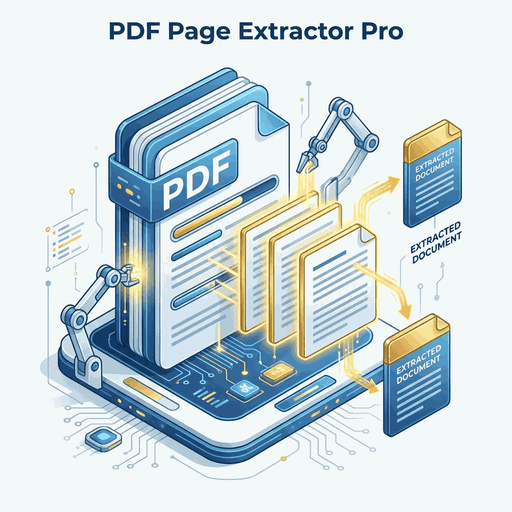
Stop Taking Screenshots!
When you see an image in a PDF you want to save, your first instinct is usually to take a screenshot or use the Snipping Tool.Don't do it.
Screenshots capture the pixels *as displayed on your screen*, often resulting in blurry, low-resolution copies. But the PDF file itself often contains a much higher quality version of that image hidden inside. Our tool reaches in and grabs that **original source file**.
Why Use This Extractor?
Original Quality
If a 4K photo is embedded in the PDF, you get the 4K photo back. No compression artifacts from screenshots.
Bulk Extraction
A PDF catalog might have 500 product photos. Extract them all at once into a neat ZIP folder instead of saving one by one.
Hidden Assets
Find images that are hidden behind text or other layers that you might not even see on the page.
Standard Formats
We automatically convert arcane internal PDF image formats into standard .JPG or .PNG files you can use anywhere.
Frequently Asked Questions
Why are some images split into pieces?
PDFs sometimes optimize large images by slicing them into smaller tiles. Our extractor gets the raw data, so you might see these tiles. We are working on an auto-stitch feature!
Does it extract vector graphics (SVG)?
This tool targets **Raster** images (photos, JPEGs). Vector paths (logos, shapes) drawn directly in PDF code are technically not "image files" and are skipped.










