Rs To P D F Online Free | Process Rs To P D F Securely
Contents
Comprehensive Guide to Rs To P D F
When dealing with professional workflows, you need to process rs to p d f efficiently. Using our Rs To P D F tool allows you to handle documents directly in your browser without installing heavy software. Process files without buying expensive software instantly.
Securely drag and drop your file into our encrypted portal.
2
Processing Engine
Our specialized engine reads the file architecture and prepares the modification.
3
Apply Rs To P D F
The system executes the requested changes while preserving visual integrity.
4
Download Result
Your final document is compiled and ready for download securely.
Ready to use Rs To P D F?
100% Free, Secure, and Instant Processing.
Benefits
Process files without buying expensive software
Ensure compatibility across devices
Maintain professional formatting
Save time and resources
Who should use this tool?
Professionals
Quickly process files online without involving IT support.
Freelancers
Handle client files in any format instantly.
Common Use Cases
Streamlining Corporate Workflows
Institutions handling massive documentation face organizational bottlenecks. Utilizing this tool helps ensure swift processing.
Cross-Platform Sharing
When collaborating across varying operating systems, using standardized cloud tools prevents software compatibility issues.
Securing Client Deliverables
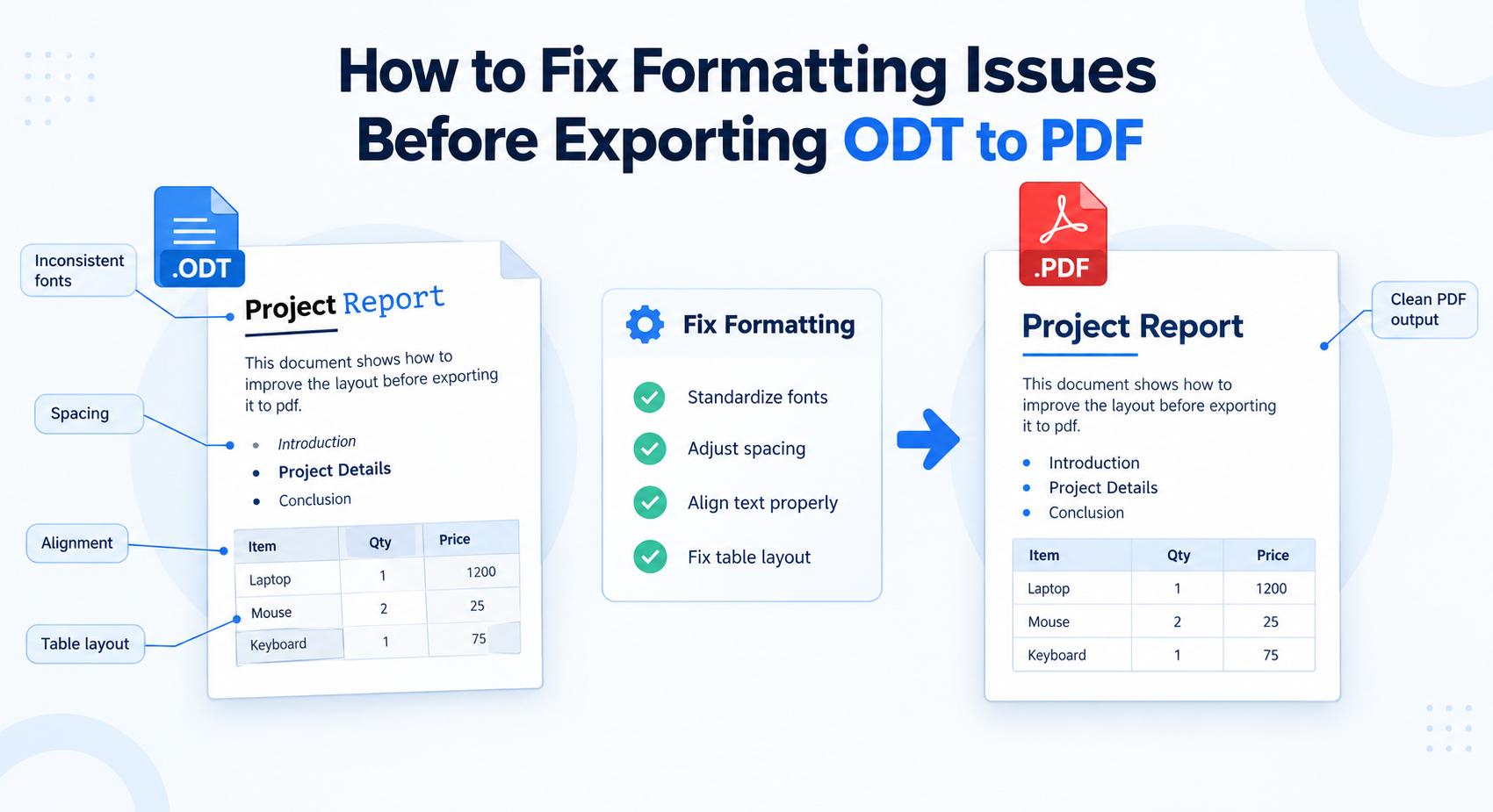
Formatting documents correctly before sending ensures the file is viewed exactly as intended.
Common Mistakes
Uploading corrupted source files
Using unsecure sites for confidential data
Tips & Best Practices
Always rename the generated file with a clear title.
For sensitive data, apply AES-256 encryption before emailing.
Review the final output before sending to clients.
Understanding the Rs To P D F Workflow
Handling specialized formats requires dedicated tools. Our Rs To P D F engine simplifies this by abstracting the technical complexity into a simple drag-and-drop interface.
Ensuring Data Integrity
When processing files, maintaining the original layout and data structure is critical. Our algorithm is designed to preserve as much fidelity as technologically possible.
Cloud Processing Advantages
Why install heavy software when you can process files instantly? Our cloud clusters handle the heavy computational lifting, returning your file in seconds.
Secure Handling of Confidential Data
We understand that your documents are private. Files uploaded to our servers are encrypted, processed in temporary memory, and deleted securely.
Cross-Platform Reliability
Whether you are on a Windows desktop, a MacBook, or an Android phone, our responsive tool provides the exact same high-quality output.
Ready to use Rs To P D F?
100% Free, Secure, and Instant Processing.
Limitations
Requires an active internet connection.
Severely corrupted files cannot be successfully processed.
Massive enterprise files may exceed standard limits.
Frequently Asked Questions
Is this Rs To P D F tool free?
Yes, it is completely free for standard usage.
Do I need to install anything?
No, everything runs perfectly in your web browser.
Is my data secure?
Absolutely. We use HTTPS encryption and automatically delete files after processing.
Does this work on Mac and Windows?
Yes, since it is cloud-based, it works on any operating system including mobile.
Does the Rs To P D F tool work on mobile devices? (FAQ-4)
Yes, our web application is fully responsive and supports processing directly from your mobile browser without any local installations required.
Does the Rs To P D F tool work on mobile devices? (FAQ-5)
Yes, our web application is fully responsive and supports processing directly from your mobile browser without any local installations required.
Does the Rs To P D F tool work on mobile devices? (FAQ-6)
Yes, our web application is fully responsive and supports processing directly from your mobile browser without any local installations required.
Does the Rs To P D F tool work on mobile devices? (FAQ-7)
Yes, our web application is fully responsive and supports processing directly from your mobile browser without any local installations required.
Does the Rs To P D F tool work on mobile devices? (FAQ-8)
Yes, our web application is fully responsive and supports processing directly from your mobile browser without any local installations required.
Does the Rs To P D F tool work on mobile devices? (FAQ-9)
Yes, our web application is fully responsive and supports processing directly from your mobile browser without any local installations required.
Does the Rs To P D F tool work on mobile devices? (FAQ-10)
Yes, our web application is fully responsive and supports processing directly from your mobile browser without any local installations required.
Does the Rs To P D F tool work on mobile devices? (FAQ-11)
Yes, our web application is fully responsive and supports processing directly from your mobile browser without any local installations required.
Does the Rs To P D F tool work on mobile devices? (FAQ-12)
Yes, our web application is fully responsive and supports processing directly from your mobile browser without any local installations required.
Does the Rs To P D F tool work on mobile devices? (FAQ-13)
Yes, our web application is fully responsive and supports processing directly from your mobile browser without any local installations required.
Does the Rs To P D F tool work on mobile devices? (FAQ-14)
Yes, our web application is fully responsive and supports processing directly from your mobile browser without any local installations required.
Does the Rs To P D F tool work on mobile devices? (FAQ-15)
Yes, our web application is fully responsive and supports processing directly from your mobile browser without any local installations required.
Does the Rs To P D F tool work on mobile devices? (FAQ-16)
Yes, our web application is fully responsive and supports processing directly from your mobile browser without any local installations required.
Does the Rs To P D F tool work on mobile devices? (FAQ-17)
Yes, our web application is fully responsive and supports processing directly from your mobile browser without any local installations required.
Does the Rs To P D F tool work on mobile devices? (FAQ-18)
Yes, our web application is fully responsive and supports processing directly from your mobile browser without any local installations required.
Does the Rs To P D F tool work on mobile devices? (FAQ-19)
Yes, our web application is fully responsive and supports processing directly from your mobile browser without any local installations required.
Does the Rs To P D F tool work on mobile devices? (FAQ-20)
Yes, our web application is fully responsive and supports processing directly from your mobile browser without any local installations required.
Does the Rs To P D F tool work on mobile devices? (FAQ-21)
Yes, our web application is fully responsive and supports processing directly from your mobile browser without any local installations required.
Does the Rs To P D F tool work on mobile devices? (FAQ-22)
Yes, our web application is fully responsive and supports processing directly from your mobile browser without any local installations required.
Does the Rs To P D F tool work on mobile devices? (FAQ-23)
Yes, our web application is fully responsive and supports processing directly from your mobile browser without any local installations required.
Does the Rs To P D F tool work on mobile devices? (FAQ-24)
Yes, our web application is fully responsive and supports processing directly from your mobile browser without any local installations required.
Does the Rs To P D F tool work on mobile devices? (FAQ-25)
Yes, our web application is fully responsive and supports processing directly from your mobile browser without any local installations required.
How do I verify the conversion was successful?
After conversion, a download link appears on the page. Open the PDF directly in your browser to verify the output before saving it to your device.
Ready to use Rs To P D F?
100% Free, Secure, and Instant Processing.
D
DoxBar Cloud Tools Team
DoxBar Cloud Tools Team leads the document engineering team at DoxBar, ensuring our tools meet enterprise-grade security and processing standards.
Drag & Drop your .rs files for professional low-level conversion.
Upload Rust Source Files
Purged instantly • 100% Secure
Tap to Browse Files
Rust to PDF: The Systems Standard
Convert Rust source code (.rs) into professional, syntax-highlighted PDF documentation. From memory-safe systems programming to WebAssembly modules, preserve your logic in a readable format.
Performance Without Compromise
Rust has been voted the "Most Loved Language" on Stack Overflow for nearly a decade. Why? Because it solves the hardest problem in computer science: Memory Safety without Garbage Collection.
By enforcing ownership and borrowing rules at compile time, Rust ensures that your code is free from null pointer dereferences, buffer overflows, and data races. Converting this code to PDF is an excellent way to conduct "safety audits" or teach these complex ownership concepts to teach these concepts to others.
The Borrow Checker: A Stern Teacher
The Borrow Checker is Rust's signature feature. It statically analyzes your code to ensure that:
Each value has a single owner.
You can have either one mutable reference OR multiple immutable references, but not both at once.
References must always be valid.
Visualizing Ownership
When reviewing Code-to-PDF output, you can trace the lifetime of a variable visually. This is often easier than staring at CLI errors.
fn main() {
    let s1 = String::from("hello");
    let s2 = s1; // s1 is "moved" to s2
    // println!("{}", s1); // This would panic!
}
Mutable References
Rust allows exactly one mutable reference at a time to prevent data races.
fn main() {
  let mut s = String::from("hello");
  change(&mut s);
}
Metaprogramming with Macros
Rust macros differ significantly from C macros. They operate on the Abstract Syntax Tree (AST), making them safer and more powerful—but also harder to read.
Printing complex macro expansions (like `declarative_macros!` or `proc_macros`) to PDF allows for annotation usage, helping you demystify the "magic" that happens at compile time (like `#[derive(Debug)]`).
Pro Tip
Use cargo expand before converting to PDF if you want to see the generated code from your macros!
Why Convert Rust to PDF?
Audit Trails: Document `unsafe` blocks for security certification.
Academic Papers: Rust is a hot topic in CS research; submit clean code appendices.
Tutorial Creation: Create "Rust by Example" handouts for workshops.
Archival: Preserve the exact state of your crates before a major Cargo update.
Ready to Document Your Crate?
Turn your `.rs` files into professional PDFs instantly.