




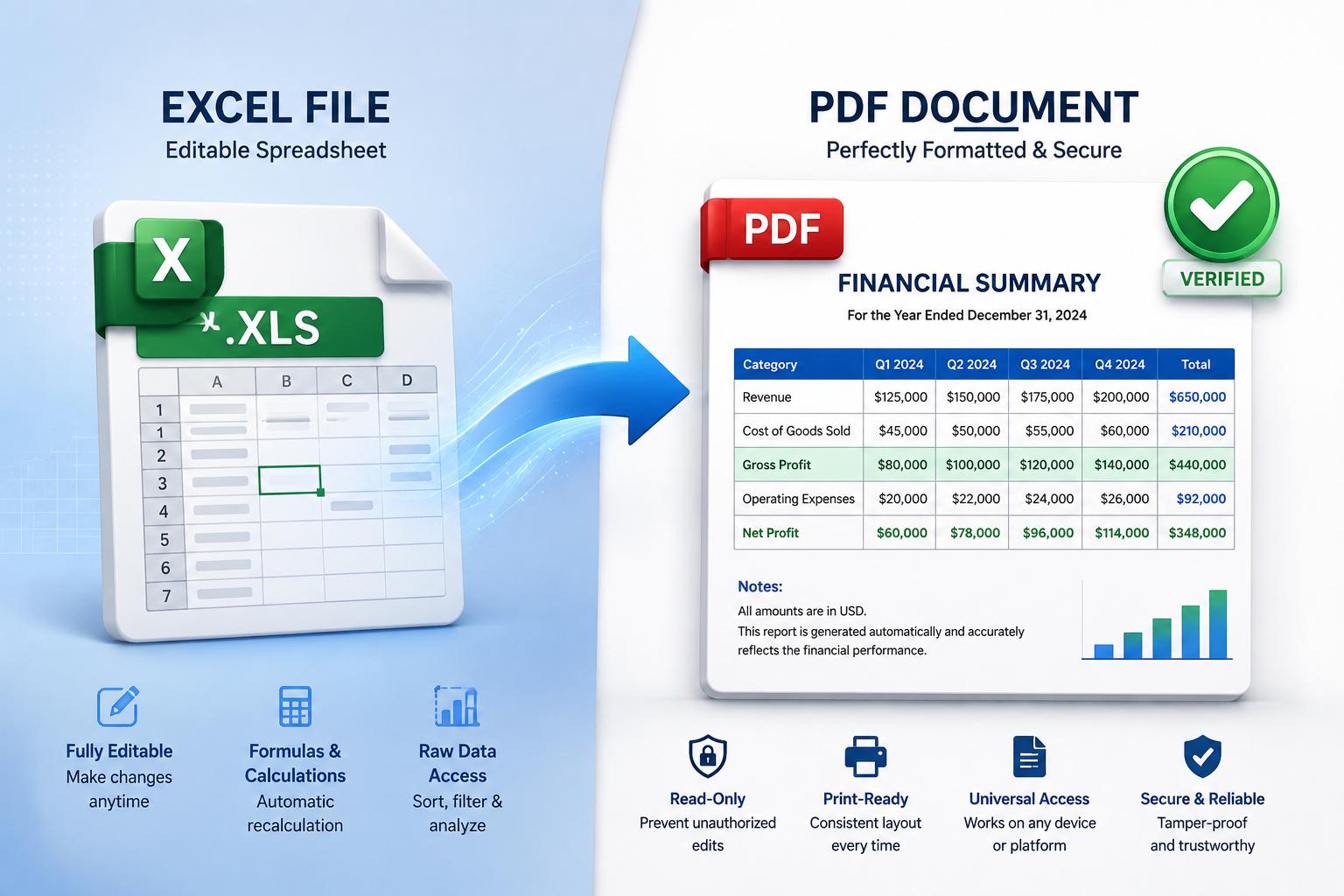

The Ultimate Guide to Converting XLS to PDF
Unlock the full potential of your legacy Excel spreadsheets by transforming them into universally accessible, secure, and professional PDF documents.
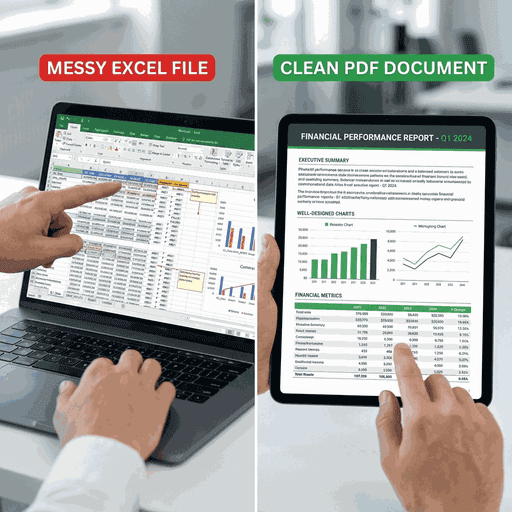
Table of Contents
Introduction: Bridging the Gap Between Legacy Data and Modern Documentation
In the digital archiving and data management world, few file formats are as ubiquitous yet problematic as the XLS format. As the standard file extension for Microsoft Excel versions 97 through 2003, XLS files hold decades of critical business data, financial records, scientific research, and personal inventories. However, as technology evolves, accessing and sharing these binary-based files has become increasingly difficult, often requiring specific software versions or compatibility packs.
Enter formatting portability. The Portable Document Format (PDF), developed by Adobe, stands as the gold standard for document exchange. Unlike XLS files, which are dynamic and subject to alteration, PDFs are static, preserving the exact visual representation of data regardless of the device, operating system, or software used to view them.
Did You Know?
The XLS format is based on the Binary Interchange File Format (BIFF). This complex binary structure makes it faster for old computers to read but significantly harder for modern web applications to parse compared to the XML-based XLSX format introduced in 2007. This is why specialized converters like ours are essential.
Why Convert XLS to PDF? The Strategic Advantages
1. Data Integrity & Security
Excel files are designed to be edited. A single accidental keystroke can alter a formula, delete a critical value, or disrupt the entire data model. By converting to PDF, you freeze the data in its final state. This is crucial for:
- Invoices & Receipts: Ensuring amounts cannot be tampered with.
- Legal Contracts: Preserving terms and conditions exactly as agreed.
- Financial Reports: Presenting a snapshot of performance that remains static.
2. Universal Compatibility
Trying to open an .xls file on a mobile device or a computer without Microsoft Office can be a formatting nightmare. Columns shift, fonts disappear, and charts break. PDFs solve this universally.
- Cross-Platform: Works flawlessly on iOS, Android, Windows, macOS, and Linux.
- No Software Required: All modern browsers have built-in PDF viewers.
- Print Ready: What you see on screen is exactly what you get on paper.
Detailed Step-by-Step Conversion Guide
Upload Your Legacy Files
Our interface is designed for simplicity. You can add files in two ways:
- Drag & Drop: Simply drag your .xls files from your desktop directly into the dropzone.
- File Browser: Click the area to open your system's file dialog and select multiple files at once.
Note: Ensure your files are not password protected before uploading, as encrypted legacy files cannot be processed by automated web converters for security reasons.
The Conversion Process
Once you click "Convert XLS", our server springs into action. Here's what happens under the hood:
- Parsing: The binary data of the XLS file is read and interpreted structure by structure.
- Layout Analysis: We analyze print areas, page breaks, and column widths to determine the optimal PDF page size (usually A4 or Letter).
- Rendering: Fonts, borders, cell colors, and charts are rendered into a vector-based PDF format.
- Compilation: Multiple sheets are either stitched together into a single document or kept as separate pages depending on the configuration.
Download & Manage
Within seconds, your files are ready.
Individual Download
Download each converted PDF separately if you need specific files.
Batch ZIP
Grab all your converted documents in a single compressed ZIP file.
Advanced Features of Our Converter
Lightning Fast
Our cloud-based engine processes even large spreadsheets in milliseconds, saving you valuable time.
Page Extraction
Extract specific pages from your spreadsheet. If your Excel file has 10 sheets, you can choose to download just Sheet 3 as a PDF.
Secure Processing
Files are transmitted via SSL encryption and automatically deleted from our servers after conversion.
Frequency Asked Questions
Can I convert Excel files with formulas?
Yes! The converter calculates the current value of all formulas at the time of conversion and displays the result in the PDF. The formulas themselves are not preserved as editable logic, but the data view is accurate.
What happens to my formatting?
We strive to preserve as much formatting as possible, including cell borders, background colors, font styles (bold, italic), and text alignment. Complex charts are rendered as images within the PDF.
Is there a file size limit?
Currently, we support files up to 50MB. This is sufficient for the vast majority of legacy XLS files, which tend to be smaller than modern XML-based files.
Can I convert back to Excel later?
Once converted to PDF, the file becomes a static document. While there are PDF to Excel converters available, the process is not always 100% reversible with perfect fidelity. We recommend keeping your original XLS file as a backup.
Ready to Modernize Your Archives?
Don't let legacy formats hold you back. Convert your XLS files to PDF today and ensure your data remains accessible for the future.