



Safe Conversion: XLSM to PDF
The definitive guide to converting Macro-Enabled Excel Spreadsheets into secure, widely compatible PDF documents without compromising data integrity.
Content Guide
What is an XLSM File?
The .xlsm extension stands for "Excel Spreadsheet Macro-Enabled". Introduced with Microsoft Office 2007, it uses the same Open XML format as the standard .xlsx file but includes a critical addition: the ability to store and execute VBA (Visual Basic for Applications) macros.
Macros are scripts used to automate repetitive tasks, perform complex calculations, or interact with other software. While incredibly powerful for internal workflows, they pose significant challenges when sharing files externally.
The Security Warning
Most email servers and antivirus software flag .xlsm files as potential threats because macros can contain malicious code or viruses. Sharing an XLSM file often results in it being blocked or the recipient receiving a security warning.
Why Convert XLSM to PDF?
1. Neutralize Security Risks
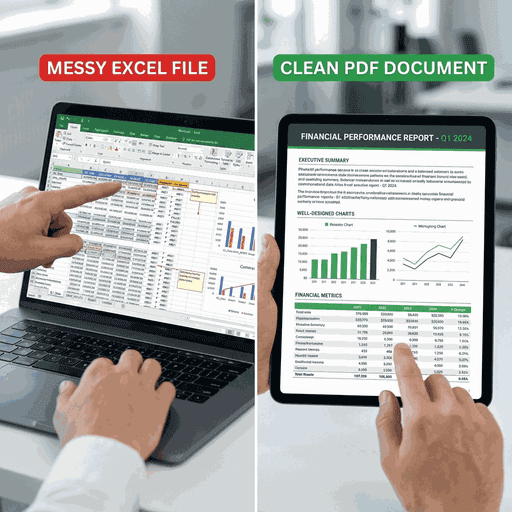
Converting an XLSM file to PDF effectively "sanitizes" the document. The visual output—the tables, charts, and data—is preserved, but the underlying VBA code is stripped away. This makes the file 100% safe to open on any device without triggering security alerts.
2. Preserve Calculation Results
Complex macros often drive the values seen in the cells. When you convert to PDF using our tool, we capture the result of those calculations at that specific moment in time. This creates a permanent record of the data that cannot be altered by re-running the macro later.
How Our Converter Handles Macros
Our specialized engine performs a unique 3-step process to ensure data fidelity:
Macro Execution (Virtual)
The file is loaded in a sandboxed environment to allow formula updates.
Data Capture
The current state of all cells, including dynamic values, is frozen.
PDF Rendering
The frozen view is rendered to PDF, discarding the VBA layer entirely.
Step-by-Step Conversion Guide
Upload
Drop your .xlsm file safely.
Process
We analyze the layout.
Render
Create the PDF.
Save
Download instantly.
Common Questions
Will my macros work in the PDF?
No. PDF is a static document format and does not support VBA macros. The conversion process intentionally removes them to create a safe, view-only file.
Is the upload safe?
Yes. We process files on secure servers that are isolated. We do not execute the macros in a way that can harm our systems or your data, and files are deleted automatically.
Can I select which sheets to convert?
Currently, our default conversion processes the entire active workbook or printable areas defined within it. You can extract specific pages from the resulting PDF using our other tools if needed.
Secure Your Macro Data
Convert your complex XLSM worksheets into professional, secure, and easily shareable PDFs today.