


Rename PDF Files Online: The Ultimate Guide to Digital Organization
Stop struggling with messy filenames like "Scan_001.pdf" or "Doc1.pdf". Our intelligent Batch PDF Renamer helps you organize, label, and clean up your digital library instantly.
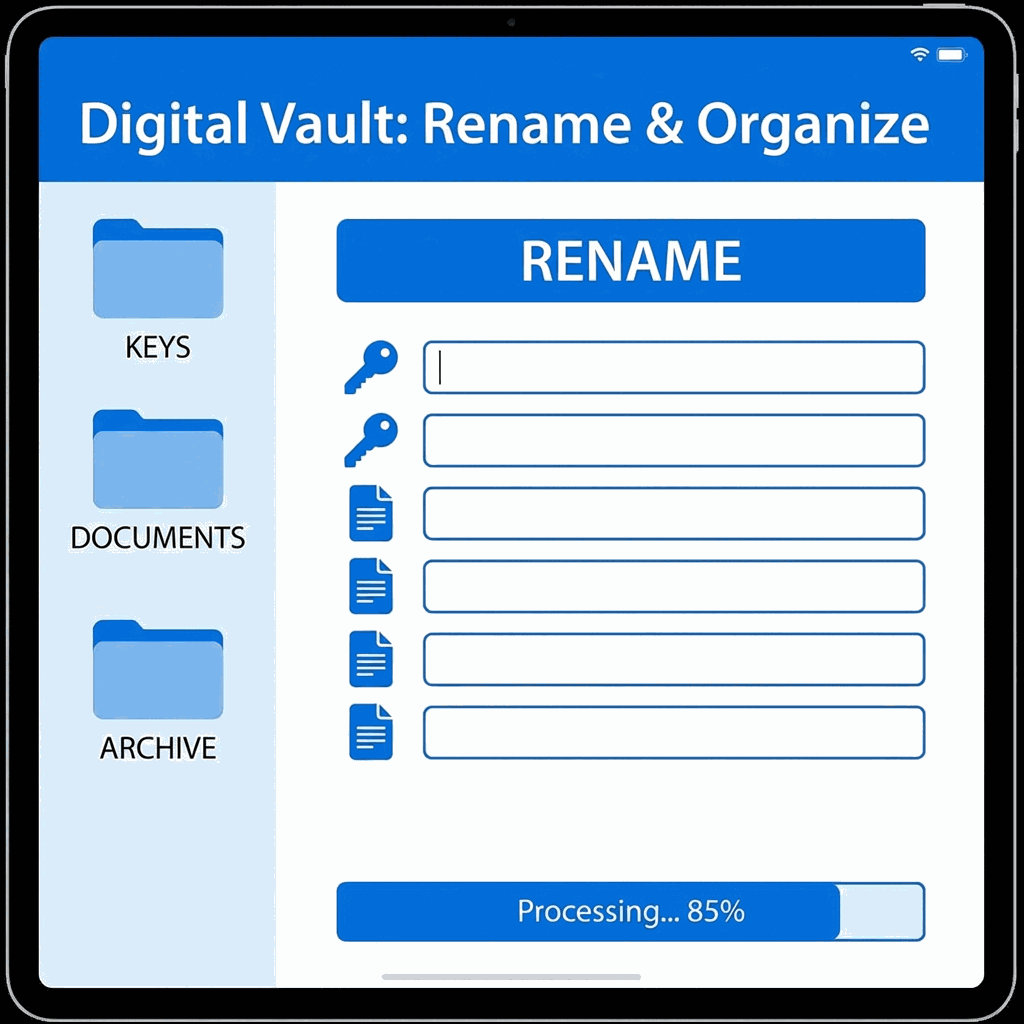
Why File Naming Matters More Than You Think
In the digital age, your filename is the first piece of metadata anyone sees. It's the key to finding documents later and the first impression for clients. Sending a contract named final_v2_FINAL_revised.pdf screams unprofessionalism. Conversely, receiving Contract_Smith_Design_2025.pdf inspires confidence.
Proper file naming is crucial for:
- Searchability: You can't find a document if you don't know what it's called. Descriptive names are indexed by your OS and cloud storage.
- Version Control: Clear dates and version numbers prevent working on the wrong draft.
- SEO: Search engines like Google read filenames. A PDF named
SEO_Guide_2024.pdfwill rank better than12345.pdf.
The "Scan" Problem
We've all been there: you scan a stack of 50 documents, and the scanner spits out IMG_001.pdf through IMG_050.pdf. Renaming these one by one in Windows Explorer or macOS Finder is tedious. You have to right-click, select rename, type, hit enter, and repeat. Our Batch Rename Tool streamlines this process into a single, fluid list view where you can tab through fields rapidly.
Best Practices for PDF Naming
The Golden Rules
- 01Be Descriptive but Concise:
Bad:
Meeting.pdf. Good:Q1_Marketing_Meeting_Minutes.pdf. - 02Use Dates (ISO 8601):
Start with the date (YYYY-MM-DD) to sort files chronologically automatically. Example:
2025-01-15_Invoice.pdf. - 03Avoid Special Characters:
Never use
/ \ : * ? " < > |. Our tool automatically strips these unsafe characters to prevent file system errors. - 04Use Hyphens or Underscores:
Spaces can cause issues in URLs. Use
_or-to separate words.
How to Batch Rename Using DoxBar
- Upload Your Stack:Select all the PDFs you need to organize. You can drag in a mixed batch of invoices, receipts, and letters.
- Review the List:Our tool presents them in a clean table.
- Edit Names:Click into the "New Name" field. Type your desired name. Press
Tabto jump instantly to the next file. - Download:Click Download All. Your browser will save the renamed files (some browsers may ask for permission to download multiple files—click Allow).
Feature Highlights
- Metadata Safe
We only change the filename. The document content, author, and creation date inside remain untouched.
- Bulk Processing
Rename 50 files as easily as one.
- SEO Friendly
Optimized filenames improve web visibility.
Pro Tip:
"If you are splitting a large PDF into chapters, rename them immediately after splitting to avoid confusion later!"
Advanced Use Cases
Legal Discovery
Lawyers often handle thousands of documents. Renaming them with Bates numbers or Exhibit labels (e.g., Exhibit_A_Email.pdf) is essential for court submissions.
Project Handover
When delivering a final project to a client, renaming all assets to follow a consistent [Project]_[Deliverable]_[Date] format shows extreme professionalism.
Labeling Assistance.
Does this rename the 'Title' property inside the PDF?
No, this tool specifically changes the 'System File Name' used by your operating system and cloud storage. The internal 'Title' metadata property remains untouched, though you can use our Metadata Editor for that specifically.
What happens if I use illegal characters like / or : ?
Our tool includes an auto-sanitization layer. If you accidentally include characters that are invalid for file systems (like slashes, colons, or stars), we automatically convert them to underscores or hyphens to ensure the file saves correctly.
Is there a limit to how many files I can rename at once?
No hard limit. Since our batch processor handles the name-mapping efficiently in your browser, you can organize dozens of files in a single session without performance degradation.
Does renaming the file break the PDF's internal structure?
Absolutely not. Renaming is an external file-system operation. The PDF's binary data, fonts, images, and text content are stay exactly as they are—only the label used to identify the file changes.
Is batch renaming safe for confidential documents?
Yes. Like all DoxBar tools, the rename list is processed locally in your browser. We don't upload your file content to any server just to change the name, ensuring your data remains private and secure.
Conclusion
Organization is the foundation of productivity. By taking a few seconds to properly rename your PDFs with DoxBar, you save hours of searching and frustration down the road. Start organizing your digital library today.










