





DoxBar Icon
DoxBar Home

Online ZIP Creator Pro

Contents

DoxBar Icon
DoxBar Text

Comprehensive Guide to Online ZIP Creator Pro

Finding a reliable and secure tool for Online ZIP Creator Pro shouldn't require downloading bulky desktop software or paying for expensive subscriptions. DoxBar's free online Online ZIP Creator Pro utility is designed to handle your files with professional-grade accuracy directly in your web browser. Whether you are on a Windows PC, Mac, Linux, or a mobile device, our tool delivers instant results without adding any watermarks or requiring you to create an account. Every file processed through our Online ZIP Creator Pro tool is protected via AES-256 encryption during transit and is automatically deleted from our servers post-processing to ensure your absolute privacy.
By DoxBar Productivity Team
Reviewed by DoxBar Tool Experts
Updated: 2026-06-15T00:00:00Z
10

How to use Online ZIP Creator Pro?

1

Upload Your File

Drag and drop your files into the secure DoxBar upload area.

2

Configure Options

Adjust any necessary settings for the Online ZIP Creator Pro process if prompted.

3

Execute Process

Our cloud engine securely processes your file in seconds.

4

Download Result

Instantly download your processed file. Original files are auto-deleted.

Ready to use Online ZIP Creator Pro?

100% Free, Secure, and Instant Processing.

Benefits

  • Save time with instant online Online ZIP Creator Pro operations.
  • Keep your files secure with our strict privacy policy.
  • Avoid installing unnecessary third-party software.
  • Access professional tools completely free of charge.

Who should use this tool?

Professionals & Teams

Quickly use Online ZIP Creator Pro for business operations without software bottlenecks.

Students & Educators

Access free educational tools for Online ZIP Creator Pro without premium paywalls.

Freelancers

Rely on high-quality Online ZIP Creator Pro processing for client deliverables.

Everyday Users

Perform Online ZIP Creator Pro tasks instantly without technical expertise.

Common Use Cases

Business Operations

Streamline your workflow by utilizing our Online ZIP Creator Pro tool for daily tasks.

Academic Use

Easily prepare and process materials using the Online ZIP Creator Pro utility.

Personal Projects

Use Online ZIP Creator Pro for organizing, modifying, or converting personal files securely.

Common Mistakes

Uploading severely corrupted files and expecting the tool to repair them.

Closing the browser tab before the processing and download is complete.

Tips & Best Practices

  • Always maintain a backup of your original files before processing.
  • Ensure you have a stable internet connection for large file uploads.
  • Review the processed file immediately after downloading.
Ready to use Online ZIP Creator Pro?

100% Free, Secure, and Instant Processing.

Limitations

  • Requires an active internet connection
  • Very large enterprise files may hit upload limits

Advanced Cloud Architecture

The Online ZIP Creator Pro utility leverages distributed cloud processing to handle complex file operations rapidly. By offloading the computational load to our secure servers, the tool ensures that even low-powered devices can execute Online ZIP Creator Pro without lag.

Data transit is secured using modern TLS encryption protocols, guaranteeing that files remain private during the upload and download phases.

Processing Fidelity

Our engines are calibrated to maintain strict structural and visual fidelity. When executing Online ZIP Creator Pro, the tool parses the underlying file architecture and applies the necessary transformations without corrupting metadata or degrading quality.

The output adheres strictly to industry-standard formatting guidelines.

Frequently Asked Questions

What is the DoxBar Online ZIP Creator Pro tool?
It is a free online utility that allows you to easily perform Online ZIP Creator Pro operations on your files securely.
Is the Online ZIP Creator Pro tool completely free?
Yes, our Online ZIP Creator Pro tool is 100% free with no hidden fees or subscriptions.
Do I need to install any software to use Online ZIP Creator Pro?
No, the entire process takes place in your web browser.
Is it safe to upload my files for Online ZIP Creator Pro?
Absolutely. All files are encrypted during upload and automatically deleted from our servers after processing.
Will there be a watermark on my processed files?
No, we never add watermarks to your files.
Can I use the Online ZIP Creator Pro tool on my smartphone?
Yes, the tool is fully responsive and works perfectly on iOS and Android devices.
What file types are supported by Online ZIP Creator Pro?
The tool supports the standard formats required for the Online ZIP Creator Pro process. See the upload area for specific extensions.
How fast is the Online ZIP Creator Pro process?
Processing is usually instantaneous, depending on the size of your file and your internet connection.
Is there a limit to how many times I can use Online ZIP Creator Pro?
There are no strict daily usage limits for standard users.
Do I need to create an account to use Online ZIP Creator Pro?
No registration or email is required to use this utility.
Are my files used to train AI models?
No. Your privacy is paramount. We do not use your files for AI training or data mining.
Does the Online ZIP Creator Pro tool retain my original formatting?
Yes, our processing engine is designed to preserve the original structure and quality of your files.
What happens to my files after I download them?
They are permanently and securely deleted from our cloud servers.
Can I process multiple files at once with Online ZIP Creator Pro?
Depending on the specific tool interface, batch processing may be supported. Check the upload zone instructions.
Is the Online ZIP Creator Pro tool compatible with Mac and Linux?
Yes, it works on any operating system that has a modern web browser.
How do you ensure the security of the Online ZIP Creator Pro process?
We use end-to-end TLS encryption for all data transfers and maintain strict server-side deletion protocols.
Why is the DoxBar Online ZIP Creator Pro tool better than desktop software?
It requires no installation, consumes no local storage, updates automatically, and is completely free.
Can I use the Online ZIP Creator Pro tool offline?
No, an active internet connection is required to communicate with our cloud processing servers.
Is the Online ZIP Creator Pro tool GDPR compliant?
Yes, DoxBar complies fully with GDPR and other major privacy regulations regarding data handling.
What should I do if the Online ZIP Creator Pro process fails?
Ensure your file is not corrupted and is under the maximum file size limit, then try uploading again.
Can I reverse the Online ZIP Creator Pro process?
This depends on the nature of the file operation. Usually, you should keep a backup of your original file.
Does the Online ZIP Creator Pro tool support encrypted files?
If your file is password-protected, you may need to provide the password or unlock it prior to processing.
How large can a file be for the Online ZIP Creator Pro tool?
File size limits are dynamically displayed on the tool's upload interface.
Who can I contact for support with the Online ZIP Creator Pro tool?
You can reach out via our contact page if you experience persistent technical issues.
Is the Online ZIP Creator Pro tool suitable for professional business use?
Yes, many professionals rely on our tools for fast, secure, and accurate file processing.
Can I share the output link with others?
No, for security reasons, the download link is tied to your active session and expires quickly.
How can I verify the output of the Online ZIP Creator Pro tool?
Simply download the processed file and open it in your preferred viewer or application to confirm the results.
Ready to use Online ZIP Creator Pro?

100% Free, Secure, and Instant Processing.

DoxBar Productivity Team

DoxBar Productivity Team leads the document engineering team at DoxBar, ensuring our tools meet enterprise-grade security and processing standards.

Trust & Security Standards

Author: DoxBar Productivity Team

Reviewed By: DoxBar Tool Experts

Last Updated: 6/15/2026

Reading Time: 10 minutes

Methodology: Uses an advanced cloud-based processing engine that executes Online ZIP Creator Pro operations entirely within the browser or secure cloud, ensuring high fidelity and data privacy.

All information on this page is verified and fact-checked by our security experts to ensure the highest standards of data safety and privacy.

Related Insights & Guides
Explore All
ODT to PDF Without Losing Formatting: Fix Common Layout Problems
DoxBar Watermark
© DoxBar Secured
Insights
Sep 298 min read
ODT to PDF Without Losing Formatting: Fix Common Layout Problems

Read Article
ODG to PDF: Convert ODG Files Online or with LibreOffice
DoxBar Watermark
© DoxBar Secured
Tutorials
Sep 135 min read
ODG to PDF: Convert ODG Files Online or with LibreOffice

Read Article
ODP to PDF: Convert ODP Files Online Without Losing Formatting
DoxBar Watermark
© DoxBar Secured
Tutorials
Aug 236 min read
ODP to PDF: Convert ODP Files Online Without Losing Formatting

Read Article
ODS to PDF: Convert ODS Spreadsheets Online Without Losing Formatting
DoxBar Watermark
© DoxBar Secured
Tutorials
Aug 228 min read
ODS to PDF: Convert ODS Spreadsheets Online Without Losing Formatting

Read Article
PPSM to PDF: Convert PowerPoint Macro-Enabled Shows Online
DoxBar Watermark
© DoxBar Secured
Tutorials
Aug 217 min read
PPSM to PDF: Convert PowerPoint Macro-Enabled Shows Online

Read Article
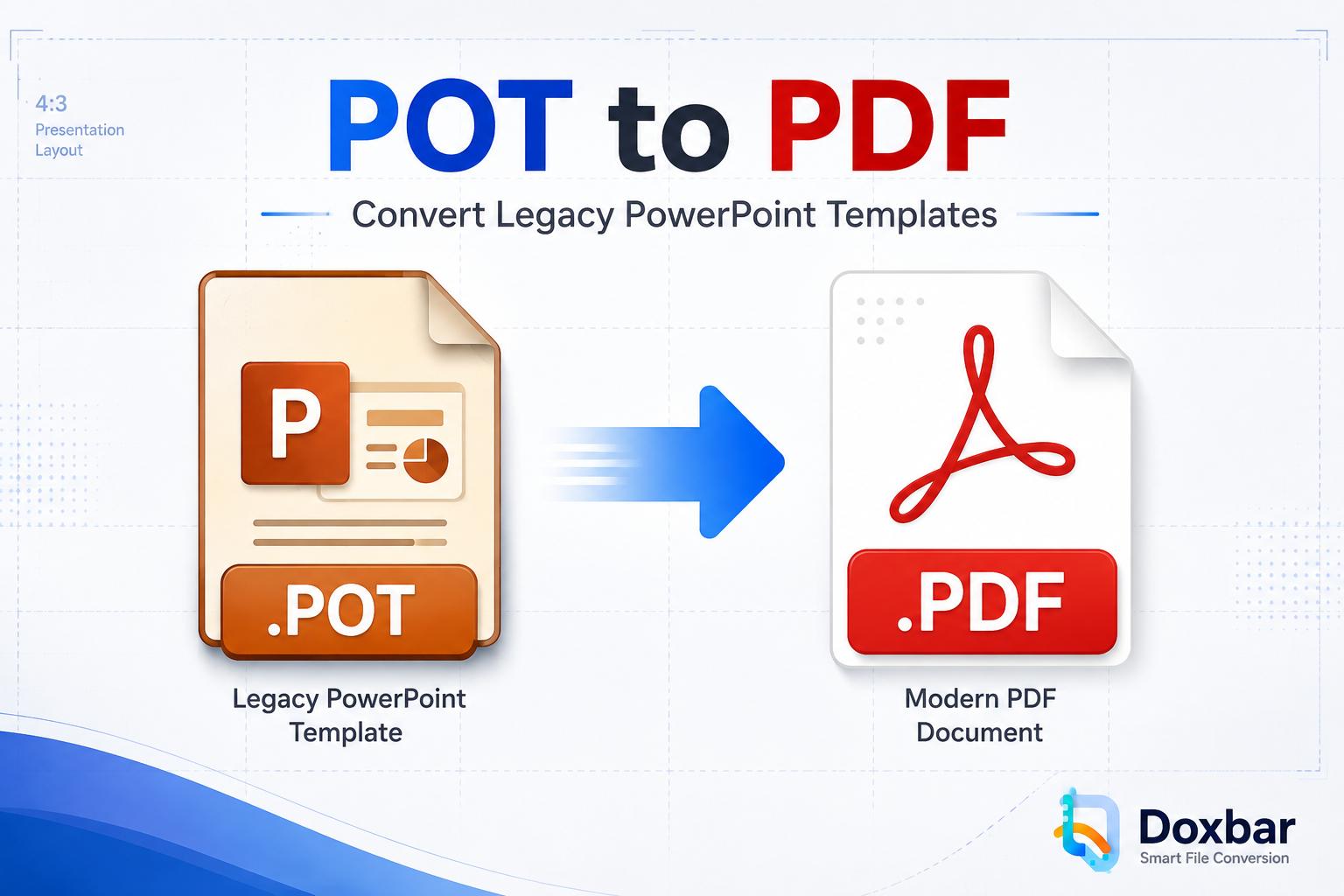
POT to PDF: Convert Legacy PowerPoint Templates Online
DoxBar Watermark
© DoxBar Secured
Tutorials
Aug 178 min read
POT to PDF: Convert Legacy PowerPoint Templates Online

Read Article
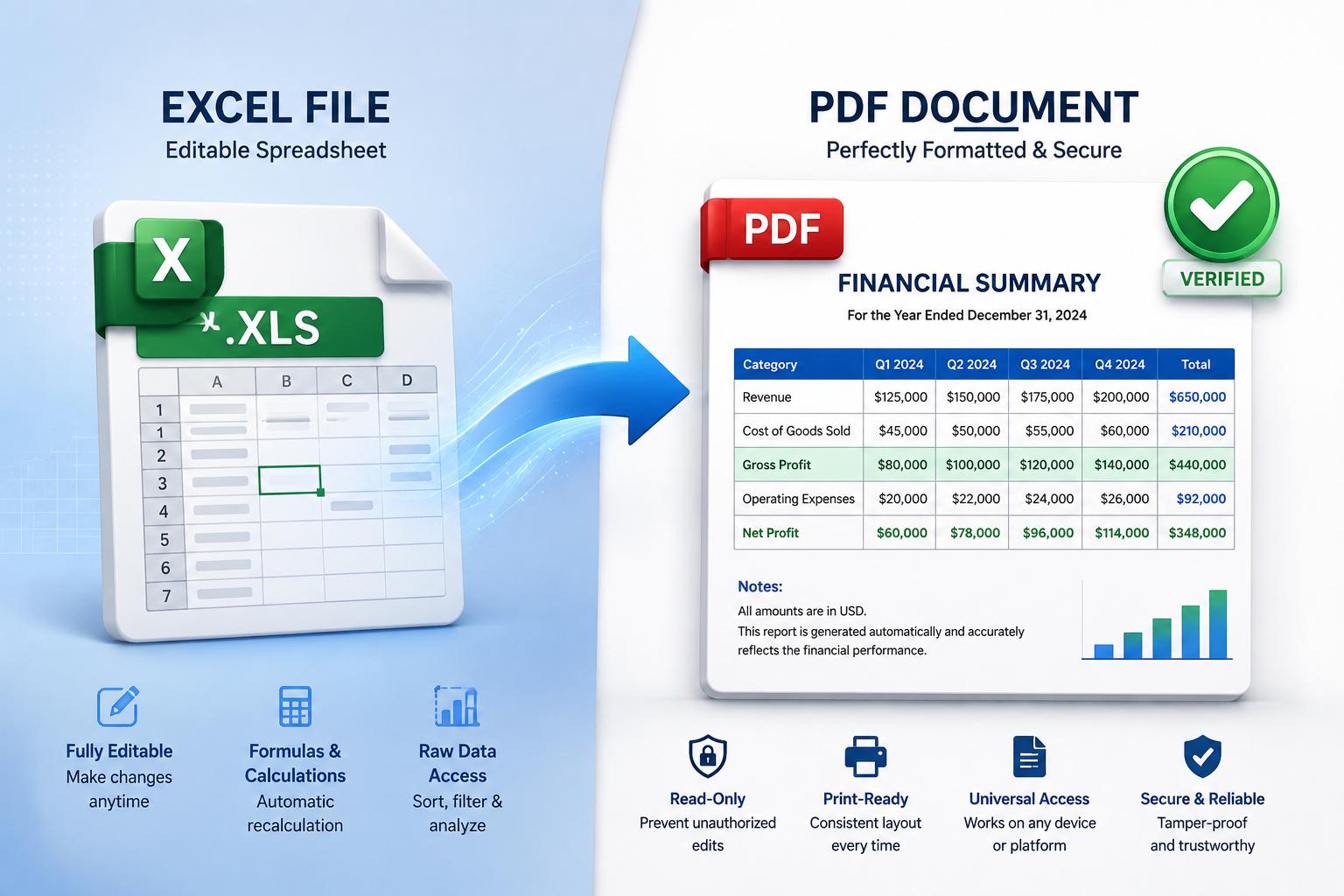
Convert XLS to PDF Online for Free | Preserve Excel Formatting
DoxBar Watermark
© DoxBar Secured
Tutorials
Aug 86 min read
Convert XLS to PDF Online for Free | Preserve Excel Formatting

Read Article
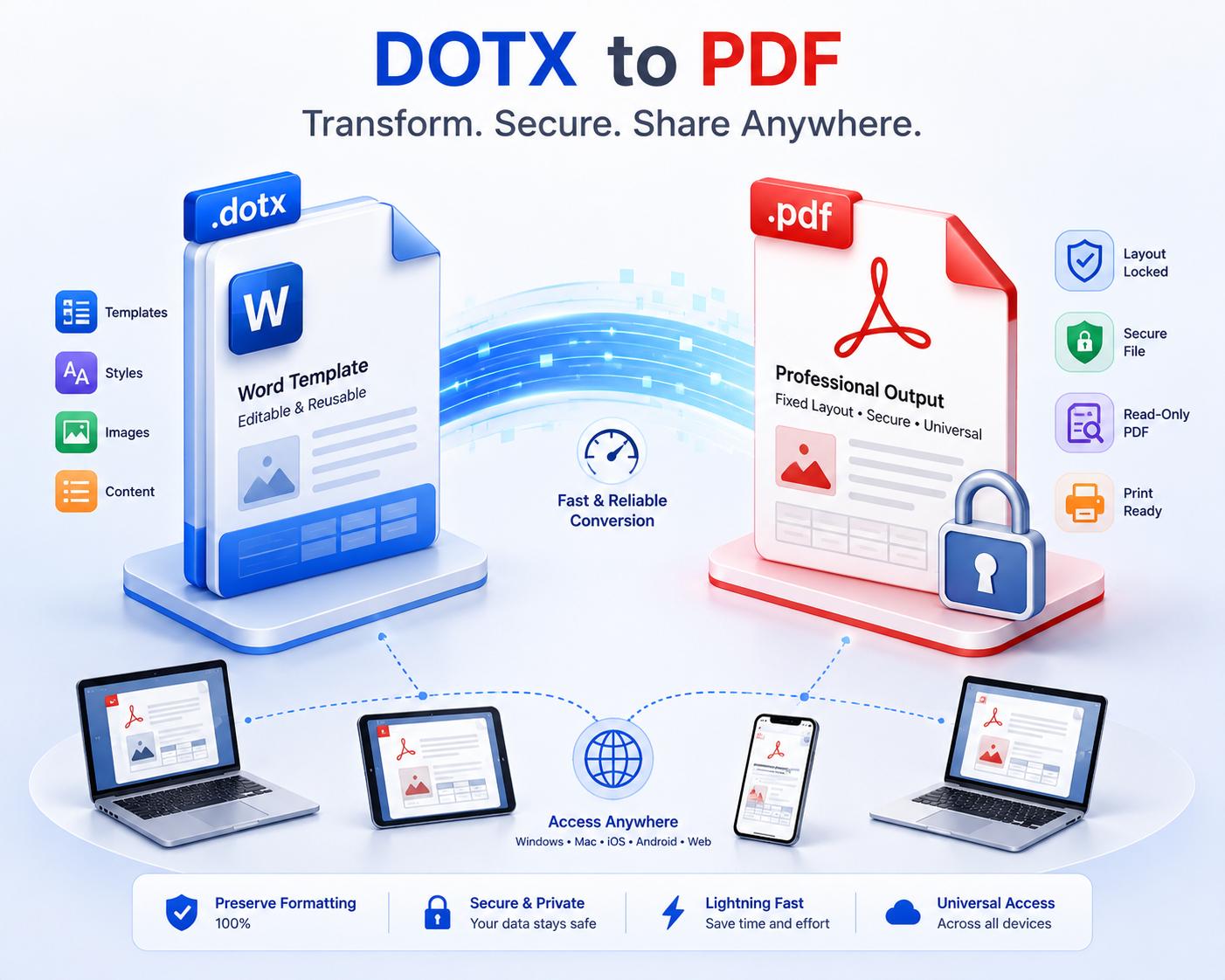
DOTX to PDF: Convert Word Templates into Professional, Ready-to-Share Documents
DoxBar Watermark
© DoxBar Secured
Tutorials
Aug 58 min read
DOTX to PDF: Convert Word Templates into Professional, Ready-to-Share Documents

Read Article
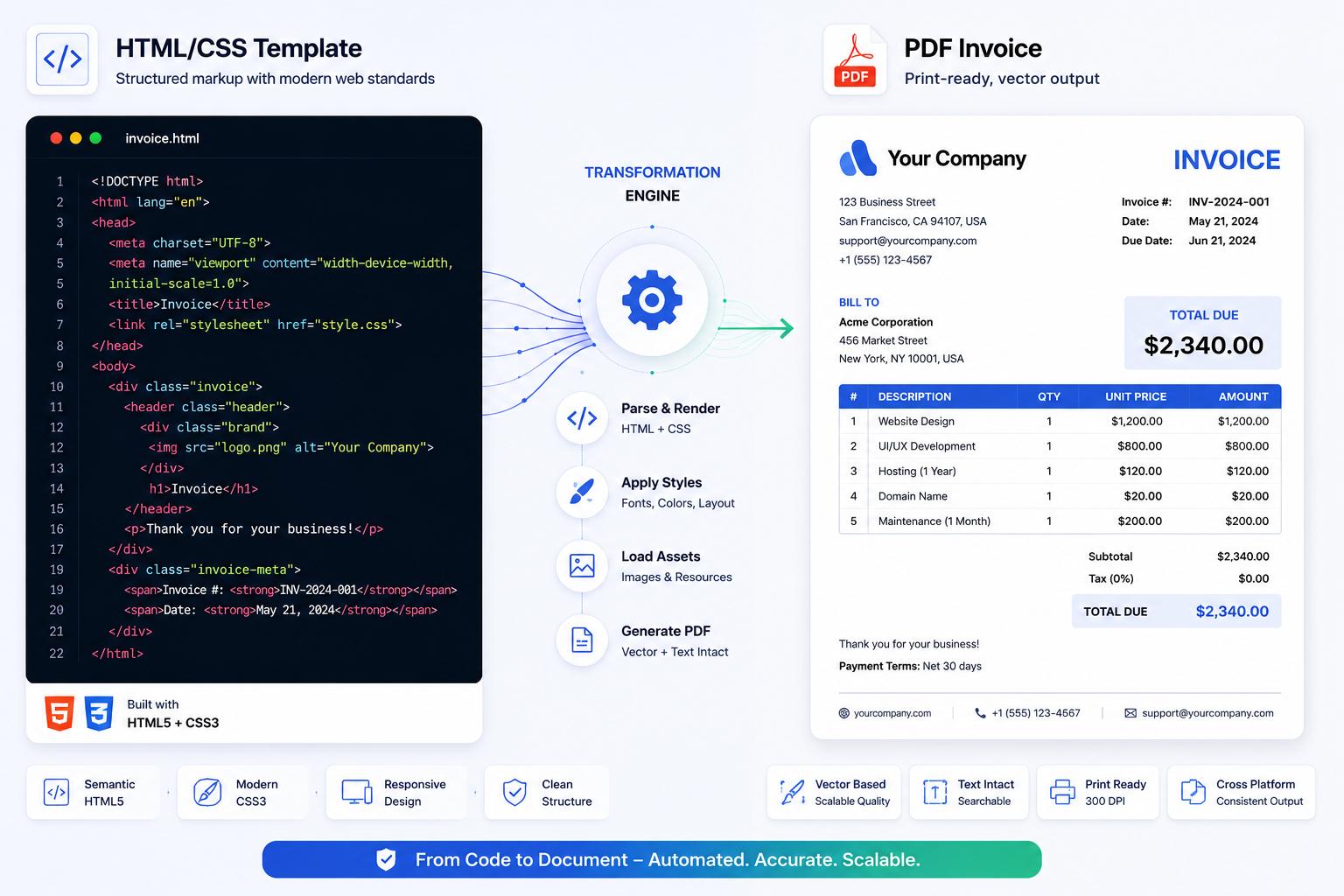
HTML Template to PDF: Turn Web Templates into Professional, Print-Ready Documents
DoxBar Watermark
© DoxBar Secured
Insights
Aug 25 min read
HTML Template to PDF: Turn Web Templates into Professional, Print-Ready Documents

Read Article
Convert Go (.go) Source Code to PDF Online Without Losing Formatting
DoxBar Watermark
© DoxBar Secured
Tutorials
Jul 307 min read
Convert Go (.go) Source Code to PDF Online Without Losing Formatting

Read Article

The Ultimate Guide to Online File to ZIP Conversion

What is the File to ZIP Tool?

The File to ZIP tool is a powerful, browser-based utility designed to help youcompress files to Zip format instantly. Whether you are looking to bundle multiple documents for an email attachment, archive old photos, or simply save disk space, our Online Zip Converterprovides a seamless solution. Unlike traditional software that requires installation, this Free Zip toolworks directly in your web browser, offering a Secure file archiver experience that respects your privacy.

Key Functions and Facilities
  • Drag and Drop Zip: Simply drag your files or folders onto the interface.
  • Folder Recursion: Intelligently preserves directory structures when you upload folders.
  • No Limit Zip Converter: Handle large files and multiple items without arbitrary restrictions.
  • Universal Compatibility: Works as a Document to Zip, Image to Zip, or even PDF to Zip converter.
How to Use This Tool: Step-by-Step
  1. 1Select Your Files: Click the upload area or use the Drag and drop Zip feature to add files. You can also upload entire folders to Create Zip archive with nested structures.
  2. 2Review and Organize: Check the list of selected items. Our Zip file maker allows you to remove unwanted files before processing.
  3. 3Name Your Archive: Enter a custom name for your file. This helps in organizing your downloads.
  4. 4Convert and Download: Click the "Convert to ZIP" button. Our Fast Zip compression engine will process your request and prompt you to Download Zip file instantly.

Frequently Asked Questions (FAQ)

Is this Online Zip Converter free?

Yes, our Free Zip tool is completely free to use. You can Compress files to Zip without any hidden charges or subscriptions.

Is my data secure?

Absolutely. As a Privacy focused Zip tool, all processing happens in your browser. We do not upload your files to any server.

Can I convert folders?

Yes! Our Zip folder online capability allows you to drag and drop entire folders, preserving their structure.

Does it work on mobile?

Yes, our Mobile Zip converter is fully responsive and works on all devices, allowing for Easy Zip creation on the go.

What file types are supported?

We support all file types. Whether you need a Document to Zip, Image to Zip, or PDF to Zip solution, we have you covered.

Is there a file size limit?

We strive to offer a No limit Zip converter experience, limited only by your device's memory and browser capabilities.